







About Isy's Block Renaming Script
From Steam WorkshopThis script renames blocks in your terminal based on a given old name and new name. Optionally it can create new continuous numbers for all the blocks, even with leading zeros or autosort your whole…
This script renames blocks in your terminal based on a given old name and new name. Optionally it can create new continuous numbers for all the blocks, even with leading zeros or autosort your whole grid. Special functions like adding a string to the start or end of your block names are also integrated.
Current Version:
Version: 1.6.4 Date: 2023-08-28
Main features:
- rename blocks based on a search filter
- replace strings in blocknames with other one
- remove strings in blocknames
- restore default blocknames
- create new continuous numbers for the blocks
- autosort the whole grid
- add specific strings to the front or back of your blocknames
- rename grids based on a block search filter
- copy and delete custom data
- filter blocks by name, group or type
Basic Setup:
- set up a programmable block with the script (no timer required)
- run the script with one of the following parameters as an argument (parameters are always seperated with a comma ","):
- Note: Game has to be in experimental mode and ingame scripts have to enabled in world options!
Full Guide:
Click the image or the link below to view the full guide:  https://steamcommunity.com/sharedfiles/filedetails/?id=2066808115
Tutorial Videos:
How to enable ingame scripts: https://youtu.be/NkhZ7BbYgvc Script video guide (very outdated!): https://youtu.be/xGSWc57VwMA
Note:
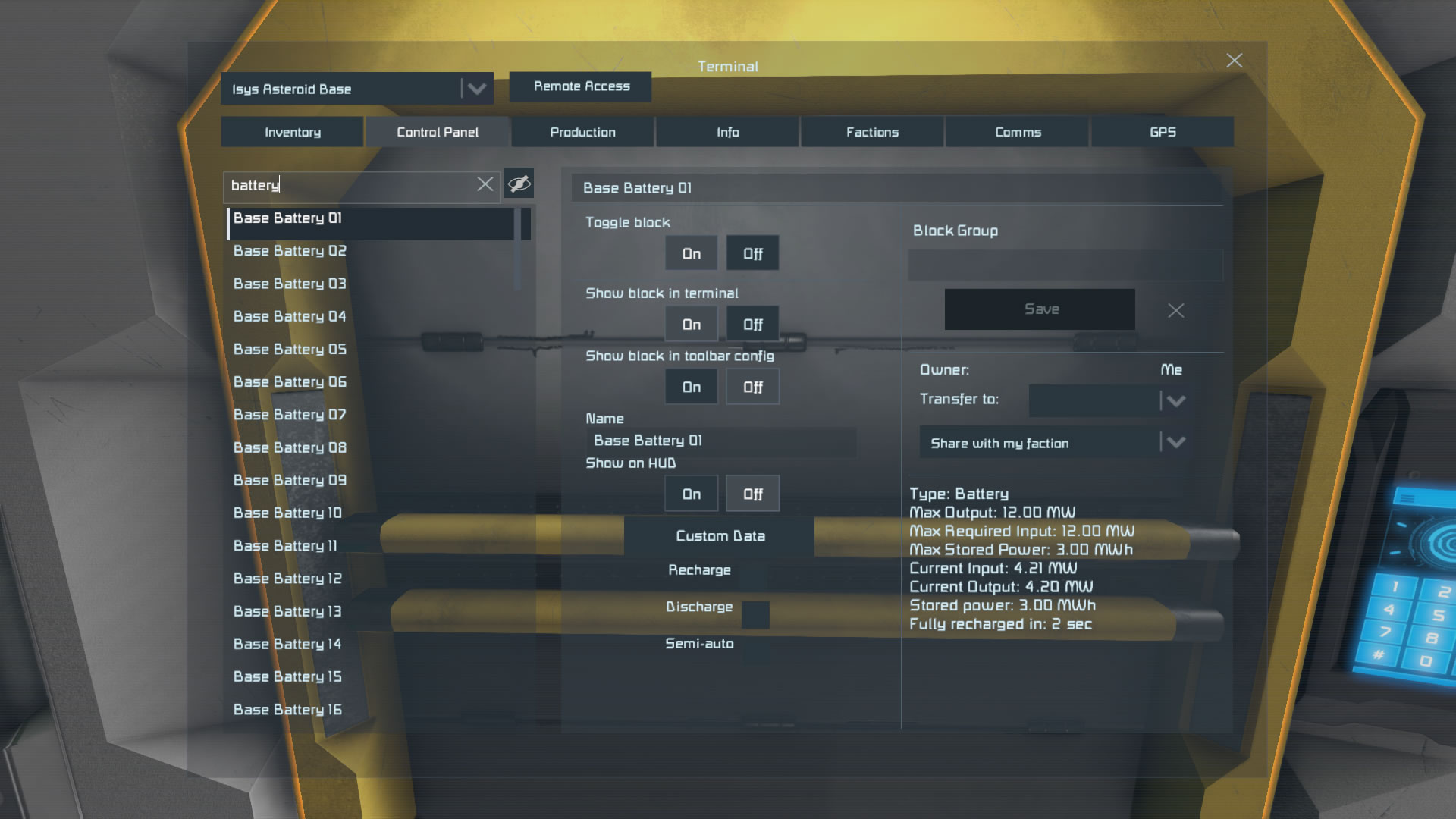
- Be sure to always check your ownership! All used blocks should be owned by you (Owner: Me)!
Known Bugs / Planned Features:
- nothing for now
Join my discord:
 You need additional help, want to make suggestions or just want be up to date about my scripts? Join my discord server: https://discord.gg/gY9aUUy
Copyright
© 2017 - 2025 Isy. All rights reserved. Redistribution or use in source, with or without modification, are not permitted.
Highlights
From source dataFootprint
Rated a light load on a server.
Last update
Its author last shipped an update 3 yr ago.
Isy's Block Renaming Script on Nxeon
From our catalogue- One-click install
- Not available. One-click install isn't available for this game's mods yet. Download it and upload it to your server in Files.
- Server load
- light
- Smallest plan we suggest
- Space Engineers — 8 GB (8 GB RAM). This follows our own load rating above, not a benchmark.
- Latest build
- 2023-08-28, released 2023-08-28
Game versions by loader
| Loader | Game versions | Newest |
|---|---|---|
| Workshop |
From 1 recorded build of Isy's Block Renaming Script.
Run Isy's Block Renaming Script on a Space Engineers server
Deploy a server above, then upload the file in Files.
What kind of mod it is
From the catalogTechnology & automation
Machines, power, logistics and automation.
Compatibility
- Game
- Space Engineers
Verified at the source
- ✓Steam WorkshopOfficial listing, checked 2026-11-01Open ↗
- ✓AuthorIsy, as published on Steam Workshop
- ✓LicenseNot published by the sourceFree












