






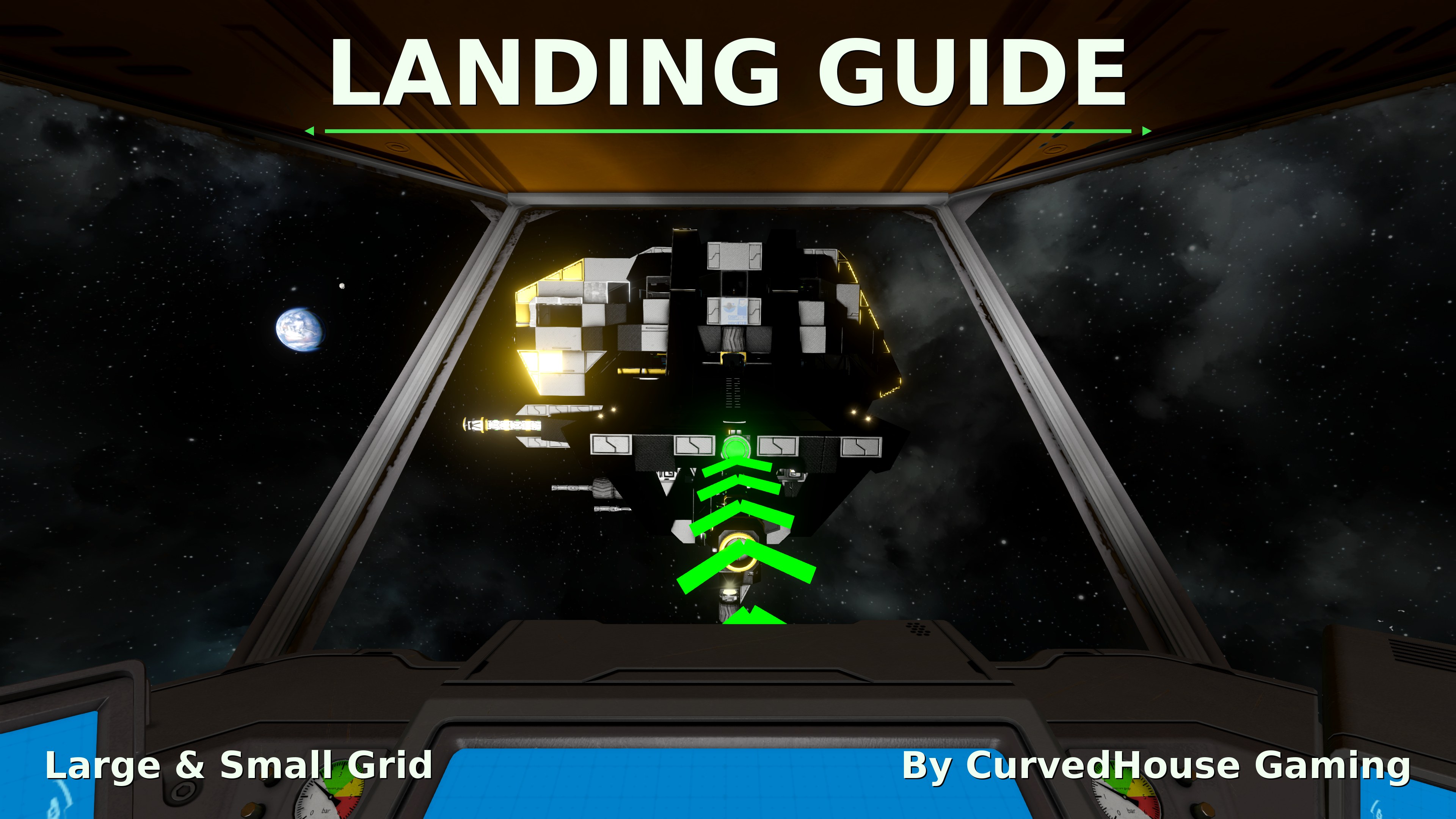
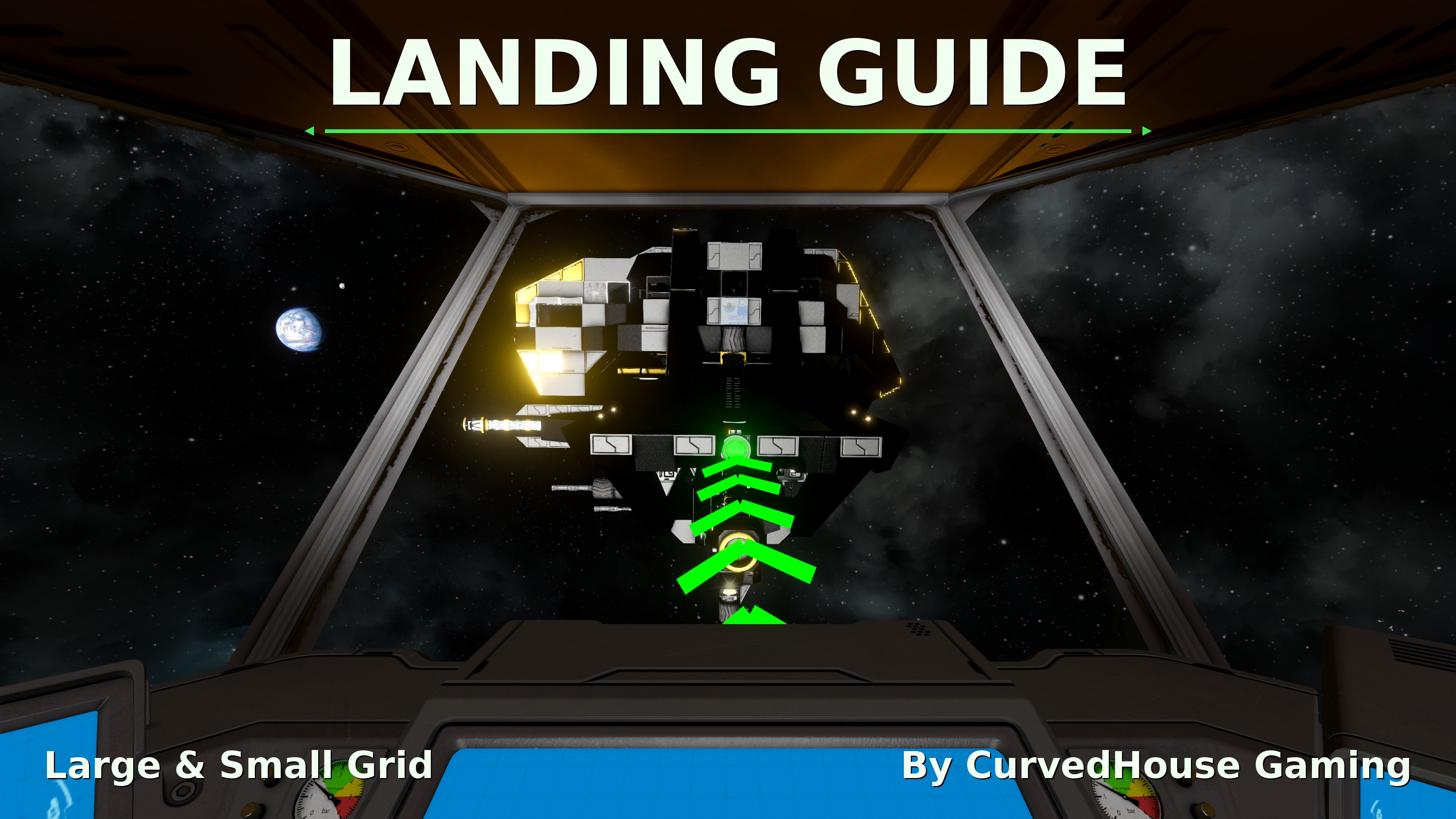
About Landing Guide
From Steam WorkshopLanding Guide A compact panel that bolts onto the face of any block and projects an animated approach path to guide pilots into a dock or hangar. Features Three guide styles: chasing Dots, Lines, or…
Landing Guide
A compact panel that bolts onto the face of any block and projects an animated approach path to guide pilots into a dock or hangar.
Features
- Three guide styles: chasing Dots, Lines, or Chevrons pointing along the flow
- Anchor the path to the block itself, or to any connector on the same grid
- Adjustable color, length, spacing, size, brightness, speed and draw range
- Reverse direction to flow outward instead of inward
- Option to show the guide only when a ship is approaching
- Status ring on the panel: green when anchored to itself, cyan when anchored to a connector, red on an error or if damaged, dark when off
- Large and small grid versions with vanilla-style construction stages
- Settings are saved in the block, so they survive blueprints and pasting
- Works in multiplayer, with settings synced through the server
How To Use
Place the panel facing the way ships come in, open its terminal, pick a style and anchor, and adjust from there.
You can have more than one. A single Landing Guide block can only be anchored to a single connector at a time.
Server owners
A config file is created in the world's Storage folder the first time the world loads. MaxDrawRange (50-2000 m, default 2000) caps the draw range for every player.
Credits
Inspired by Novar's Landing Lights. All code and models are original.
Notice
This workshop item cannot be redistributed without explicit permission. This item is not authorized for posting on Steam, except under the Steam accounts named Jasper.
Highlights
From source dataFootprint
Rated a light load on a server.
Last update
Its author last shipped an update 5d ago.
Landing Guide on Nxeon
From our catalogue- One-click install
- Not available. One-click install isn't available for this game's mods yet. Download it and upload it to your server in Files.
- Server load
- light
- Smallest plan we suggest
- Space Engineers — 8 GB (8 GB RAM). This follows our own load rating above, not a benchmark.
- Latest build
- 2026-10-30, released 2026-10-30
Game versions by loader
| Loader | Game versions | Newest |
|---|---|---|
| Workshop |
From 1 recorded build of Landing Guide.
Run Landing Guide on a Space Engineers server
Deploy a server above, then upload the file in Files.
What kind of mod it is
From the catalogBuilding & decoration
Blocks, furniture, decorations and building tools.
Compatibility
- Game
- Space Engineers
Verified at the source
- ✓Steam WorkshopOfficial listing, checked 2026-11-04Open ↗
- ✓AuthorJasper, as published on Steam Workshop
- ✓LicenseNot published by the sourceFree












