






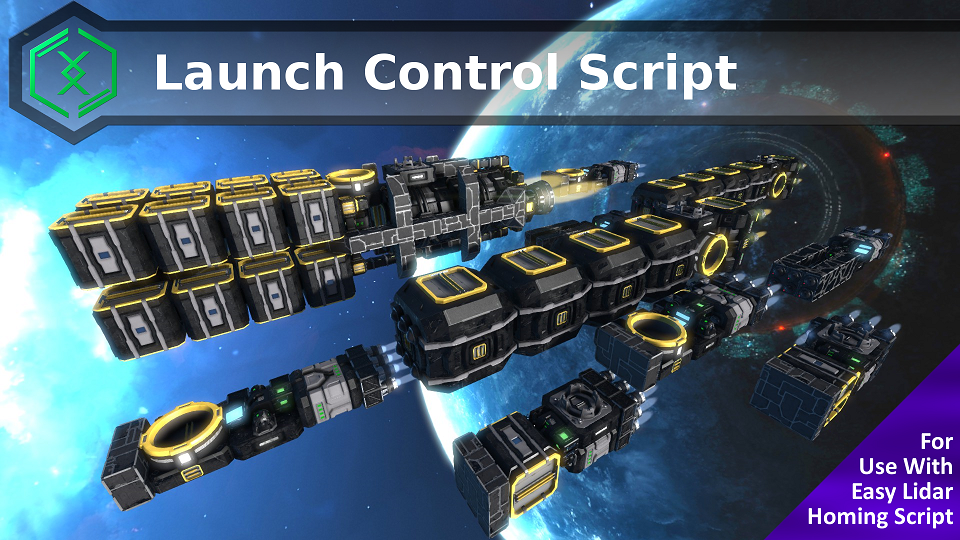
About Launch Control Script
From Steam WorkshopThis script is used to launch missiles guided by the Easy Lidar Homing Script. It is recommended to use this script for launching said missiles. Easy Lidar Homing Script can be found at:…
[H1]This script is used to launch missiles guided by the Easy Lidar Homing Script. It is recommended to use this script for launching said missiles.
Easy Lidar Homing Script can be found at:[/H1] http://steamcommunity.com/sharedfiles/filedetails/?id=807454034
How To Use
1) Load the script into a Programmable Block.
2) Configure the script using Custom Data (See screenshots below on how to configure these variables). The 4 configurable parameters are listed below:
strComputerTag Name tag of the Programmable Block loaded with the Easy Lidar Homing Script (Can also be used with Trajectory Missile Script).
strDetachConnectorTag (Optional) Name tag of the Connector closest to the Programmable Block to Unlock. This is in case your missile is attached using Merge Block AND Connector. Set blank to disable this feature.
launchSelectionType (Optional) Launch selection preference. 0 = Any Timer Block, 1 = Closest Timer Block, 2 = Furthest Timer Block.
strAdditionalCustomData (Optional) Additional Custom Data to be injected to the Programmable Block of the Easy Lidar Homing Script. Use \n for different lines (see below example for reference). This can be used to dynamically set values such as lock on distance, different R_FORWARD to use etc (See Easy Lidar Homing Script's Custom Data Configuration Section for available variables).


Each variable must be specified in the following format, with each one on a new line: <VARIABLE1>=<VALUE1> <VARIABLE2>=<VALUE2> <VARIABLE3>=<VALUE3>
Example: strComputerTag=TorpedoComputer launchSelectionType=2 strAdditionalCustomData=useOffsetTargeting=true\nraycastAheadCount=3
3) Trigger this script from your Toolbar as Run or Run with default arguments. DO NOT loop this script. It is meant to be triggered once for each missile launch.
For use with Easy Lidar Homing Script, you will execute this script in your Toolbar with the Run Argument you intended to be set to the missile. Example: You have 5 toolbar buttons with this script, each with Run Argument as MODE:0, MODE:1, MODE:2, MODE:3, MODE:4 respectively. This allows you to launch the Easy Lidar Homing Script missile as 5 different modes at the click of a button.

Using This With Trajectory Missile Script
You can setup a Remote Launch System when combined with Trajectory Missile Script and Raycast Target Painter.
1) Add this below line to the Custom Data of the Launch Control Script's PB :
listenerId=LAUNCHSITE
2) Build an Antenna and set its Assigned Programmable Block to this Launch Control Script's PB.
3) Using the Raycast Target Painter, raycast a target, then press Button #8. Ensure antenna on the target painter has enough range to reach this script.
Specific Site Selection
On the Target Painter's Send GPS Computer PB, the Argument field is populated with LAUNCHSITE keyword. This keyword is in sync with the listenerId configured on the Launch Control Script PB's Custom Data. Change both these values to configure different sites for launch selection.
Highlights
From source dataFootprint
Rated a light load on a server.
Last update
Its author last shipped an update 7 yr ago.
Launch Control Script on Nxeon
From our catalogue- One-click install
- Not available. One-click install isn't available for this game's mods yet. Download it and upload it to your server in Files.
- Server load
- light
- Smallest plan we suggest
- Space Engineers — 8 GB (8 GB RAM). This follows our own load rating above, not a benchmark.
- Latest build
- 2019-12-23, released 2019-12-23
Game versions by loader
| Loader | Game versions | Newest |
|---|---|---|
| Workshop |
From 1 recorded build of Launch Control Script.
Run Launch Control Script on a Space Engineers server
Deploy a server above, then upload the file in Files.
What kind of mod it is
From the catalogTechnology & automation
Machines, power, logistics and automation.
Compatibility
- Game
- Space Engineers
Verified at the source
- ✓Steam WorkshopOfficial listing, checked 2026-11-01Open ↗
- ✓AuthorAlysius, as published on Steam Workshop
- ✓LicenseNot published by the sourceFree












