






About Levitation Controler
From Steam WorkshopLevitation Controler This mod gives you the ability to add **levitating parts to your constructs and animate them**. / How It Works / The mod adds two blocks, both available for **Large Grid and…
Levitation Controler
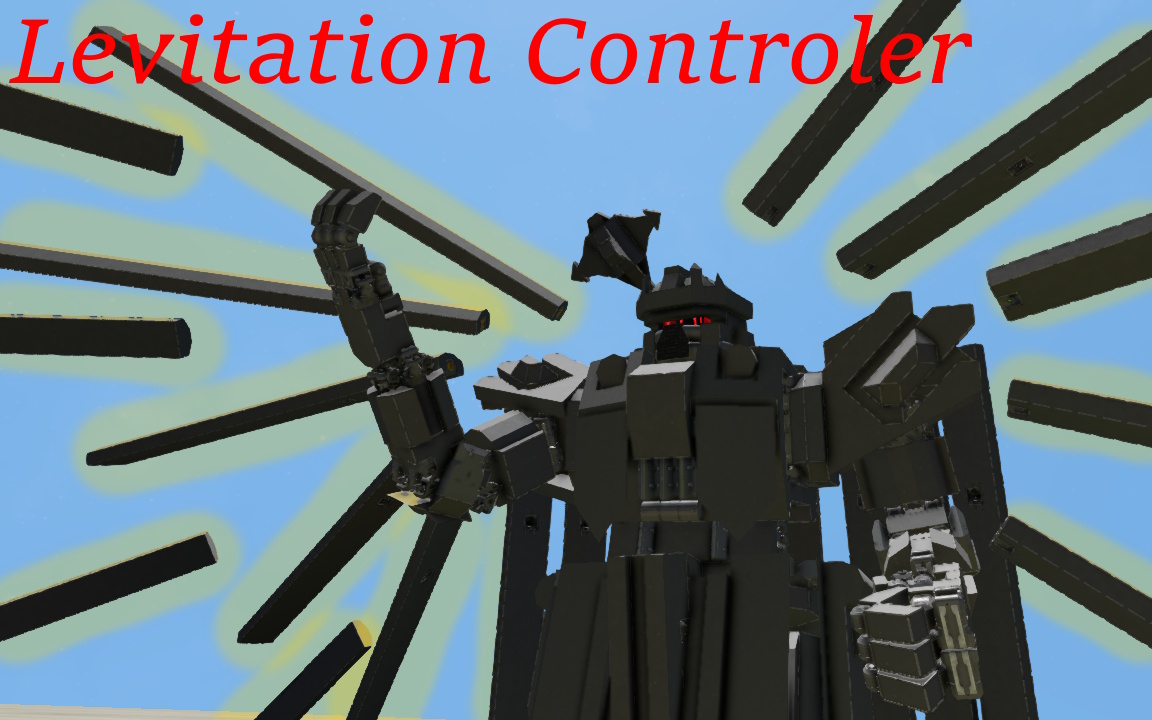
This mod gives you the ability to add **levitating parts to your constructs and animate them**.
/ How It Works /
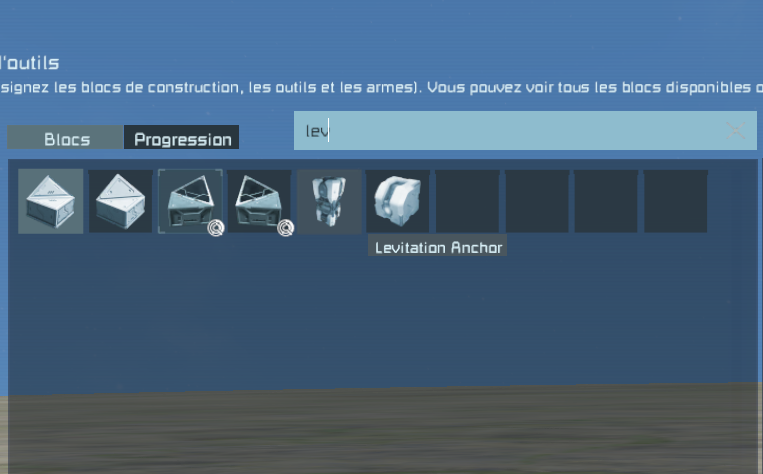
The mod adds two blocks, both available for **Large Grid and Small Grid**:
**Levitation Anchor** — The focal point of the system.
**Levitation Drone** — A block that follows the Anchor and allows its grid to levitate independently from the main construct.
1) Channels & Linking
Both the Anchor and Drone have a **Channel** slider.
Channels allow you to pair Anchors and Drones together. This means you can have multiple independent groups of levitating parts on the same construct without them interfering with one another.
On the Drone, you will find:
**Capture / Rebind Position**
This links the Drone to the corresponding Anchor.
Once a Drone and Anchor are linked, their grids are treated as **subgrids** of the same construct. This means you can access blocks on the Drone grid from the Anchor grid and vice versa. They also share power.
By default, however, Drones **do not influence the movement of the Anchor**.
For example, if a Drone collides with a surface while your main construct is moving, the collision will not slow down the Anchor. The Drone will simply attempt to return to its proper position afterward.
You can change this behavior using:
**Drone Influence**
When enabled, forces acting on the Drones can also influence the Anchor.
2) Blueprint Support
Because linked Drones are considered subgrids, you can blueprint an entire construct together with its Drones, even if the Drone grids are not physically attached to the main structure.
3) Keyframe Animation System
Drones do not have to remain fixed relative to their Anchor.
The mod includes a **keyframe animation system** that allows you to create moving and animated levitating structures.
Most of the animation system is managed through the Drones.
After linking your Drones, you can either place them into groups or leave them individually controlled.
Press:
**Record Selected**
This temporarily desynchronizes the selected Drones from their Anchor, allowing you to move them freely and create your animation.
Don't worry about them falling to the ground. Drones are not affected by gravity unless the **Gravity** option is enabled.
Move the Drones into the position you want, then press:
**Capture Keyframe**
You can create as many keyframes as you want. Using more keyframes allows you to create more complex and fluid movements.
Once you are finished, press:
**Finish Recording**
Your animation will then be saved.
These controls are also available as Toolbar Actions.
4) Animation Slots
Animations are selected using the animation slider located above the recording controls.
You have **10 animation slots per Channel**.
When you want to play an animation, select the appropriate Drone or group through the menu and press:
**Play Selected**
Animations can also be activated directly through **Toolbar Actions**, allowing them to be triggered using buttons, timers, event controllers, scripts, and other systems.
5) Animation Management
The final three options in this section allow you to:
- **Delete** the selected animation. - **Cancel** an animation that is currently being created. - **Override** an existing animation.
The Override option primarily acts as a safety feature. It prevents you from accidentally replacing an existing animation because you forgot to change the selected animation slot before recording.
6) Drone Settings
**Drone Strength** determines how much force is applied to a Drone grid.
The higher the value, the sharper and more stable its movement and animations will be.
The force applied to a Drone is **proportional to the mass of its grid**. This means even extremely heavy Drone grids can be moved without requiring you to manually compensate for their mass.
**Drone Speed** determines the maximum speed at which a Drone is allowed to move.
**Precision Mode** Normally, when a Drone approaches a keyframe position, the system can consider that keyframe reached even if the Drone is not positioned perfectly on the exact point.
With Precision Mode enabled, the Drone will attempt to follow the recorded path much more precisely and reach the exact keyframe positions.
7) Anchor Settings
**Animation Speed** determines how quickly the Drones travel through their keyframes while playing an animation.
8) Additional Information
If you are unsure about what an option does, hover over it in the terminal. Most settings include a small explanation in their tooltip.
Don't forget to check the Toolbar Actions. Many of the important controls can be triggered directly from your toolbar.
9) Multiplayer
Levitation Controller is multiplayer compatible.
The system supports both using existing constructs and building/configuring new Levitation Controller constructs directly in multiplayer.
Highlights
From source dataFootprint
Rated a light load on a server.
Last update
Its author last shipped an update 19d ago.
Levitation Controler on Nxeon
From our catalogue- One-click install
- Not available. One-click install isn't available for this game's mods yet. Download it and upload it to your server in Files.
- Server load
- light
- Smallest plan we suggest
- Space Engineers — 8 GB (8 GB RAM). This follows our own load rating above, not a benchmark.
- Latest build
- 2026-10-16, released 2026-10-16
Game versions by loader
| Loader | Game versions | Newest |
|---|---|---|
| Workshop |
From 3 recorded builds of Levitation Controler.
Recent builds
| Build | Released | Game versions | Loaders |
|---|---|---|---|
| 2026-10-16 | 2026-10-16 | n/a | Workshop |
| 2026-10-06 | 2026-10-06 | n/a | Workshop |
| 2026-10-06 | 2026-10-06 | n/a | Workshop |
Run Levitation Controler on a Space Engineers server
Deploy a server above, then upload the file in Files.
What kind of mod it is
From the catalogBuilding & decoration
Blocks, furniture, decorations and building tools.
Compatibility
- Game
- Space Engineers
Verified at the source
- ✓Steam WorkshopOfficial listing, checked 2026-10-24Open ↗
- ✓Authorred777, as published on Steam Workshop
- ✓LicenseNot published by the sourceFree












