






About LiftGuard
From Steam Workshophttps://i.imgur.com/YBCuGzv.gif Description Ever loaded a mining ship to the brim, tipped the nose forward and watched it slowly slide away or sink into the ground? LiftGuard stops that from…

[hr][/hr]
Description
Ever loaded a mining ship to the brim, tipped the nose forward and watched it slowly slide away or sink into the ground? LiftGuard stops that from happening.
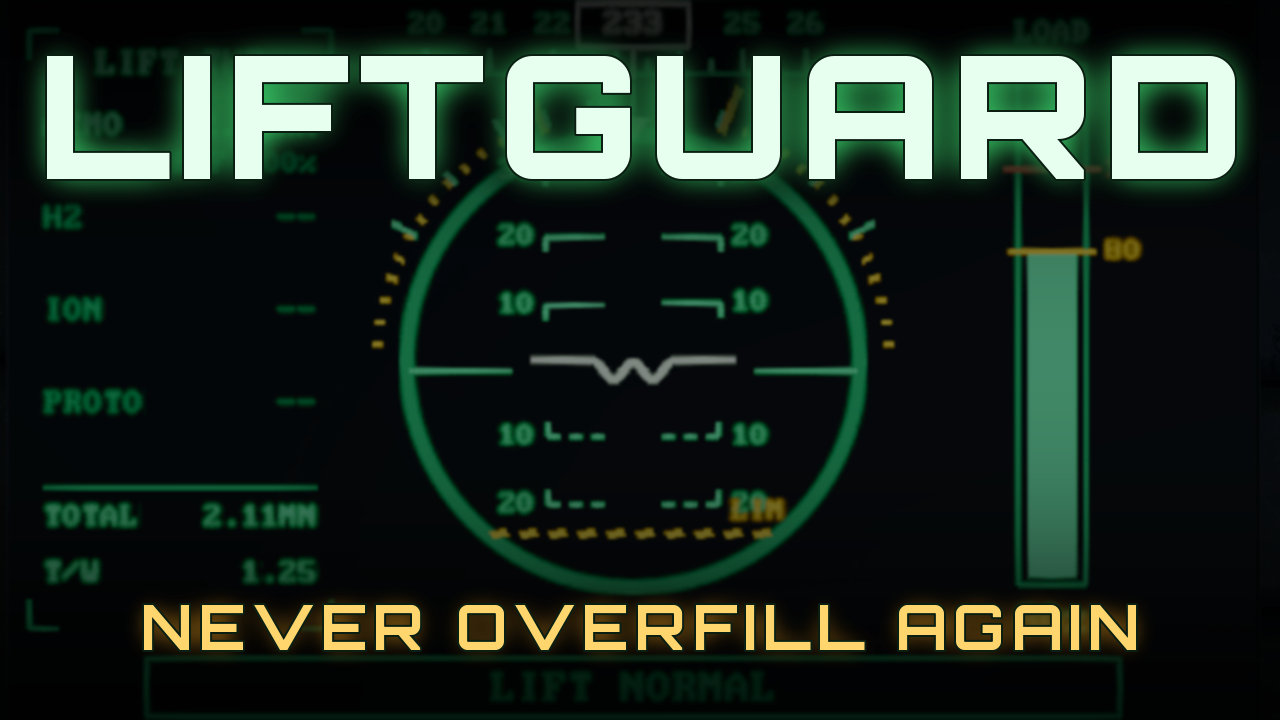
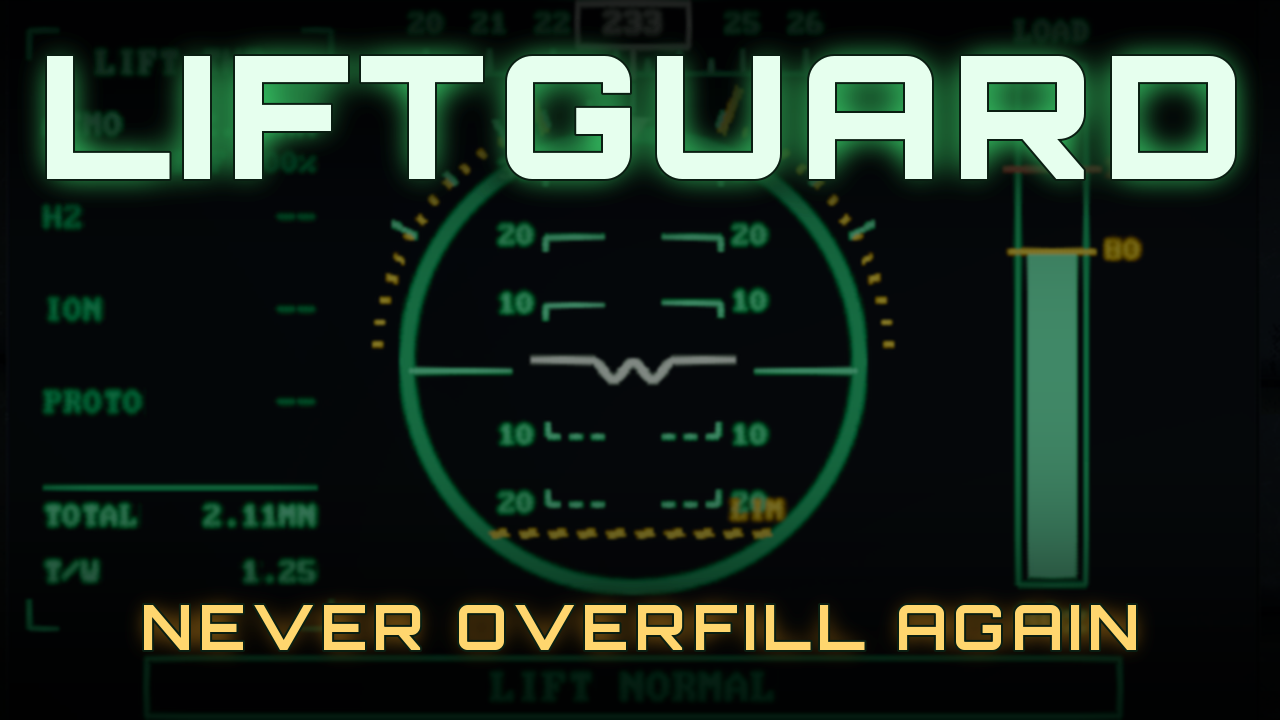
LiftGuard reads the real, live thrust of every thruster on your ship, compares it with your mass and the current gravity, and works out the steepest pitch and bank your ship can hold without sinking or drifting. If you tilt past that angle, it gently takes over the gyros and eases you back inside the limit. Everything is shown on a fighter-style HUD inspired by the F-22.
Features
- Live tilt limits for nose up, nose down, left and right, based on your actual thrust, mass and gravity
- Atmospheric and ion thruster efficiency is taken into account, so limits change as you climb
- Smooth, eased gyro corrections: gentle when you'd only drift, firmer only when you'd start sinking
- Drill cutoff - automatically turns drills off when your lift reserve gets too low
- Max lift mass, load %, lift reserve and thrust-to-weight readouts
- Compass heading tape - set north to any GPS point, or use 0, -1, 0 (the same north as Whip's compass)
- Stopping distance - Shows the distance it takes for a full stop
- Four LCD layouts, with fully configurable data boxes on every screen
- Works on LCD panels and every cockpit screen, with several layouts on one cockpit
- Toggle the limiter on and off from your toolbar
[hr][/hr]
The Displays
[TILT] - Main HUD The full flight display. A heading tape runs across the top, with an attitude ball showing your pitch and bank. Amber LIM lines mark your current tilt limits and turn red if you pass them. Lift thrust for each thruster type is on the left, a load bar on the right, a warning strip in the middle and six configurable data boxes along the bottom. 
When you tilt past the limit, the HUD flashes LIM ACTV and TILT LIMIT - GYRO OVRD while LiftGuard brings you back: 
[TILT3] - Big HUD The same HUD without the data boxes, so everything is much larger. Great for a main cockpit screen or a big LCD in front of the pilot. 
[TILT2] - Data Boxes (3 x 6) 18 data boxes on one screen. Pick what goes in every slot. 
[TILT2B] - Big Data Boxes (2 x 5) 10 larger boxes with bigger text, easy to read at a glance. 
Storage list Any screen can show a storage list: every item in your cargo containers, sorted from most to least, with how much of your space each one takes up. Join boxes stacked on top of each other to make one tall list, and filter it to only the items you care about. 
Available data boxes Mass, Max Lift Mass, Load, Tilt, Pitch, Bank, Lift Reserve, T/W, Up Thrust, Gravity, Altitude, Speed, Vertical Speed, Heading, Stopping Distance, Battery, Battery Output, Power Use, Hydrogen, Oxygen, Cargo, Drills, Limiter and Storage.
[hr][/hr]
How do I use this?!
[olist] [*]Load this script into a Programmable Block on your ship. [*]Add a tag to the name of any LCD panel:
- [TILT] - main HUD
- [TILT3] - big HUD, no data boxes
- [TILT2] - 3 x 6 data boxes
- [TILT2B] - 2 x 5 big data boxes
[*]For cockpits and other blocks with several screens, add the screen number after a colon. Screen 0 is the first one. You can use more than one tag on the same cockpit, for example:
Fighter Cockpit [TILT:0] [TILT2:1][/code]
[*](OPTIONAL) If your ship has more than one cockpit or remote control, add [b][TILT-CTRL][/b] to the name of the one you fly from.
[*]Drag the Programmable Block to your toolbar and choose [b]Run[/b] with the argument [b]toggle[/b] to switch the limiter on and off.
[/olist]
You are good to go! :)

[b]Arguments[/b]
[list]
[*][b]toggle[/b] - limiter on / off
[*][b]on[/b] / [b]off[/b] - force a state
[*][b]rescan[/b] - find new blocks after building or renaming
[/list]

[hr][/hr]
[h1]Custom Data Config[/h1]
[b]Choosing the data boxes[/b]
Open an LCD's (or cockpit's) Custom Data. LiftGuard fills in every option and a map of the slot numbers for that screen. Type a slot number after [b]=][/b] to show that item there. Leave it blank to hide it.
[code][Mass=]1
[Heading=]2
[Storage=]3,6 iron stone
The last line joins slots 3 and 6 into one tall storage list that only shows items containing "iron" or "stone". On a cockpit with several tagged screens, each screen gets its own [Screen n] section. 
Settings Every setting lives in the Programmable Block's Custom Data:
- Which thruster types count toward lift (atmo, hydrogen, ion, prototech)
- Lift reserve, tilt limits and how fast / softly the gyros correct
- Drill cutoff on/off and the reserve % it triggers at
- North - paste a GPS, or set an axis or vector
- Display brightness, text sizes and pixel snapping
- All name tags

[hr][/hr]
Good to know
- Tilt limits are worked out for hovering in place. Your lift at the limit angle keeps a spare reserve (10% by default).
- If the gyros push the wrong way, flip Gyro Sign in the settings.
- Heading needs natural gravity. By default north matches Whip's Planetary Compass, so both scripts agree.
- Stopping distance assumes your dampeners are on and you keep your current orientation.
- Drills are never switched back on automatically - turn them on again once you have dumped cargo or added thrust.
[hr][/hr]
Author's Notes
Highlights
From source dataFootprint
Rated a light load on a server.
Last update
Its author last shipped an update 5d ago.
LiftGuard on Nxeon
From our catalogue- One-click install
- Not available. One-click install isn't available for this game's mods yet. Download it and upload it to your server in Files.
- Server load
- light
- Smallest plan we suggest
- Space Engineers — 8 GB (8 GB RAM). This follows our own load rating above, not a benchmark.
- Latest build
- 2026-10-31, released 2026-10-31
Game versions by loader
| Loader | Game versions | Newest |
|---|---|---|
| Workshop |
From 1 recorded build of LiftGuard.
Run LiftGuard on a Space Engineers server
Deploy a server above, then upload the file in Files.
What kind of mod it is
From the catalogQuality of life & UI
Small conveniences, tweaks and interface improvements players notice straight away.
Compatibility
- Game
- Space Engineers
Verified at the source
- ✓Steam WorkshopOfficial listing, checked 2026-11-04Open ↗
- ✓AuthorKoukiMonster, as published on Steam Workshop
- ✓LicenseNot published by the sourceFree













