






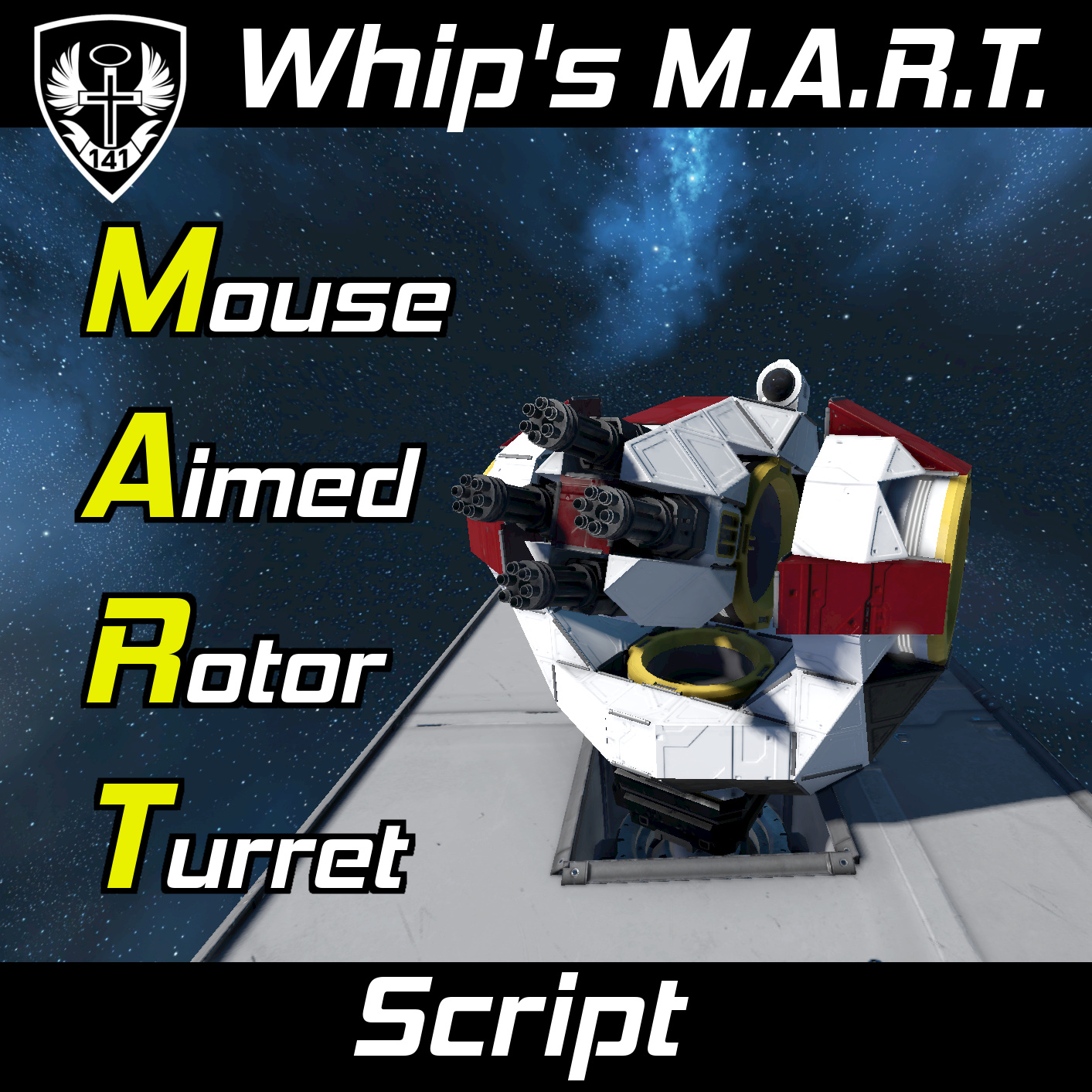
About MART | Whip's Mouse Aimed Rotor Turret Script
From Steam WorkshopYes, this works with hinges. ATTENTION As of game version 1.200, the game now properly synchronizes player inputs in seats. This means that you can finally use MART with multiple people…
Yes, this works with hinges.
ATTENTION
As of game version 1.200, the game now properly synchronizes player inputs in seats. This means that you can finally use MART with multiple people simultaneously on the same ship!
Also update 1.200 introduced the Custom Turret Controller (CTC) which allows users to create custom turrets that can be either manually controlled or AI controlled without the use of scripts. CTCs can not control multiple elevation rotors or stabilize your aim, but my new Turret Controller Enhancement Script extends all of the features of MART to CTCs. I would highly consider trying TCES as a MART replacement as it is more capable and feature rich.
[img=http://i.imgur.com/e0pytVG.gif] You can get the tank shown above HERE!
[img=https://i.imgur.com/86zb7Bb.png?1]
- Added optional gyro assistance. Simply place a gyro on the azimuth or elevation grid and group it to use it.
- Added main elevation rotor specification. Add the word "Main" to the name of the rotor you want to be considered the parent elevation rotor that all other rotors mimic.
- Added independent stabilization terms for azimuth and elevation.
- Turrets return to rest position when not being controlled
- Automatic turret stabilization feature :D
- [img=https://i.imgur.com/ZT0CCCH.gif]
- This code can now support unlimited elevation rotors per turret group!
[img=https://i.imgur.com/Vw0h1Xy.png] Howdy!
This script allows the user to control player made rotor using direct mouse inputs from a cockpit or control seat. No gyroscope or remote control is needed to do this since the code reads the user's mouse movement and directly converts it to rotor velocity. Rotor turrets using this code will emulate the movement of a manually controlled AI turret :)
Mouse aimed rotor turrets (MARTs) can have one or more Elevation rotors per turret group and the angles of each elevation rotor will be synced; however, only one Azimuth rotor can be used per MART group. You can fire the weapons in a turret group by pressing the default button for "crouch" [C].
Since the program can read mouse inputs directly from a cockpit or control seat, you are able to make land-based tanks using MARTs that can be fully crewed by just one person! You can also control multiple MARTs with only one code!
[img=https://i.imgur.com/A6KkMfe.png]
Watch the Setup Video for a visual walkthrough!
It is recommended that you read all the instructions before attempting to use this code! This will make troubleshooting any issues much easier <3
Script Setup
[olist] [*]Place this script in a program block [*]Set up mouse aimed rotor turret groups (see below sections) [*]Set ownership on EVERYTHING to yourself [*]DON'T FORGET TO SET YOUR ROTOR LIMITS! [/olist]
Turret Group Setup
[img=http://i.imgur.com/17CsVQi.png] [img=http://i.imgur.com/iP3Rao1.png] Mouse aimed rotor turret groups must be named like the following: "MART <ID Tag>" Where <ID Tag> is the unique identification tag of the rotor turret.
Example Turret Group Names:
- MART 1
- MART WhiplashIsAwesome
- MART Tank Turret
Turret Group Components
EACH turret group must have:
- One cockpit, control seat, or remote control (passenger seats wont work!)
- One azimuth (horizontal) rotor/hinge with "Azimuth" in its name
- One or more elevation (vertical) rotor(s)/hinge(s) with "Elevation" in its name
- [list][*]Place the word "Main" in the name of the elevation rotor that you want to be used as the parent rotor that all other elevation rotors follow. The code will pick this automatically if you do not specify :)[/list]
- One or more weapons or tools on* each elevation rotor
- (rocket launchers, gatling guns, welders, grinders, drills, cameras, and spotlights supported)
- * "On" means on the same grid as the elevation rotor head
Optional components:
- Names of blocks don't matter beyond what is required.
- Example: "Advanced Rotor - Azimuth"
- [h1]Changing Variable Values[/h1]
- Open the programmable block's Custom Data to change variables without needing to mess with the code!
- [olist][*]Open the program's Custom Data
- Change the variables you want
- Run the script with the argument "setup"
- [/olist]
- [img=http://i.imgur.com/rLvBCrG.png]
- [h1]Setting Turret Rest Position[/h1]
- By default, turrets will return to rest position when not being controlled. To set your own rest angle for a specified MART rotor, simply type the desire rest angle (in degrees) inside the rotor's custom data.
- Example: [code]30[/code]
- This would set the rest angle for the rotor to be 30 degrees
- [h1]Arguments[/h1]
- [table]
- [tr]
- [th]Argument[/th]
- [th]Description[/th]
- [/tr]
- [tr]
- [td]rest[/td]
- [td]Sends all MART turrets to their rest angles. This will lock you out of mouse control until the turret has reached its rest angles.[/td]
- [/tr]
- [tr]
- [td]setup[/td]
- [td]Immediately runs the block setup and processes custom data and block changes. Can be used if you don't want to wait for the 10 second refresh interval.[/td]
- [/tr]
- [/table]
- [img=https://i.imgur.com/twuIaF6.png]
Highlights
From source dataFootprint
A 671 KB download, rated a light load on a server.
Last update
Its author last shipped an update 5 yr ago.
MART | Whip's Mouse Aimed Rotor Turret Script on Nxeon
From our catalogue- One-click install
- Not available. One-click install isn't available for this game's mods yet. Download it and upload it to your server in Files.
- Server load
- light
- Smallest plan we suggest
- Space Engineers — 8 GB (8 GB RAM). This follows our own load rating above, not a benchmark.
- Latest build
- 2022-02-07, released 2022-02-07, 671 KB
Game versions by loader
| Loader | Game versions | Newest |
|---|---|---|
| Workshop |
From 1 recorded build of MART | Whip's Mouse Aimed Rotor Turret Script.
Run MART | Whip's Mouse Aimed Rotor Turret Script on a Space Engineers server
Deploy a server above, then upload the file in Files.
What kind of mod it is
From the catalogTechnology & automation
Machines, power, logistics and automation.
Compatibility
- Game
- Space Engineers
- File size
- 671 KB
Verified at the source
- ✓Steam WorkshopOfficial listing, checked 2026-10-10Open ↗
- ✓AuthorWhiplash141, as published on Steam Workshop
- ✓LicenseNot published by the sourceFree












