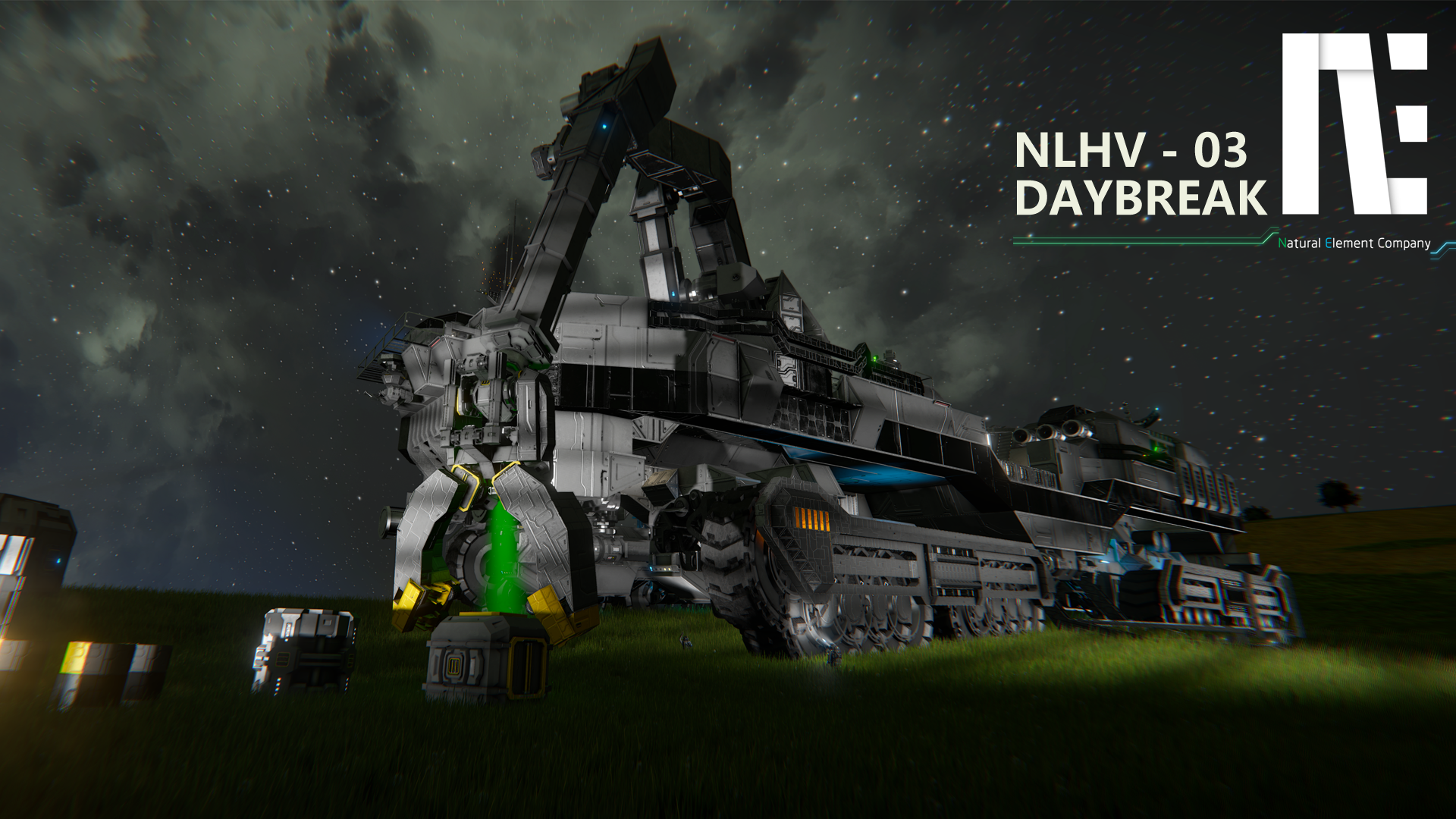
About NLHV-03 Daybreak [No Mod]
From Steam WorkshopDrive: Use on "K"Menu 1.Switch Drivemode =Manual =Auto 2.Gear Up 3.Gear Down 4.Switch Steeringmode =Mouse =Keyboard =Stop 5.HandBrake 6.Quit Camera *PS: Please use this to quit cam,don't use "F".…
Drive: Use [Control] on "K"Menu 1.Switch Drivemode [M]=Manual [A]=Auto 2.Gear Up 3.Gear Down 4.Switch Steeringmode [M]=Mouse [K]=Keyboard [S]=Stop 5.HandBrake 6.Quit Camera *PS: Please use this to quit cam,don't use "F". 7.Front Camera 8.Back Camera 9.Seat Camera Page2-9 to SwitchSeat
Crane: Use [Control Crane] on "K"Menu [Mouse]=Azimuth 1 & Elevation 2 [W][S]=Elevation 1 [C][Space]=Extend [Q][E][A][D]=Top Parts 1.Azimuth Lock *Lock is opened by default,You need to press to unlock when using 2.Elevation Lock *Lock is opened by default,You need to press to unlock when using 3.Camera 4.Pliers Reverse 5.Top Lock 6.Aim Light 7.Light 8.Quit Camera *PS: Please use this to quit cam,don't use "F". 9.Pliers Lock
UAV: Use [UAV01 Control] press 9 to open system press 6 to unlock *PS: Don't Press "P".
Simple driving process: 1.Press 5 to unlock HandBrake 2.Use [W][S] to Move or Press 1 to AutoCruise 3.Use [A][D] to Steering 4.Press 2,3 to adjust speedlimit
*The cockpit seat can be rotated with the mouse,and the camera is also.
*Thanks for the excellent scripts that @Whiplash141 has been offering,I always like to use them.So I used some Whip's methods in my own program and forgot to mark it, I apologize for this!Sorry!
Highlights
From source dataFootprint
Rated a light load on a server.
Last update
Its author last shipped an update 8 yr ago.
NLHV-03 Daybreak [No Mod] on Nxeon
From our catalogue- One-click install
- Not available. One-click install isn't available for this game's mods yet. Download it and upload it to your server in Files.
- Server load
- light
- Smallest plan we suggest
- Space Engineers — 8 GB (8 GB RAM). This follows our own load rating above, not a benchmark.
- Latest build
- 2018-07-16, released 2018-07-16
Game versions by loader
| Loader | Game versions | Newest |
|---|---|---|
| Workshop |
From 1 recorded build of NLHV-03 Daybreak [No Mod].
Run NLHV-03 Daybreak [No Mod] on a Space Engineers server
Deploy a server above, then upload the file in Files.
What kind of mod it is
From the catalogQuality of life & UI
Small conveniences, tweaks and interface improvements players notice straight away.
Compatibility
- Game
- Space Engineers
Verified at the source
- ✓Steam WorkshopOfficial listing, checked 2026-11-01Open ↗
- ✓AuthorRosE, as published on Steam Workshop
- ✓LicenseNot published by the sourceFree