






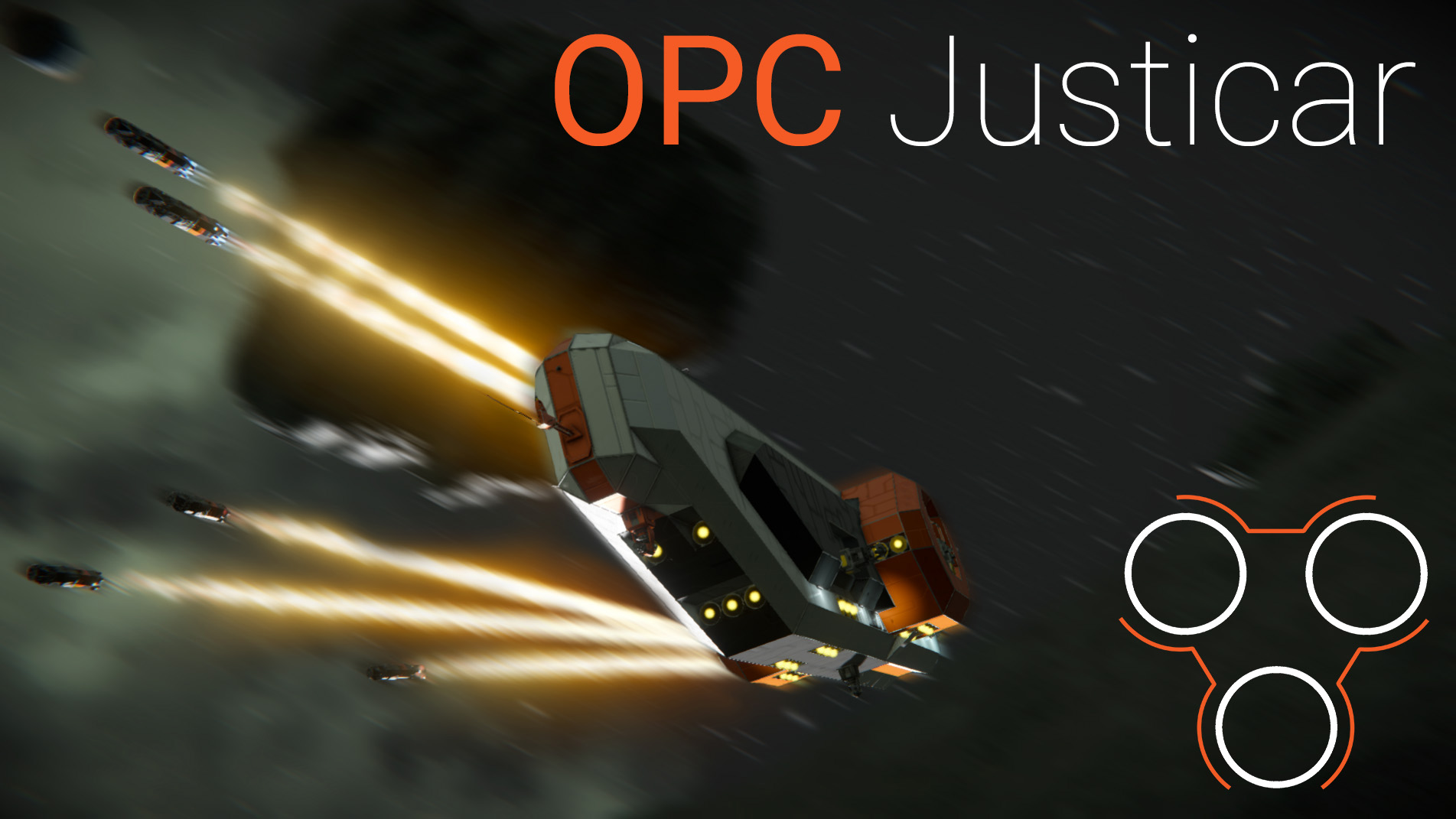

About OPC Justicar - Guided Torpedo Frigate [DECOMMISIONED]
From Steam WorkshopNO MODS | DLC | SCRIPTS | SUBGRIDS https://i.imgur.com/m5SKlFV.png https://i.imgur.com/oeh8FOd.png After successfully defending their mining fleets, OPC decided to strike back at the pirate barons.…
[DECOMMISIONED] NO MODS | DLC | SCRIPTS | SUBGRIDS

 After successfully defending their mining fleets, OPC decided to strike back at the pirate barons. Valiant's strength alone was not enough to solve this issue, and Consolidation began developing a new vessel that would take into account the combat experience gained. For this purpose, Justicar was developed as a long-range torpedo bomber. Thanks to a salvo of 10 torpedoes with a reload system, low weight, hyperdrive and imposing twin rear engines, this vessel can quickly arrive at the firing line, strike the enemy's position and quickly disappear.
 Min crew - 1 Max crew - 2 Has 1 Tall Docking Port (TDP) Survival Ready
 5 gatling turrets 10 torpedoes shafts 4 hydrogen engines 25 gyroscopes 2106 large blocks 1.683.094 Kg mass 16.867 PCU
 Instructions for launching guided torpedoes
1) open the second menu (. by default) 2) Point the camera (button 1) at the intended target 3) if necessary, turn on the antenna (to transmit the target to the torpedoes) and the Builder (if the missile shafts are empty and need to recharge) 4) to switch the firing mode, press button 5. This allows you to select the hit point (by default, the center of the intended target) 5) to change the torpedo control mode, press 6 (the default is Fired-Forgot, requires target capture-button 4) 6) (optional)Open the shaft doors (button 7) 7) Press button 8 8) You are amazing
 The LAMP and WHAM scripts are used for torpedoes
Note: Each press of button 8 launches 2 torpedoes

Highlights
From source dataFootprint
Rated a light load on a server.
Last update
Its author last shipped an update 4 yr ago.
OPC Justicar - Guided Torpedo Frigate [DECOMMISIONED] on Nxeon
From our catalogue- One-click install
- Not available. One-click install isn't available for this game's mods yet. Download it and upload it to your server in Files.
- Server load
- light
- Smallest plan we suggest
- Space Engineers — 8 GB (8 GB RAM). This follows our own load rating above, not a benchmark.
- Latest build
- 2023-04-21, released 2023-04-21
Game versions by loader
| Loader | Game versions | Newest |
|---|---|---|
| Workshop |
From 1 recorded build of OPC Justicar - Guided Torpedo Frigate [DECOMMISIONED].
Run OPC Justicar - Guided Torpedo Frigate [DECOMMISIONED] on a Space Engineers server
Deploy a server above, then upload the file in Files.
What kind of mod it is
From the catalogTechnology & automation
Machines, power, logistics and automation.
Compatibility
- Game
- Space Engineers
Verified at the source
- ✓Steam WorkshopOfficial listing, checked 2026-11-01Open ↗
- ✓AuthorFoltast, as published on Steam Workshop
- ✓LicenseNot published by the sourceFree












