






About [OUTDATED] Whip's Graphical Velocity Indicator
From Steam WorkshopATTENTION: This code has been functionally replaced by my [url=https://steamcommunity.com/sharedfiles/filedetails/?id=1721247350]Artificial Horizon Redux code! It retains all the functionality of…
ATTENTION: This code has been functionally replaced by my Artificial Horizon Redux code! It retains all the functionality of this code with even more goodies (and better performance)!
[img=https://i.imgur.com/86zb7Bb.png?1] Code has been restructured due to advances made in my artificial horizon code. You no longer need to set the text size, the code will do it for you. Also acceleration is now indicated. No additional setup is required!
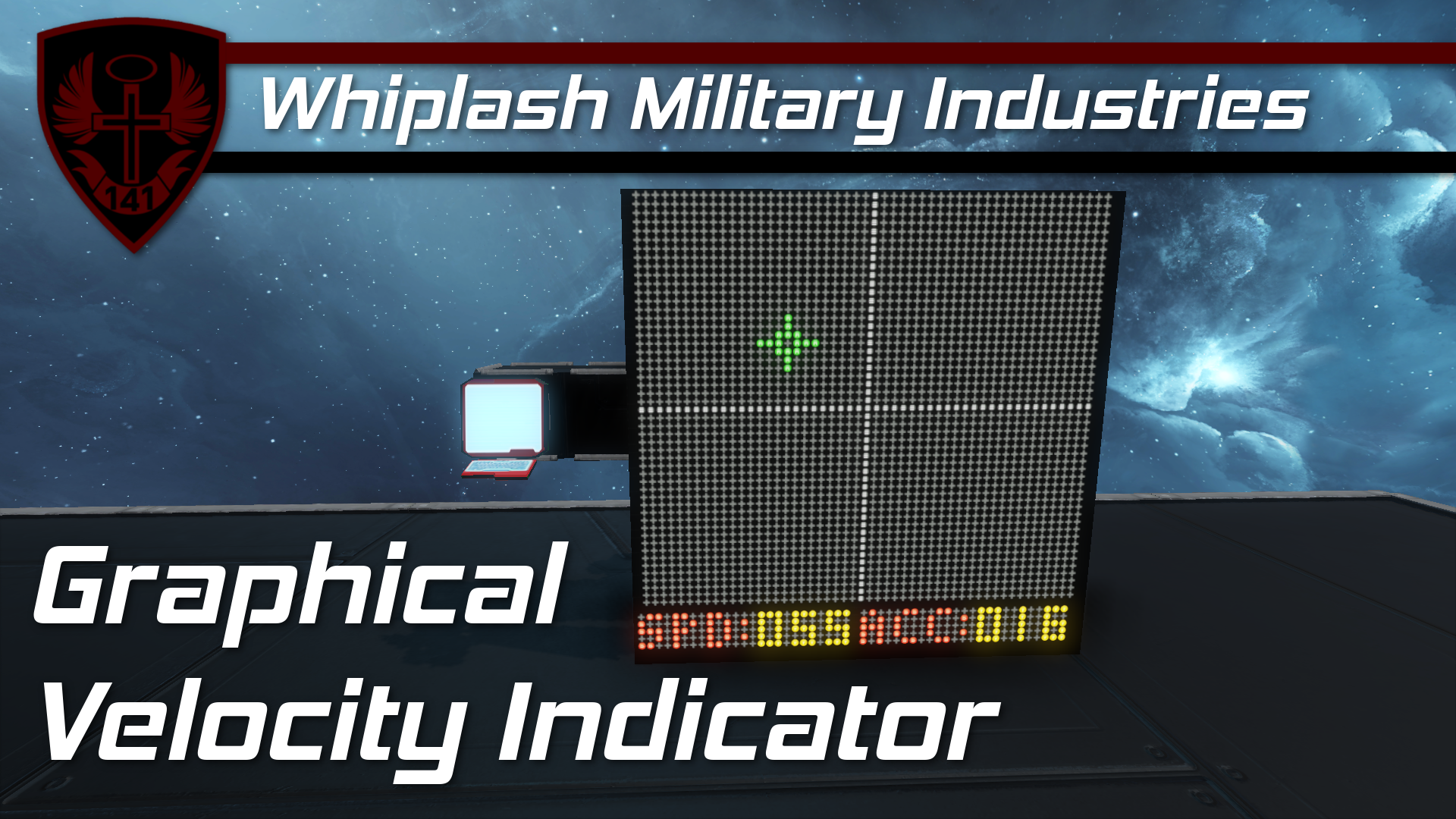
[img=https://thumbs.gfycat.com/GrizzledFakeAppaloosa-size_restricted.gif] [img=https://i.imgur.com/Vw0h1Xy.png] This code creates a colored graphical representation of your velocity vector and displays it on a screen! It also displays your speed in blue at the bottom of the screen. The colors and size of the vector grid are configurable in the code.
This is primarily made for space flight! If you are flying in atmosphere use this code! It is an artificial horizon indicator with a built in velocity vector display :)
[img=https://i.imgur.com/A6KkMfe.png] See the VIDEO for a detailed walkthrough. [olist] [*] Make a program block and put this code in it [*] Make a timer with actions: [list] [*] "Trigger Now" itself [*] "Start" itself [*] "Run with default argument" the program from step 1[/list] [*] Start the timer [*] Find the control seat, cockpit, remote control, or passenger seat that you wish to measure the velocity of and add the name tag "Forward" somewhere in its name [*] Find the Text Panel or LCD Panel that you want to display the data on and add the tag "Velocity" somewhere in the name of the block. Set the text size to 0.4 (default) [*] Fly around and enjoy :) [/olist] [img=https://i.imgur.com/twuIaF6.png] The code is a bit messy as I had to get creative with how I added strings together! Thanks to user alex-theradarguy for his method of using the Xbox control symbols to make colored monospaced grids! If you notice any bugs, be sure to comment on the workshop page.
- Whiplash141
Highlights
From source dataFootprint
Rated a light load on a server.
Last update
Its author last shipped an update 10 yr ago.
[OUTDATED] Whip's Graphical Velocity Indicator on Nxeon
From our catalogue- One-click install
- Not available. One-click install isn't available for this game's mods yet. Download it and upload it to your server in Files.
- Server load
- light
- Smallest plan we suggest
- Space Engineers — 8 GB (8 GB RAM). This follows our own load rating above, not a benchmark.
- Latest build
- 2016-11-08, released 2016-11-08
Game versions by loader
| Loader | Game versions | Newest |
|---|---|---|
| Workshop |
From 1 recorded build of [OUTDATED] Whip's Graphical Velocity Indicator.
Run [OUTDATED] Whip's Graphical Velocity Indicator on a Space Engineers server
Deploy a server above, then upload the file in Files.
What kind of mod it is
From the catalogQuality of life & UI
Small conveniences, tweaks and interface improvements players notice straight away.
Compatibility
- Game
- Space Engineers
Verified at the source
- ✓Steam WorkshopOfficial listing, checked 2026-11-01Open ↗
- ✓AuthorWhiplash141, as published on Steam Workshop
- ✓LicenseNot published by the sourceFree












