






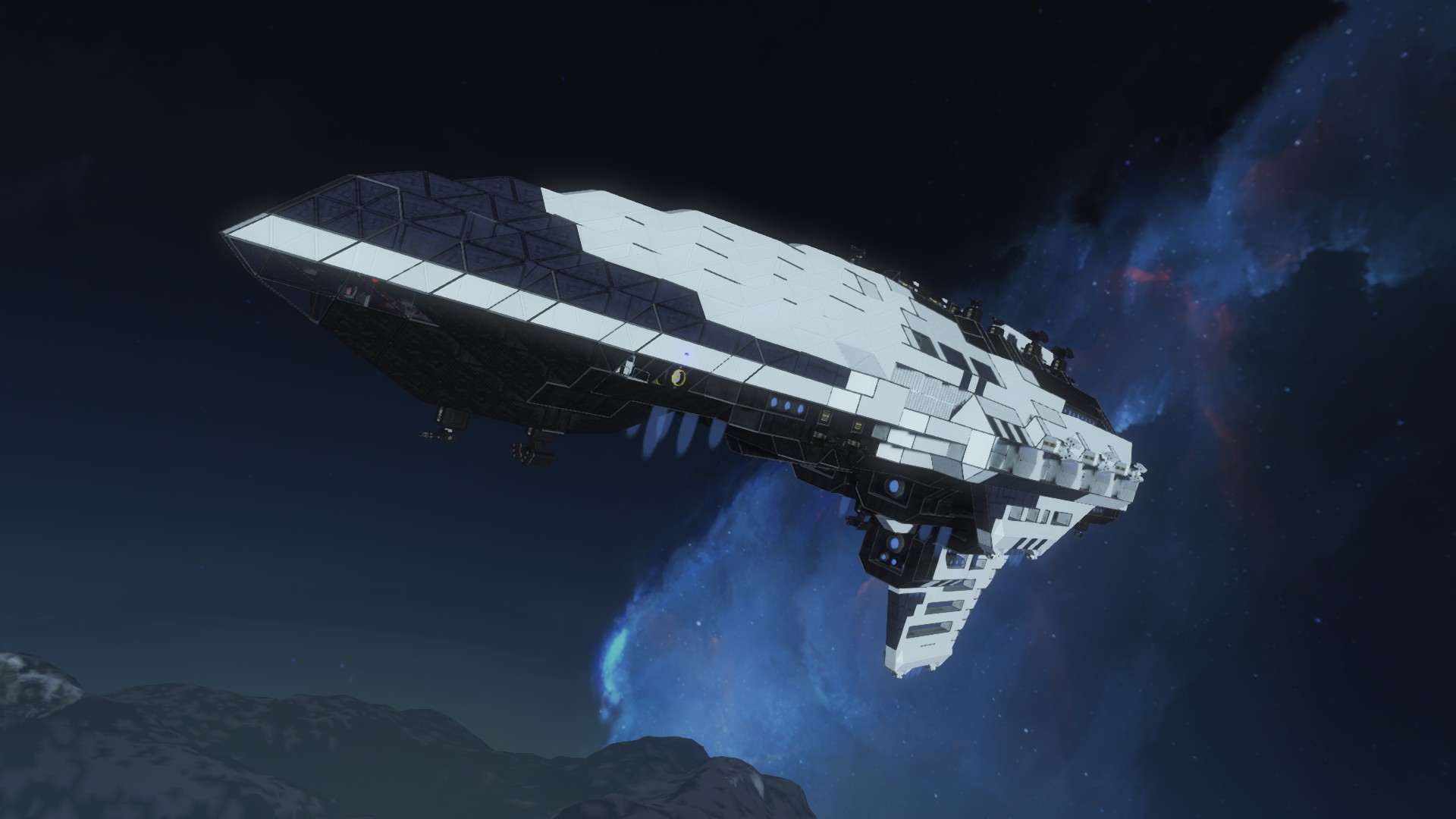
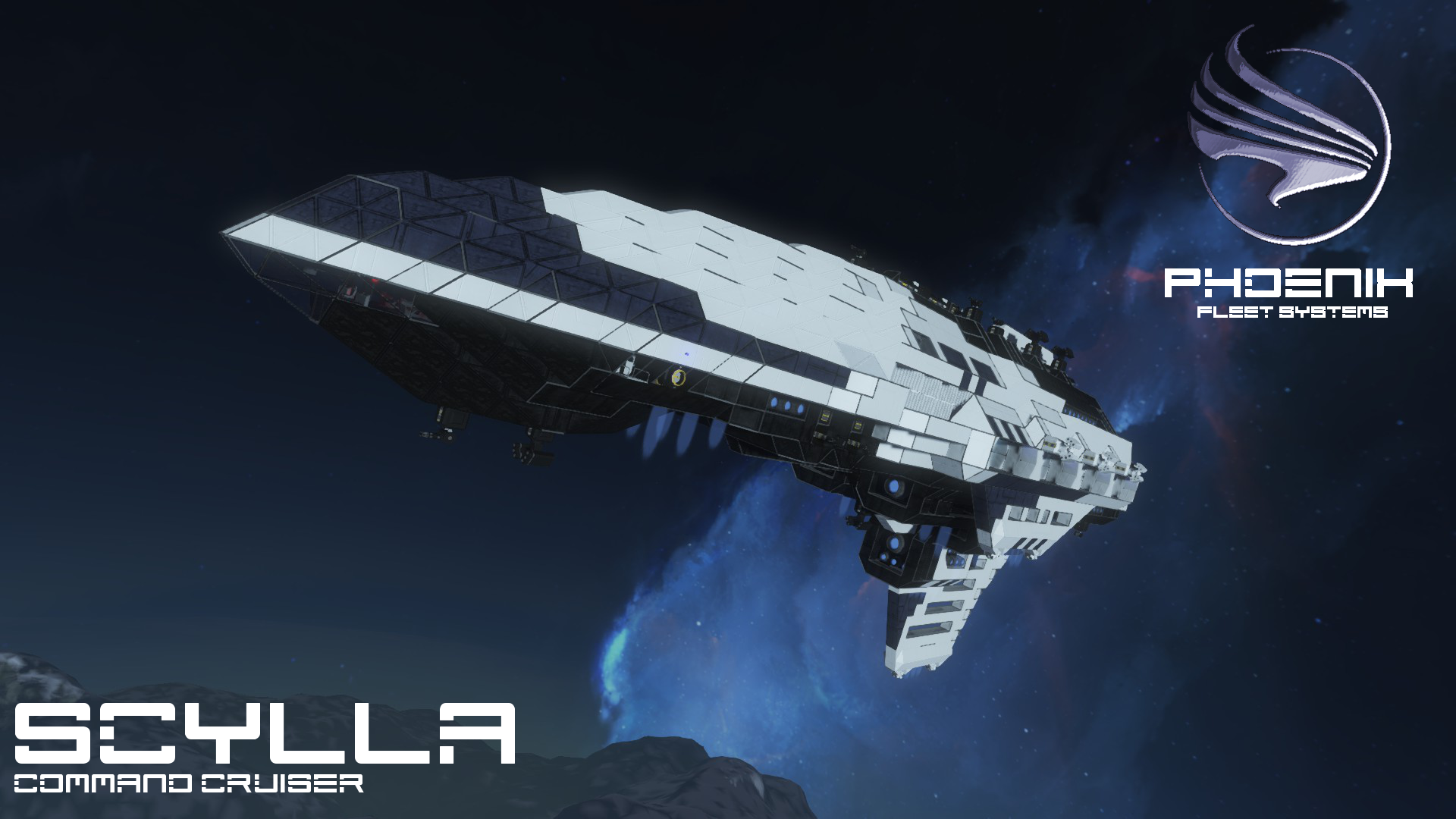
About PFS - CCC - Scylla Command Cruiser
From Steam WorkshopVanilla, Survival Friendly [url=http://steamcommunity.com/sharedfiles/filedetails/?id=693681899]Vampire Strike Drone Scylla Command Cruiser Mass: 9,747,996 kg (empty) Length: 185 m Acceleration: 4.52…
Vanilla, Survival Friendly
Scylla Command Cruiser
Mass: 9,747,996 kg (empty) Length: 185 m Acceleration: 4.52 m/s^2 (Ion Only), 6.37 m/s^2 (H Assisted) Maximum Gravity Tolerance: 0.58 G (Ion Only), 0.81 G (H Assisted) Jump Range: 1282 km Connectors: 2 (Port, Starboard) Hangars: 8 (4 per side, 1 fighter each) Cargo: 5 Large Containers Hydrogen:: 4 Containers Oxygen: 14, Farms, 17 Generators, 77 Tanks Reactors: 4 Large (Main), 1 Large (Backup) Batteries: 100 Weapons: 13 Gatling Turrets, 12 Missile Turrets
Crew: 32 Total 4 Officers: 1 Captain, 1 Executive Officer, 1 Drone Officer, 1 Engineering Officer 28 Enlisted: 14 Drone Controllers, 6 Bridge/CIC Crew, 2 Medical, 6 Engineering/Drone Maintenance
Description
Continuing to learn from their mistakes during the Europa Conflict, the Phoenix military sought to futher solidify its dominance in future atmospheric wars. Ships like the Ketos filled a vital role in ferrying drones and fighters between atmosperes, but the carriers themselves remained vulnerable to counter-attacks.
To rectify this issue, the Navy sought to control these drones from orbit. This would keep the control ships out of range of hostile planetary forces, while allowing it to be protected in space by the might of the Phoenix Navy.
PFS was eager to take up the contract, and the Scylla launched as early as 2108. The ship also included 8 hangars to carry its own compliment of Vampire Atmospheric Drones, which were designed simultaneously and had the capability to fly high enough to enter the Scylla's gravity tolerance and dock with or deploy from the ship.
Standard Antennae were used when controlling craft at close range, but 6 Exterior Laser Antennae and 10 retractable Laser Antennae could be used to control any craft on the planet below. Finally, The Scylla was given a high gravity tolerance to maximize its influence over planetary surfaces and ensure that these drones never lost their connection.
User Manual
Controls - on the flight bridge, sit in a seat, hit K, go to the group labelled "**Control**" and hit "Control". Within the CIC, you can simply sit in one of the forward-facing flight seats and the controls will be preset for you.
A fully-functional HUD is provided on the CIC, and a briefer version on the Flight Bridge. This will help you, when used properly, to operate the ship without having to use 3rd Person.
Note that everything is controlled via Timers. While you can always affect the parts through the K Menu, it is recommended that you do not do so, because the Timers not only perform these functions, but also update the Heads Up Displays on the CIC and Flight Bridge. Failing to use the timers will cause parts to get out of sync, and these displays will give inaccurate information.
Tab 1
[olist] [*] Open Port Laser Bay Doors [*] Deploy Port Laser Antennae [*] Open Starboard Laser Bay Doors [*] Deploy Starboard Laser Antennae [*] Gravity Alignment On/Off [*] Emergency Hydrogen Boosters On/Off [*] Reverse Thrusters On/Off [/olist]
WARNING: You may open the laser bay doors an deploy the antennae simultaneously, but when closing DO NOT close the bay doors before retracting the antennae, as you will destroy the pistons with the door. Instead, listen for the pistons to stop moving, and then close the door. Pay attention the the HUD to make sure you aren't closing or opening incorrectly.
Note that deploying the Laser Antennae also turns them On, and the Reverse Thruster near the bay will be turned off to keep from burning the pistons.
Tab 2 - Hangar Controls
[olist] [*] Open Port Hangar 1 [*] Open Port Hangar 2 [*] Open Port Hangar 3 [*] Open Port Hangar 4 [*] Open Starboard Hangar 1 [*] Open Starboard Hangar 2 [*] Open Starboard Hangar 3 [*] Open Starboard Hangar 4 [/olist]
Flight When Orbiting, keep the nose level, as the most powerful thrust is below. Keep in mind the maximum Gravity Tolerance (.58 G) and do not exceed this. While the Hydrogen Thrusters allow you to reach 0.81 G without sinking, this should not be considered operational range due to the limited fuel of H Thrusters. This .23 G zone should be considered a safey buffer only. Also, the .58 G marks an absolute maximum, or point of no return without Hydrogen Thrusters. Therefore, It is recommended that you operate around .5 G at all times. This will give you plenty of room to reach surface craft with your Lasers.
Remember to use the Gravity Alignment (Tab 1, Slot 5) to keep the ship level. Due to SE Physics, it has a small tendency to nose-dive over time. The script will correct this, and allow you to pilot drones without having to worry about such nonsense.
Gravity Alignment can also be used like an Altitude-Hold System, where you can cancel reverse thrusters for continual forward flight around a planet at the same orbital height.
Scripts
MMaster - Automatic Configurable LCD Whiplash141 - Gravity Alignment Script, Auto Door & Airlock Script
Misc
Highlights
From source dataFootprint
Rated a light load on a server.
Last update
Its author last shipped an update 10 yr ago.
PFS - CCC - Scylla Command Cruiser on Nxeon
From our catalogue- One-click install
- Not available. One-click install isn't available for this game's mods yet. Download it and upload it to your server in Files.
- Server load
- light
- Smallest plan we suggest
- Space Engineers — 8 GB (8 GB RAM). This follows our own load rating above, not a benchmark.
- Latest build
- 2016-05-29, released 2016-05-29
Game versions by loader
| Loader | Game versions | Newest |
|---|---|---|
| Workshop |
From 1 recorded build of PFS - CCC - Scylla Command Cruiser.
Run PFS - CCC - Scylla Command Cruiser on a Space Engineers server
Deploy a server above, then upload the file in Files.
What kind of mod it is
From the catalogVehicles & ships
Cars, boats, aircraft, ships and other things to drive or fly.
Compatibility
- Game
- Space Engineers
Verified at the source
- ✓Steam WorkshopOfficial listing, checked 2026-11-01Open ↗
- ✓AuthorLord Commissar, as published on Steam Workshop
- ✓LicenseNot published by the sourceFree












