About Pressurize Your Room!
From Steam WorkshopThese blocks now require pressurized environment to be functional: Vanilla blocks: Medical Room Bed Toilet (all variants) [url=https://steamcommunity.com/sharedfiles/filedetails/?id=2570427696]Plant…
These blocks now require pressurized environment to be functional:
Vanilla blocks:
- Medical Room
- Bed
- Toilet (all variants)
Plant and Cook mod:
- Kitchen
- Custom Kitchen
- Wheat Farm
- Herb Grower
- Apple Farm
- Soya Farm
- Vegetable Grower
Some other blocks can be enabled in config
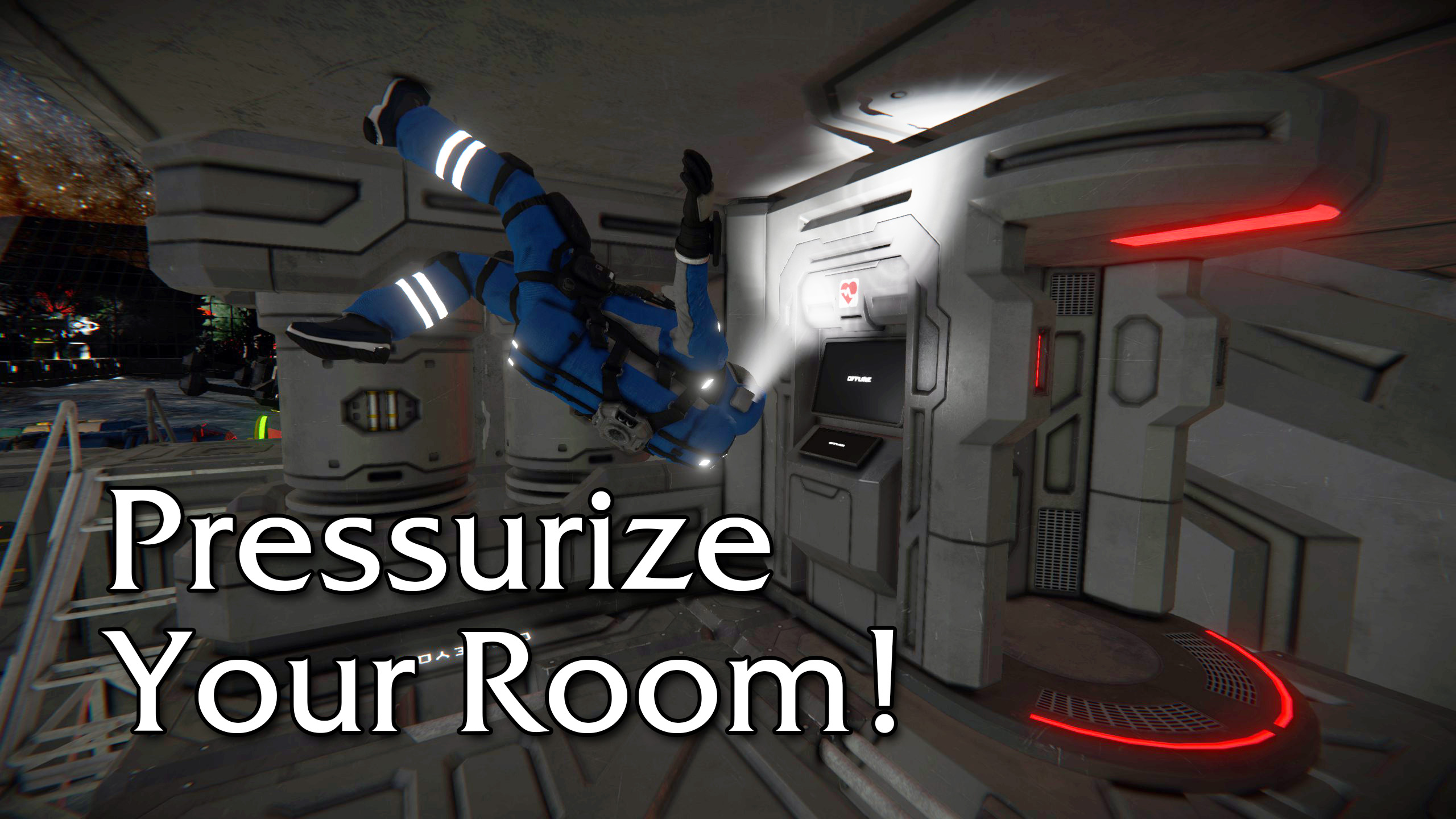
In vanilla SE, there is little functional need to build pressurized base or ship in space as you can just keep your helmet on for the whole time. That is not how we imagine actual space exploration. This mod tries to give you real, in-game reason to pressurize your living quarters, as some important blocks will not work without it.
For broader survival experience it is recommended to use this mod with mods like Eat. Drink. Sleep. Repeat! and Plant and Cook.
Configuration
This mod can be configured per save game:
Create and save game with this mod added. Open Storage directory of your save, i.e.:
C:\Users\<User Name>\AppData\Roaming\SpaceEngineers\Saves\<Some number>\<Save Game name>\Storage\2577880987.sbm_PressurizeYourRoom
config.xml file should be inside. Open it with Notepad or other text editor Notice there are list of blocks with either true or false values i.e:
<Block>
  <SubtypeId>SurvivalKitLarge</SubtypeId>
  <RequiresPressure>false</RequiresPressure>
</Block>
Change value to true for blocks you want to work only in pressurized environment, or false to work anywhere. New blocks can not be added to the list, as they need to be added to the mod first. If you want some other block, including non-vanilla blocks, let me know and I'll see if I can add them to the mod.
Integrations
This mod is integrated with these mods:
Highlights
From source dataFootprint
Rated a light load on a server.
Last update
Its author last shipped an update 5 yr ago.
Pressurize Your Room! on Nxeon
From our catalogue- One-click install
- Not available. One-click install isn't available for this game's mods yet. Download it and upload it to your server in Files.
- Server load
- light
- Smallest plan we suggest
- Space Engineers — 8 GB (8 GB RAM). This follows our own load rating above, not a benchmark.
- Latest build
- 2021-11-17, released 2021-11-17
Game versions by loader
| Loader | Game versions | Newest |
|---|---|---|
| Workshop |
From 1 recorded build of Pressurize Your Room!.
Run Pressurize Your Room! on a Space Engineers server
Deploy a server above, then upload the file in Files.
What kind of mod it is
From the catalogBuilding & decoration
Blocks, furniture, decorations and building tools.
Compatibility
- Game
- Space Engineers
Verified at the source
- ✓Steam WorkshopOfficial listing, checked 2026-11-01Open ↗
- ✓AuthorBačiulis, as published on Steam Workshop
- ✓LicenseNot published by the sourceFree