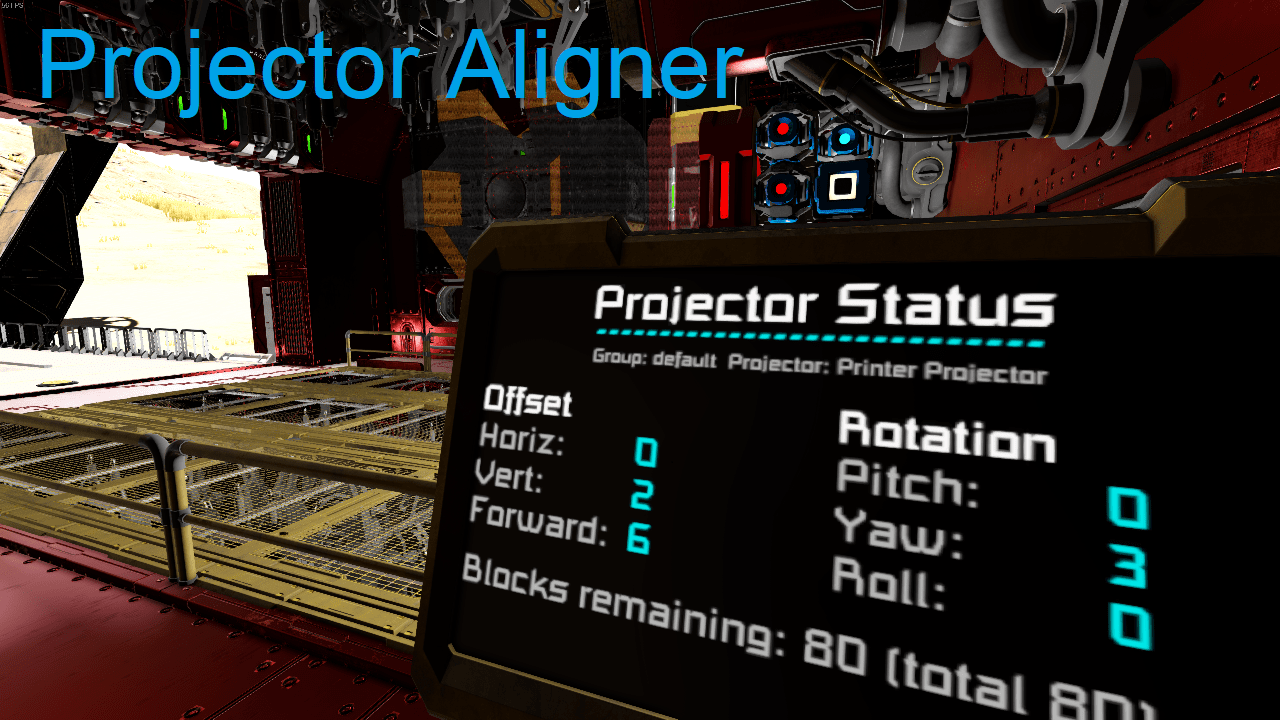
About Projector Aligner
From Steam WorkshopScript to align a projector's projection from a control seat, and to switch projectors from a menu. This script can handle several groups of projectors, each with their own sets of screens and…
Script to align a projector's projection from a control seat, and to switch projectors from a menu. This script can handle several groups of projectors, each with their own sets of screens and control seats.
All configuration is done through Custom Data. Simply create a heading in the custom data of any block that you wish to use with this script:
[projector]
You may add cockpits, flight seats, remote controls and projectors. By default all blocks will be in the "default" projector group. You can change this by specifying a group name. For example:
[projector] group=Ship Printer
To make use of a display, specify a display number and (optionally) a scale and a color. For example:
[projector] display=0 scale=0.5 color=00CED1
Change the number to the screen that you wish to use; numbers start at 0, so a five-screen cockpit has screens 0, 1, 2, 3 and 4. Color should be entered as six hexadecimal digits representing red, green and blue.
Additionally, you can specify details for a specific display using numbered headings. This allows you to configure the display for more than one group on a multi-display block, such as a cockpit, or to display the output on a cockpit without using it for control. For example:
[projector_display0] scale=0.8 color=F07020 group=Second Printer
Arguments ---------
up Move up one line on screen down Move down one line on screen apply Enter Menu / Select current projector from Menu select " build Re-read the Custom Data of blocks, and reconfigure rebuild " save Store the current alignment values in Custom Data load Recover the alignment values from Custom Data
Follow the argument with a group name if other than "default". Use quotes if the group name contains spaces or begins with a hyphen.
This script is released under the MIT license. You can find the MDK project here: https://github.com/Brianetta/Projector-Aligner/
If you find a bug, or want to request a feature, feel free to create an issue on GitHub: https://github.com/Brianetta/Projector-Aligner/issues
If you need help using the script, I can be reached in the comments or on the official Keen discord.
Building a ship printer, and want something to move a print head made of welders around? Check out the 3D Printer Script from SpaceEngineers.de: https://steamcommunity.com/sharedfiles/filedetails/?id=2376883341
Highlights
From source dataFootprint
Rated a light load on a server.
Last update
Its author last shipped an update 2 yr ago.
Projector Aligner on Nxeon
From our catalogue- One-click install
- Not available. One-click install isn't available for this game's mods yet. Download it and upload it to your server in Files.
- Server load
- light
- Smallest plan we suggest
- Space Engineers — 8 GB (8 GB RAM). This follows our own load rating above, not a benchmark.
- Latest build
- 2024-07-20, released 2024-07-20
Game versions by loader
| Loader | Game versions | Newest |
|---|---|---|
| Workshop |
From 1 recorded build of Projector Aligner.
Run Projector Aligner on a Space Engineers server
Deploy a server above, then upload the file in Files.
What kind of mod it is
From the catalogQuality of life & UI
Small conveniences, tweaks and interface improvements players notice straight away.
Compatibility
- Game
- Space Engineers
Verified at the source
- ✓Steam WorkshopOfficial listing, checked 2026-11-01Open ↗
- ✓AuthorBrianetta, as published on Steam Workshop
- ✓LicenseNot published by the sourceFree