






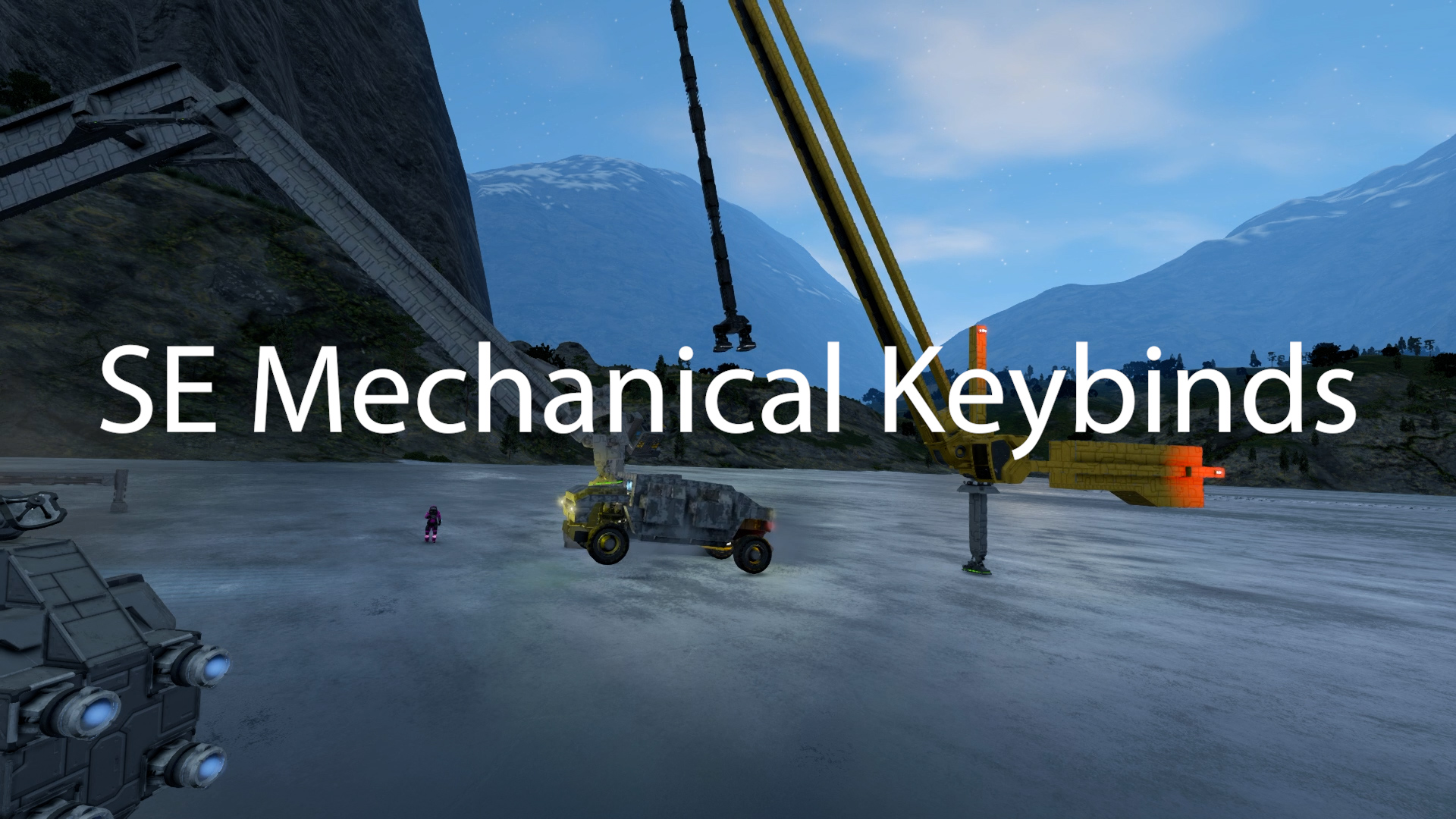
About [QoL] Mechanical Keybinds
From Steam WorkshopA Quality of Life mod to bring more engineering in Space Engineers. Control your pistons, rotors, and hinges with movement keypresses! Bind mechanical blocks to control keybinds You can bind a…
A Quality of Life mod to bring more engineering in Space Engineers.
Control your pistons, rotors, and hinges with movement keypresses!
Bind mechanical blocks to control keybinds
You can bind a mechanical block to the following controls (Default binds in parentheses):
- Up/Down (Space/C)
- Forward/Backward (W/S)
- Pitch (Mouse Up/Down, Up Arrow/Down Arrow)
- Yaw (Mouse Left/Right, Left Arrow/Right Arrow)
- Roll (Q/E)
Important! To control the mechanical blocks you must add them to a block group that includes the controlling cockpit. Only one group at a time per cockpit is supported.
On the controlling cockpit you need to add the Control Mechanics action to the cockpits toolbar.
To take control of the mechanical blocks change the Control Mechanics action bound to the cockpit to On. Note, if you add or remove blocks from the block group you need to turn control mechanics Off then On again if it is enabled when you modify the group.
Advanced Options
You can set the home position of the Mechanical block. Block can be set to return to the home position if the input is 0 or if control is released.
Basic Setup Instructions
You can find the controls for the mechanical block added to the bottom of the terminal controls for each block:

Set the Bind and Control Velocity. Control velocity is multiplied by your input and will control the final velocity of the mechanical block.

Add the mechanical block to a block group that contains the cockpit from which you want to control the mechanical block from.

Add the Control Mechanics action to your cockpits toolbar. Toggle this to on to take control of your mechanical blocks.
TBD: Auto reverse when block reaches a maximum/minimum Potential TBD: Gimbaled input
Discord
Highlights
From source dataFootprint
A 879 KB download, rated a light load on a server.
Last update
Its author last shipped an update 4 yr ago.
[QoL] Mechanical Keybinds on Nxeon
From our catalogue- One-click install
- Not available. One-click install isn't available for this game's mods yet. Download it and upload it to your server in Files.
- Server load
- light
- Smallest plan we suggest
- Space Engineers — 8 GB (8 GB RAM). This follows our own load rating above, not a benchmark.
- Latest build
- 2023-04-10, released 2023-04-10, 879 KB
Game versions by loader
| Loader | Game versions | Newest |
|---|---|---|
| Workshop |
From 1 recorded build of [QoL] Mechanical Keybinds.
Run [QoL] Mechanical Keybinds on a Space Engineers server
Deploy a server above, then upload the file in Files.
What kind of mod it is
From the catalogQuality of life & UI
Small conveniences, tweaks and interface improvements players notice straight away.
Compatibility
- Game
- Space Engineers
- File size
- 879 KB
Verified at the source
- ✓Steam WorkshopOfficial listing, checked 2026-10-10Open ↗
- ✓AuthorDraygoKorvan, as published on Steam Workshop
- ✓LicenseNot published by the sourceFree












