






About Radio Detection and Ranging (Radar)
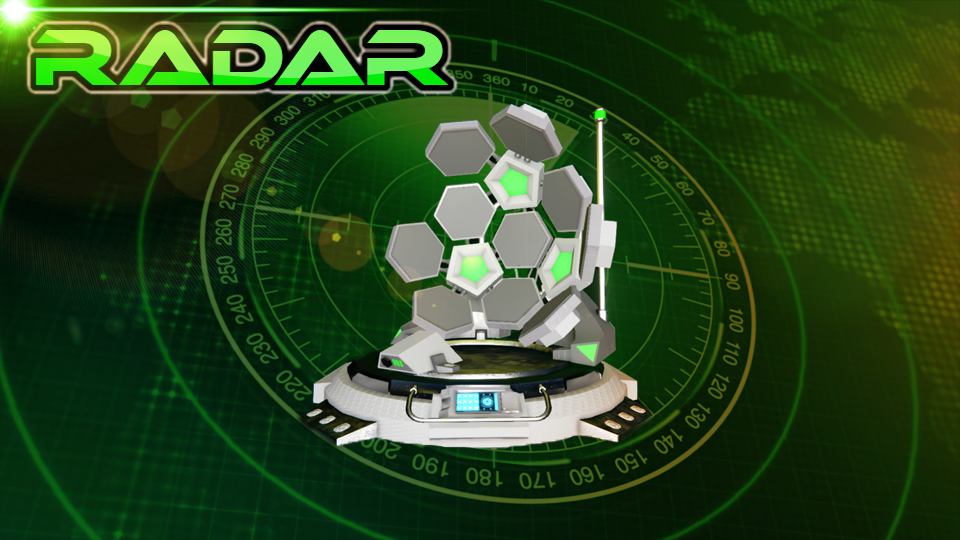
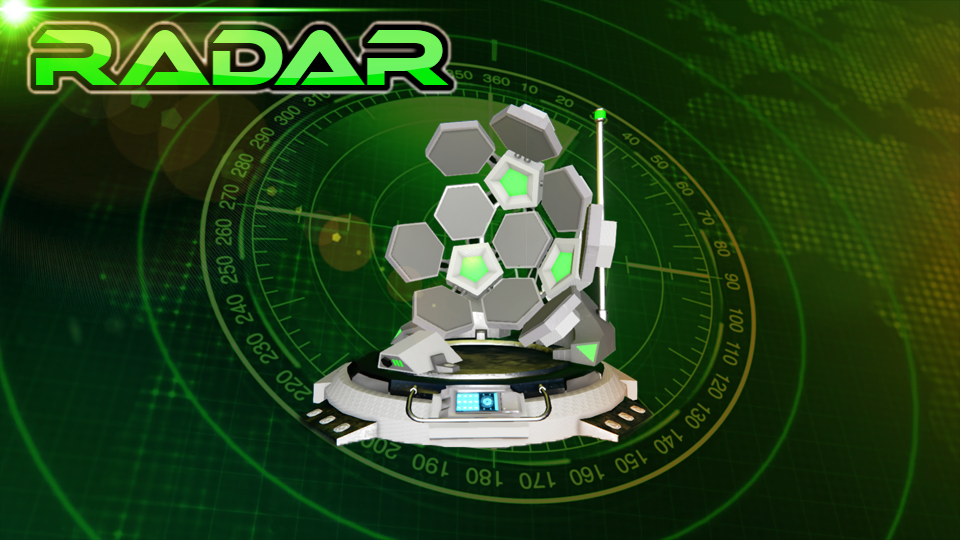
From Steam WorkshopThis mod allows the user to detect grids within the broadcast range of the radar. (Meaning, if you can see them, they can see you!). There are currently two modes in which this radar can be in.…
This mod allows the user to detect grids within the broadcast range of the radar.
(Meaning, if you can see them, they can see you!). There are currently two modes in which this radar can be in. Passive and Active.
First, I wanted to make sure everyone knows that this idea was NOT my own. The original mod that this was inspired upon was http://steamcommunity.com/sharedfiles/filedetails/?id=444539430. Which was updated/fixed here https://steamcommunity.com/sharedfiles/filedetails/?id=1684690258.
The broadcast range (which is defined by the user) automatically sets the mode depending on the admin's settings. By default the mode switch is at 10,000 meters. So if the broadcast range is under 10,000 meters, the mode will automatically switch to Passive and the radar will turn yellow. If over 10,000 meters, the mode will be Active and turn Green.
Passive Mode - This mode will detect grids within its broadcast range, updating every 5 seconds. You are broadcasting your location to others within your set broadcast range.
Active Mode - This mode does NOT do anything until you hit the 'Scan' button in the control panel of the block. By default, a 60 second delay will start and during this time you are broadcasting your position (like a beacon), to others within your set broadcast range. The radar color will be purple during this delay. After the delay is up, you will get your results. Scan timer can be interrupted by either moving your ship, or switching the radar mode to Passive.
Results can be given two ways: 1) By GPS - You have to be sitting in a seat of the ship that the radar is on to get GPS markers. Passive markers will update every 5 seconds. After an active scan, gps markers will stay on your HUD until you: a) Start another active scan. b) Switch to passive scan. c) Clear GPS with button on control panel of block.
2) By LCD - On the control panel of the block will be a list of LCDs names that are currently on your ship. Just select one of these and results will start displaying on that LCD panel. (No More Name Tagging :) )
Currently there are 3 filters and these filters are toggleable via control panel of the block. You have to set these filters before a scan is complete to get the filtered results. 1) Omit Roids - Will exclude all asteroids in your scan. 2) Omit Friendly - Will exclude all friendly grids in your scan. 3) Omit NPC - Will exclude all NPC owned grids in your scan.
All enemy scans will generate a random location 'near' to that grid. (Configurable by admins). As to prevent missile tracking. Roids and friendly scans are exact location.
Scanning results are based by the grids MAX capacity (by default), if grids under 16MW (default) power capacity will not be returned during an Active Scan. The same for passive scan but under 1MW (default).
Admin Configurable Options: Open the folder "{mod#.sbm}_RadarBlock" and open the xml file "Radar_Settings".
<UseMaxOutput> - If true, scans only grids based of max power capacity. False will use grids current power consumption. <ActiveMAXScanGridsMWthreshold> - Value of scanned grid max power capacity after an Active Scan. <PassiveMAXScanGridsMWthreshold> - Value of scanned grid max power capacity after a Passive Scan. <ActiveCURRENTScanGridsMWthreshold> - Value of scanned grid power consumption after an Active Scan. <PassiveCURRENTScanGridsMWthreshold> - Value of scanned grid power consumption after passive scan. <DelayInSecondsActiveScan> - The delay in seconds to delay an Active scan. <RequireStationaryWhileActiveScanning> - If true, will require grid with radar to be still while scanning in Active. <AllEnabledRadarsVisible> - If true, any scanned grids currently with an enabled radar will return a result reguardless of power restrictions. <CharacterDetectionRange> - Value set where enemy character can be detected. <ModeSwitchAtBroadcastRange> - Sets the radar mod change at this value to be either Passive (less than value) or Active (greater than value. <GpsOffSetDistanceMin> - Min distance of how far the scanned result will randomly be from its target. <GpsOffSetDistanceMax> - Max distance of how far the scanned result will randomly be from its target.
~These options are not implemented yet~ <EnableSmallRadar> - If true, will enable the small grid radar to the world. <AllowSonar> - If true, allows the user to scan beyond the default 50km range. <SaveGpsOnActiveScan> - If true, this will allow users save GPS markers on your HUD after an active scan. (World Option) <OutputToLCD> - If true, this will allow any user to set results output to an lcd. <OmitOfflineEntities> - If true, this will omit all offline grids from the scan results. <OmitOfflineEntitiesFromSonarMode> If true, this will omit offline grids from only sonar mode.
Planned Future Features: - Sonar Mode : Allows scanning beyond the default 50km range. - Small grid version. - Colored GPS (maybe). - Sounds - Tweak Power Management - Optimizations - More admin options.
Known Issues: - Radar currently scans sub grids from the main grid which can generate tons of unneeded info. This includes your own subgrids if you have "Omit Friendly" filter off. I Plan to fix this.
Leave me a message if you come across any issues. If there is a crash, please send me your logs.
Credits: This mod was inspired by fowlplaychiken who is the admin of Guardians Vanilla server. Discord found here https://discord.gg/6kypnXg I would like to thank Adaline for the awesome thumbnail pic!! Check out her awesome workshop here https://steamcommunity.com/id/c1evergirl/myworkshopfiles/ And also the members from the Guardians server for giving me details.
Highlights
From source dataFootprint
A 7 MB download, rated a light load on a server.
Last update
Its author last shipped an update 3 yr ago.
Radio Detection and Ranging (Radar) on Nxeon
From our catalogue- One-click install
- Not available. One-click install isn't available for this game's mods yet. Download it and upload it to your server in Files.
- Server load
- light
- Smallest plan we suggest
- Space Engineers — 8 GB (8 GB RAM). This follows our own load rating above, not a benchmark.
- Latest build
- 2023-06-19, released 2023-06-19, 7 MB
Game versions by loader
| Loader | Game versions | Newest |
|---|---|---|
| Workshop |
From 1 recorded build of Radio Detection and Ranging (Radar).
Run Radio Detection and Ranging (Radar) on a Space Engineers server
Deploy a server above, then upload the file in Files.
What kind of mod it is
From the catalogChat & community
Chat, voice, Discord, clans and other community features.
Compatibility
- Game
- Space Engineers
- File size
- 7 MB
Verified at the source
- ✓Steam WorkshopOfficial listing, checked 2026-10-10Open ↗
- ✓AuthorKamikaze, as published on Steam Workshop
- ✓LicenseNot published by the sourceFree












