






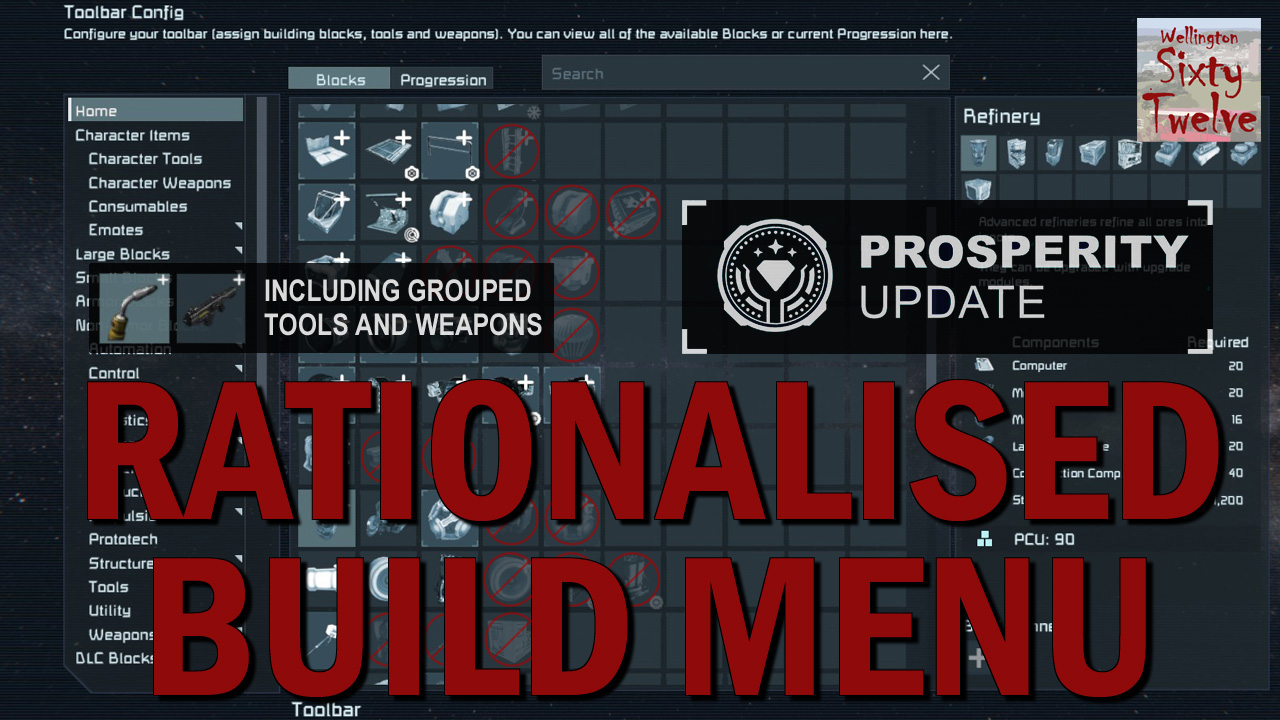
About Rationalised Build Menu
From Steam Workshop======================================================================== Grouped toolbar items for hand tools and weapons included in the mod. Place a single grouped item on your toolbar and…
======================================================================== Grouped toolbar items for hand tools and weapons included in the mod. Place a single grouped item on your toolbar and repeatedly select it to cycle through the matching tools or weapons you currently carry. It keeps your toolbar tidy while still providing quick access to every variant.
First press → always your primary tool/weapon (highest ranked). Subsequent presses → cycle through the alternatives. Put it away → reset back to the primary item. ========================================================================
Original changes and subsequent updates in change log and "list of changes.txt" contained in mod folder (found in C:\Program Files (x86)\Steam\steamapps\workshop\content\244850\3354754263). Major updates and changes are discussed and applied during livestream events, usually same day as Keen releases the update.
Here are links to previous Rationalised Build Menu live updates: Prosperity DLC livestream: https://www.youtube.com/live/-Fz1qFOq7gE Economy II DLC livestream: https://www.youtube.com/live/5lEgDXNVujg Core System DLC livestream: https://www.youtube.com/live/lEZ8C-BhTv8 Apex Survival DLC livestream: https://www.youtube.com/live/rQ_wg1aG02M Fieldwork DLC livestream: https://www.youtube.com/live/F9IHeyj403c
I built this mod to be able fit more blocks in the limited toolbar slots and have the block groups make more sense. There are three basic changes:
- 'duplicated' - blocks are also located in another group for ease of access, while remaining in their original home group, such as Bookshelf remains part of Weapons Rack group, but also in the Kitchen (decorative block) group.
- 'reordered' - blocks remaining in original group, but reordered into a more intuitive order such as Armor Corner pieces.[/list]
- I've set this up how I think I want it, but happy to take feedback and suggestions. Below is a full list of changes, they are also explained in the 12min video linked above. If you want to edit your own version, I have a 'how to' video also linked above.
- Mod incompatibility:
- - AQD Research mod
Highlights
From source dataFootprint
Rated a light load on a server.
Last update
Its author last shipped an update 3 mo ago.
Rationalised Build Menu on Nxeon
From our catalogue- One-click install
- Not available. One-click install isn't available for this game's mods yet. Download it and upload it to your server in Files.
- Server load
- light
- Smallest plan we suggest
- Space Engineers — 8 GB (8 GB RAM). This follows our own load rating above, not a benchmark.
- Latest build
- 2026-07-30, released 2026-07-30
Game versions by loader
| Loader | Game versions | Newest |
|---|---|---|
| Workshop |
From 1 recorded build of Rationalised Build Menu.
Run Rationalised Build Menu on a Space Engineers server
Deploy a server above, then upload the file in Files.
What kind of mod it is
From the catalogBuilding & decoration
Blocks, furniture, decorations and building tools.
Compatibility
- Game
- Space Engineers
Verified at the source
- ✓Steam WorkshopOfficial listing, checked 2026-11-01Open ↗
- ✓Authorwellington6012, as published on Steam Workshop
- ✓LicenseNot published by the sourceFree












