







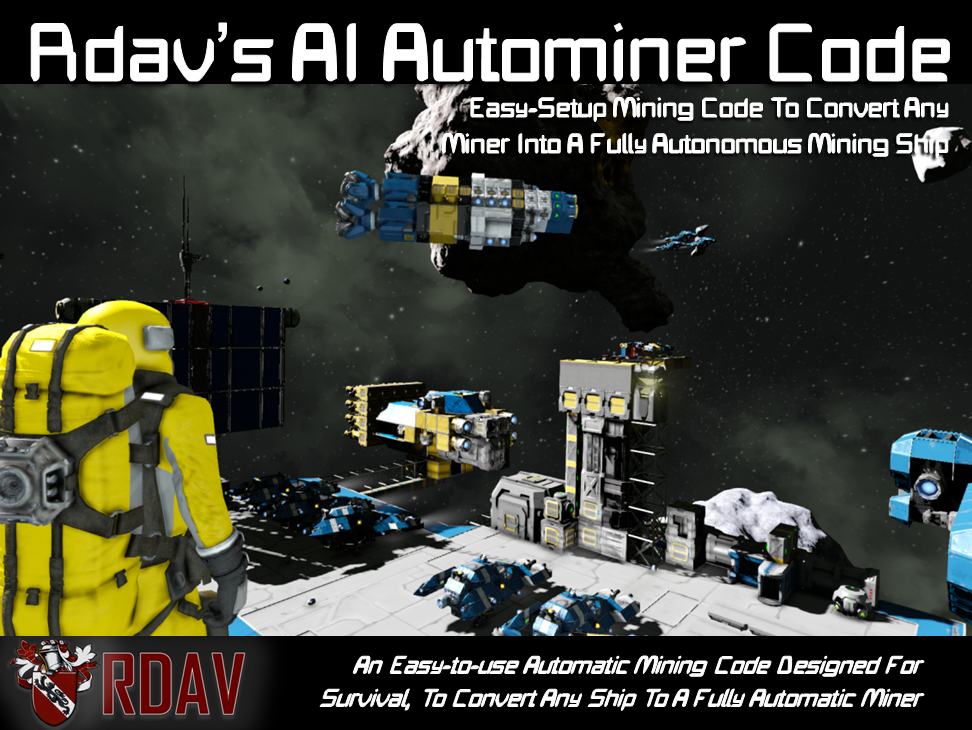
About Rdav's AI Autominer Script
From Steam WorkshopRdav's AI-Autominer Script allows any player to convert any vessel to a fully automatic mining ship capable of automatic resource gathering and drop off. With fully kitted out software capable of…
Rdav's AI-Autominer Script allows any player to convert any vessel to a fully automatic mining ship capable of automatic resource gathering and drop off.
With fully kitted out software capable of easily being set up in survival worlds without having to blueprint or pre-prototype the script will guide you through the process of setting it up by itself and allow you to easily integrate it into your survival world workflow with easy and reconfigurable docking and adaptable mining from known ore gps coordinates.

[h1]What You Get:[/h1]================================================== The code comes pre-packaged in a single-block module for people uncomfortable with using the ingame editor to paste it in, although the code can be directly copied and pasted in survival worlds with no required block naming or setup, if anything is missing from the vessel the code will help you out and tell you what's up, so remember to look in the terminal if things aren't going as they should.
Features: - ANY ship can be converted to an AI-mining vessel - Automatic bore mining for fast resource gathering - Automatic drop-off when cargo is full - Easily configurable advanced automatic docking - Full range of collision detection - Contingencies for damage and persistent mining
[h1]Setup:[/h1]================================================== The system is designed to use a programmable block with the code (found in your f10 blueprints menu) which can be directly pasted, welded, or simply have the code from inside copied across. The code will help you as best it can by guiding you with instructions in the terminal if it is missing pieces or needs assistance.
Miners will need to have: - 1 programming block (from module or with code pasted in) - drills (enough to bore a hole the ships size) - a remote control - a sensor - a connector (on top, sides or bottom of miner)
After putting the code in the programmable block the code will immediately spring to life, firstly it runs some checks to see if all the necessary blocks are present, then it will ask you to dock the drone to a connector manually. Connectors can be on the TOP, SIDES, OR BOTTOM of the miner. the direction you dock in is considered the docking direction and it will launch and dock from that direction. This connector is considered 'home' and it will return here to drop off resources or rest. This connector can be re-designated by manually controlling the drone and docking it to a new connector.
AT ANY POINT if the drone discovers that it is missing a component or needs your help it will display it in the p-blocks terminal so CHECK HERE if you don't know what's going on.

[h1]Usage:[/h1]================================================== The miner is run by pasting GPS of known ore-filled asteroid locations into the CUSTOM DATA of the programmable block, inside the custom data are also some extra tips and tricks to help you get the most out of the script.
REMEMBER the gps pasted needs to be 30m from the asteroid, this gps is referred to as the 'start point' for the code, so the further from the asteroid the less risk of collisions and it scraping it's face across the surface of the asteroid.
AT ANY POINT if you want the drone to finish it's current job and return to base 'Run' the p-block with the argument 'FIN' this finishes it's current job.
[h1]Behaviour:[/h1]================================================== Once the drone has coordinates it will launch, travel to it's location given, detect the asteroid and begin mining, when the cargo is full it will return drop-off and go back to where it left off.
The drone will mine the asteroid to completion if left alone, HOWEVER it can be made to selectively mine ores by giving the start point specific to a certain ore, IE putting the start gps directly above some uranium and using the FIN command to return it to base.
The drone will dig tunnels through the asteroid as I have done some tests and this is the fastest way of working, so drills must be such that the miner can fit through it's own hole it digs.
[h1]Performance & Automatic Cutout Capability:[/h1]================================================== To make this code especially friendly for performance I have LIMITED the number of thrusters a ship can have that uses the code, the code will flag up a 'too many thrusters error' and stop.
this means Server owners can rejoice knowing that the code is exceptionally friendly on performance, no more intensive than a real player-operated miner and will not effect simspeed. In fact because miners are now no-longer player operated smaller miners with fewer drills are much more practical, so server simspeed might well increase when using this code!
HOWEVER if you use this in a single player world, or are otherwise unfussed about performance this can be disabled very easily, and the code will help you to do so.
[h1]FAQ:[/h1]================================================== Q - Does it work on planets?: A - No, my pc currently cannot handle planets so I physically can't test on them
Q - It's not working what do I do! A - Check the terminal it might give some guidance, check all blocks are turned on.
Q - Can it dock to moving vehicles? A - No, not at the moment, although the functionality is planned
Q - Does it work with Fleet-Command? A - Not currently although I'm working on some ways to directly integrate it
Q - How Do I Use In Survival? A - Open the blueprint in a creative world and copy the code (or blueprint just the p-block). In your survival world weld a new p-block (or the blueprinted p-block) onto your ship, and paste the code in (not necessary if you weld from a projection)
Highlights
From source dataFootprint
A 882 KB download, rated a light load on a server.
Last update
Its author last shipped an update 8 yr ago.
Rdav's AI Autominer Script on Nxeon
From our catalogue- One-click install
- Not available. One-click install isn't available for this game's mods yet. Download it and upload it to your server in Files.
- Server load
- light
- Smallest plan we suggest
- Space Engineers — 8 GB (8 GB RAM). This follows our own load rating above, not a benchmark.
- Latest build
- 2018-05-29, released 2018-05-29, 882 KB
Game versions by loader
| Loader | Game versions | Newest |
|---|---|---|
| Workshop |
From 1 recorded build of Rdav's AI Autominer Script.
Run Rdav's AI Autominer Script on a Space Engineers server
Deploy a server above, then upload the file in Files.
What kind of mod it is
From the catalogTechnology & automation
Machines, power, logistics and automation.
Compatibility
- Game
- Space Engineers
- File size
- 882 KB
Verified at the source
- ✓Steam WorkshopOfficial listing, checked 2026-10-10Open ↗
- ✓AuthorRdav, as published on Steam Workshop
- ✓LicenseNot published by the sourceFree












