






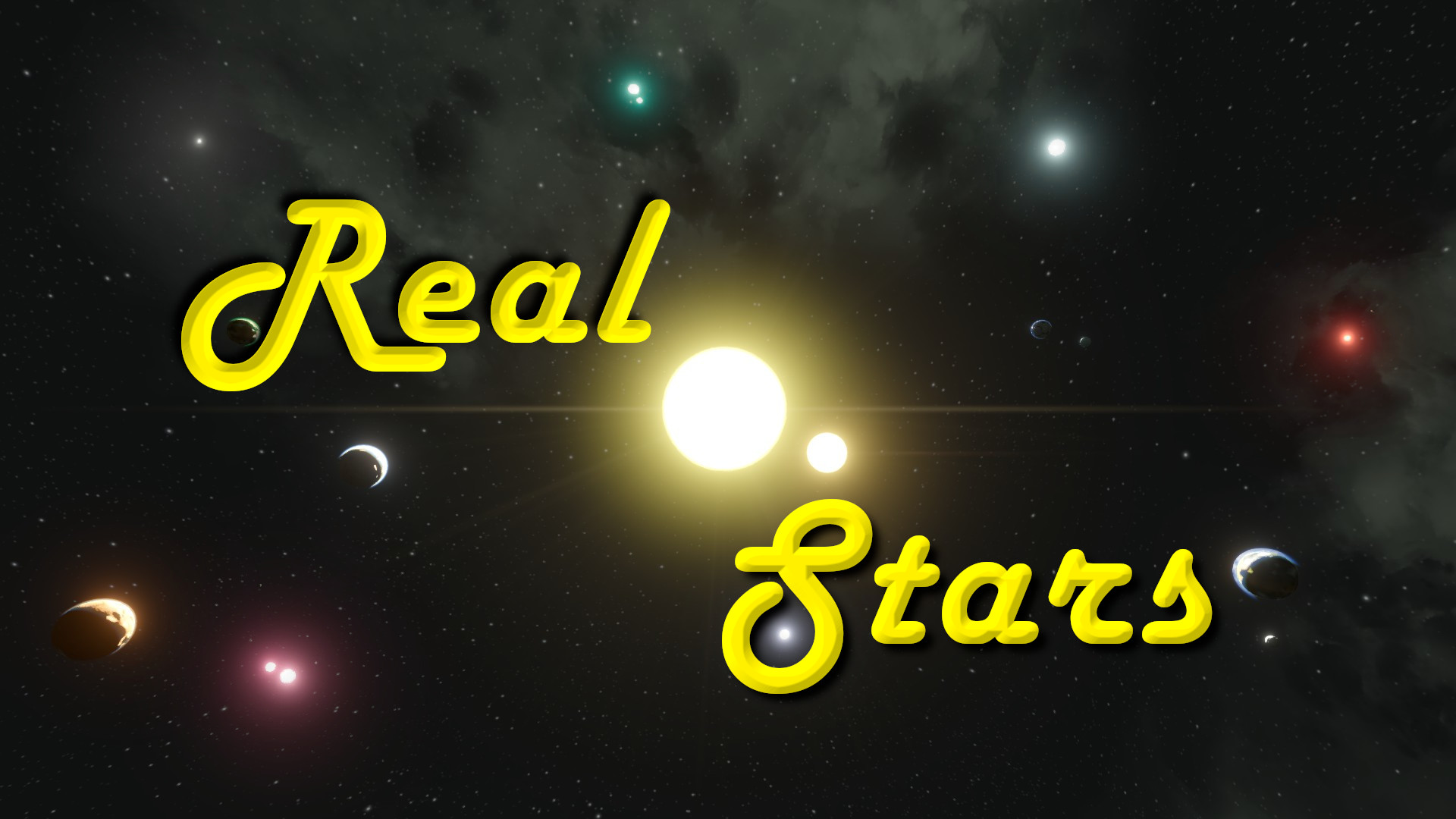

About Real Stars
From Steam WorkshopTired of the old skybox sun that you can never reach? Wishing you could explore a real solar system or three? Want to burn yourself to ash diving into the stellar plasma? Well now you can! With this…
Tired of the old skybox sun that you can never reach? Wishing you could explore a real solar system or three? Want to burn yourself to ash diving into the stellar plasma? Well now you can!
With this mod you can construct as many solar systems as you like in a world with stars of whatever size, color, brightness, and incinerative capacity that you desire. So whether you want to set up a cozy little vanilla system around an authentic sun or travel between exotic systems in search of the perfect planetoid, the skybox is no longer the limit.
The wait is over. It's time to get some sun.
Features
1. The skybox sun is removed entirely.
2. A new star "planet" is added than can be placed anywhere and adjusted via config file. There are no limits on size, brightness, gravity, etc.
3. The global sunlight will adjust in strength and orientation as you move around the system (or between them) to match the current position of the nearest star. The sun direction is NOT synced between client and server, so every player will see the sunlight from their own perspective.
4. Each planet will have its own day/night cycle which is configurable from the Config file. While players are in space, the stars and skybox will be fixed. While near a planet, the stars and skybox will rotate around the planet and simulate the normal day cycle. There is a visual crossfade between zones when the player approaches or leaves a planet. No grids, GPSs or voxels are actually moving.
5. Solar blocks will also respect the sun direction from their perspective and adjust output based on star distance and brightness.
6. Stars will damage grids and players that get too close (values are fully configurable).
7. Fully compatible with the Real Orbits mod, so feel free to set the solar gravity falloff to 2 and try orbiting a star!
Limitations
1. Sunlight angle can only rotate around the Up-axis, so the light may look like it's coming from the wrong direction if you get too high above or below a star. Try to construct each solar system in roughly the same plane to avoid oddities (the stars will draw some helper lines in the world as you're placing planets to help keep them straight).
Fix Slanted Sun Axis
If the sunlight axis in your world is slanted and you want it to be flat (light orbits around planet equators), then you'll need to either edit your save file to fix it, or make sure to start with a default Star System world and delete the planets before building your world.
DO NOT START WITH THE DEFAULT EMPTY WORLD UNLESS YOU WANT THE SUN AXIS TO BE SLANTED!
How to Fix Sun Angle in Save Files: Edit Sandbox.sbc <BaseSunDirection x="0" y="0" z="1" /> <SunDirectionNormalized x="0" y="0" z="1" />
Edit SANDBOX_0_0_0_.sbs <SunAzimuth>3.14159274</SunAzimuth> <SunElevation>0</SunElevation>
Delete SANDBOX_0_0_0_.sbsB5
Preset Worlds
3 Systems: https://steamcommunity.com/sharedfiles/filedetails/?id=3159754894 3 Systems (No Asteroids): https://steamcommunity.com/sharedfiles/filedetails/?id=3164575082
Custom World Setup
1. Create a new world with the Star System preset (this preset has the sunlight rotate around the planet equators) and delete all of the planets. Add this mod.
2. Use the planet spawn menu (Shift+F10) to spawn whatever stars you want (RealStar planet) at whatever positions you want. Save and quit.
3. Go to the save folder for the world and look for the Config.xml inside of the Storage folder (...\Roaming\SpaceEngineers\Saves\<SteamId>\<SaveGameName>\Storage\3152436752.sbm_RealSun\Config.xml).
4. Edit the Config.xml to adjust the settings for the world and each individual star. Make sure to set <OverrideFromConfig> to true. Save the file.
5. Load back into the save and place whatever planets you want around the stars. Try to keep the planets in the same plane as the guide lines drawn around the nearest star.
6. Enjoy exploring!
Real Stars Config Values
https://steamcommunity.com/workshop/filedetails/discussion/3152436752/4206994473255087421/
Real Stars API for Modders
https://steamcommunity.com/workshop/filedetails/discussion/3152436752/4339851480050769308/
Special thanks to Digi for scripting assistance!

Try with "Real Orbits" Mod!
https://steamcommunity.com/sharedfiles/filedetails/?id=2609118808
Other Mods:
https://steamcommunity.com/id/adrsquared/myworkshopfiles/?appid=244850
Join My Discord for Mod Discussion and Bug Reports
Support Future Mods/Updates


Highlights
From source dataFootprint
A 1 MB download, rated a light load on a server.
Last update
Its author last shipped an update 31d ago.
Real Stars on Nxeon
From our catalogue- One-click install
- Not available. One-click install isn't available for this game's mods yet. Download it and upload it to your server in Files.
- Server load
- light
- Smallest plan we suggest
- Space Engineers — 8 GB (8 GB RAM). This follows our own load rating above, not a benchmark.
- Latest build
- 2026-09-15, released 2026-09-15, 1 MB
Game versions by loader
| Loader | Game versions | Newest |
|---|---|---|
| Workshop |
From 1 recorded build of Real Stars.
Dependencies
- Required: Visual Overrides API
- Required: steam_workshop project 3240629702 (steam_workshop, not in our catalogue)
Declared by the newest build that lists any. Required ones are installed with it on one-click installs.
Run Real Stars on a Space Engineers server
Deploy a server above, then upload the file in Files.
What kind of mod it is
From the catalogWorkshop
Its source category doesn’t say more about what it does, so NxLabs lists it under Other.
Compatibility
- Game
- Space Engineers
- File size
- 1 MB
Verified at the source
- ✓Steam WorkshopOfficial listing, checked 2026-10-10Open ↗
- ✓AuthorEchthros, as published on Steam Workshop
- ✓LicenseNot published by the sourceFree












