






About SAC v.0.6.5.2 Systems Automation Coordinator
From Steam WorkshopSAC - Systems Automation Coordinator Version 0.6.5.2 | Space Engineers Programmable Block Script High-performance inventory, production, and logistics automation. SAC was created to solve a problem:…
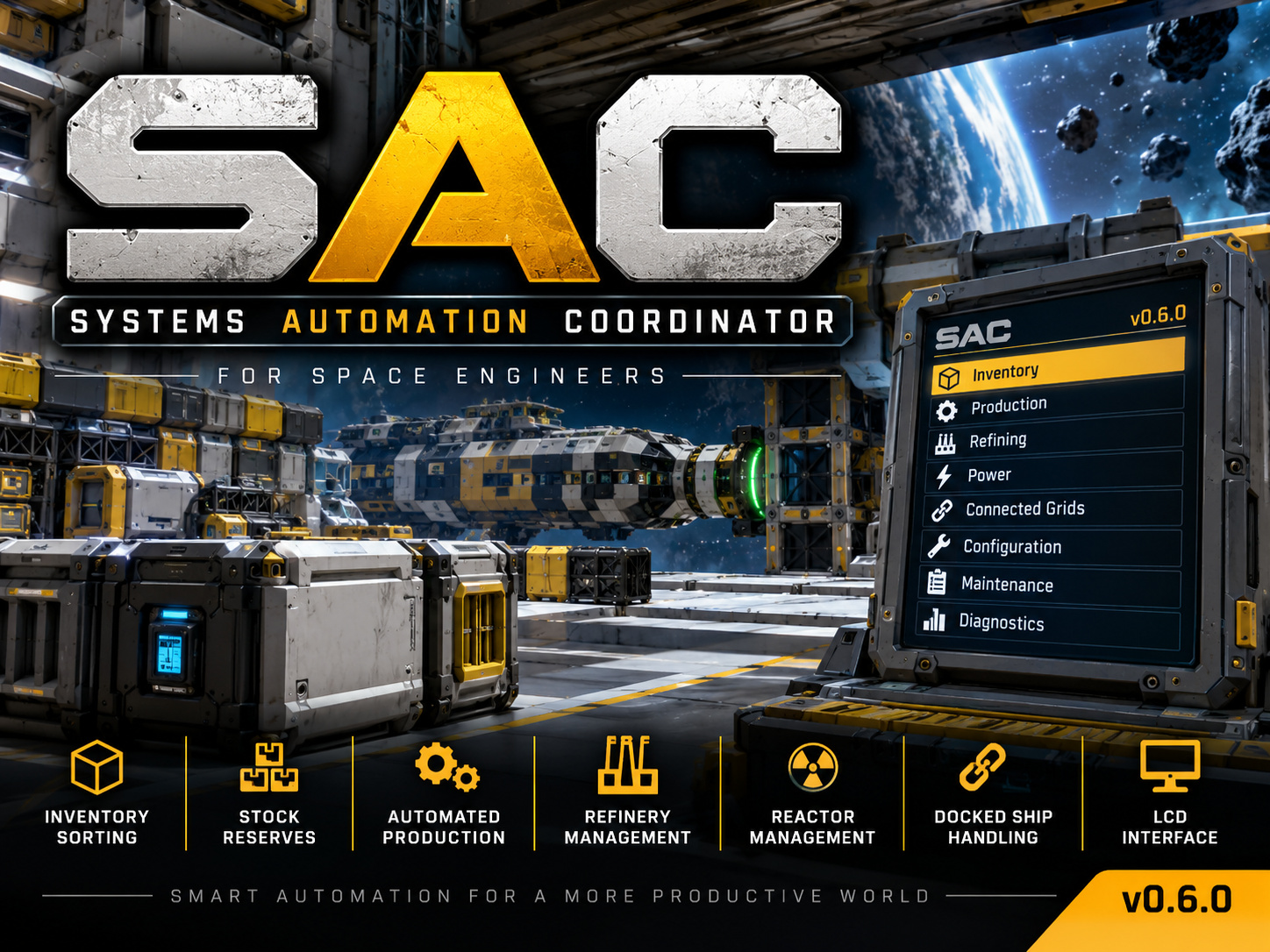
SAC - Systems Automation Coordinator
Version 0.6.5.2 | Space Engineers Programmable Block Script
High-performance inventory, production, and logistics automation.
SAC was created to solve a problem: traditional inventory management scripts can cause significant execution spikes and hurt server simulation speed on large grids.
SAC focuses on efficient automation without unnecessary inventory operations.
BUILT FOR PERFORMANCE
Budgeted Execution - Spreads automation work across scheduled updates instead of doing everything at once.
Incremental Discovery - Scans blocks in manageable batches to reduce execution spikes.
Throttled Transfers - Limits expensive inventory transfers and avoids unnecessary item movement.
Queue-Aware Production - Accounts for existing assembler queues instead of repeatedly changing production orders.
Selective Automation - Respects protected inventories and avoids unnecessary work.
Designed for large survival grids and dedicated servers.
Actual performance depends on grid complexity and server conditions.
FEATURES
Inventory Sorting
Automatically sorts ores, ingots, components, ammunition, tools, bottles, seeds, consumables, and miscellaneous items into tagged cargo containers.
Supports multiple containers per category and unknown item classification.
Assembly and Disassembly
Automatically produces items below configured minimums and disassembles eligible excess items above configured maximums.
Distributes work across eligible assemblers while accounting for existing queues.
Production Reserves
Uses a MIN / TARGET / MAX system.
Example: SteelPlate=40000,41000,42000
MIN - Start production below 40,000. TARGET - Produce or disassemble toward 41,000. MAX - Start disassembly above 42,000.
STOCK Containers
Tag a cargo container [STOCK] for individual item quantity targets. SAC retrieves needed items and returns excess to available storage.
Useful for construction supplies, ammunition, and dedicated component reserves.
Refinery Management
Optional refinery automation with configurable ore priorities.
Reactor Management
Optional automatic uranium provisioning with separate small-grid and large-grid fuel targets.
Connected Grid Protection
Add [Locked] or [Hidden] to a connector on SAC's home grid to protect or exclude the directly connected ship.
Protection does not automatically cascade through additional docked grids. Individual blocks also support these tags.
Interactive LCD Console
Graphical interface for status, production reserves, refinery controls, configuration, maintenance, and diagnostics.
Includes color-coded indicators, progress displays and selectable themes.
QUICK START
1. Enable In-Game Scripts Enable Experimental Mode and In-Game Scripts.
2. Install SAC Subscribe, build a Programmable Block, open Browse Scripts, and load SAC. No timer block required.
3. Tag Storage Add category tags to cargo container names.
4. Configure Assemblers Manually set assemblers to Assembly or Disassembly mode.
5. Add an LCD (Optional) Add [SAC] to the LCD block name and run the programmable block with the argument rescan.
6. Enable Automation Configure desired features through the LCD or Programmable Block Custom Data.
LCD CONSOLE SETUP
LCD block names MUST contain [SAC].
Example: Main Control LCD [SAC]
Multi-surface blocks: [SAC:0] [SAC:1] [SAC:2]
Run the programmable block with: rescan
Assign button or toolbar actions to the programmable block:
up - Move selection up down - Move selection down action - Open menu or select
The home screen is Status. Press action to open the menu.
After five minutes without input, the console returns to Status.
The LCD is optional.
ASSEMBLER SETUP
IMPORTANT: Assemblers MUST be manually set to their intended operating mode.
Assembly Mode - Eligible for automatic production. Disassembly Mode - Eligible for recycling excess items.
Example: Assembler 1 - Assembly Assembler 2 - Assembly Assembler 3 - Disassembly
SAC recognizes each assembler's current mode. It does NOT switch modes automatically.
CARGO CONTAINER TAGS
[Ores] - Raw ores [Ingots] - Refined ingots [Components] - Components [Ammo] - Ammunition [Tools] - Tools [Bottles] - Gas bottles [Seeds] - Seeds [Consumables] - Consumables [MISC] - Miscellaneous items [STOCK] - Quantity-controlled storage [Locked] - Protected inventory [Hidden] - Excluded inventory
Examples: Main Storage [Components] Ammo Storage [Ammo] Construction Supplies [STOCK]
Multiple containers may share the same category tag.
CONFIGURATION
Settings are stored in Programmable Block Custom Data under [SAC SETTINGS].
Automation Production=false Reactors=false Refineries=false
Reactor Fuel Targets LargeGridReactorUranium=100 SmallGridReactorUranium=25
Performance Settings BlockRescanMinutes=15 ActionsPerUpdate=1
Production Reserves Stored under [SAC RESERVE].
Example: SteelPlate=40000,41000,42000
Production, refinery management, and reactor management are disabled by default.
IMPORTANT NOTES
- Programmable-block script, not a mod. - In-Game Scripts must be enabled. - Conveyor connectivity is required. - Assemblers must be set to the correct mode. - Reload the Workshop script after updates. - Back up important worlds before updating.
BUG REPORTS AND FEEDBACK
Bug reports and feature suggestions are welcome. Please include relevant block names, tags, and diagnostic information.
RELATED PROJECTS
Cargo Array Manager (CAM)
Highlights
From source dataFootprint
Rated a light load on a server.
Last update
Its author last shipped an update 8d ago.
SAC v.0.6.5.2 Systems Automation Coordinator on Nxeon
From our catalogue- One-click install
- Not available. One-click install isn't available for this game's mods yet. Download it and upload it to your server in Files.
- Server load
- light
- Smallest plan we suggest
- Space Engineers — 8 GB (8 GB RAM). This follows our own load rating above, not a benchmark.
- Latest build
- 2026-10-27, released 2026-10-27
Game versions by loader
| Loader | Game versions | Newest |
|---|---|---|
| Workshop |
From 3 recorded builds of SAC v.0.6.5.2 Systems Automation Coordinator.
Recent builds
| Build | Released | Game versions | Loaders |
|---|---|---|---|
| 2026-10-27 | 2026-10-27 | n/a | Workshop |
| 2026-10-24 | 2026-10-24 | n/a | Workshop |
| 2026-10-18 | 2026-10-18 | n/a | Workshop |
Run SAC v.0.6.5.2 Systems Automation Coordinator on a Space Engineers server
Deploy a server above, then upload the file in Files.
What kind of mod it is
From the catalogQuality of life & UI
Small conveniences, tweaks and interface improvements players notice straight away.
Compatibility
- Game
- Space Engineers
Verified at the source
- ✓Steam WorkshopOfficial listing, checked 2026-11-04Open ↗
- ✓AuthorxMETiSx, as published on Steam Workshop
- ✓LicenseNot published by the sourceFree













