






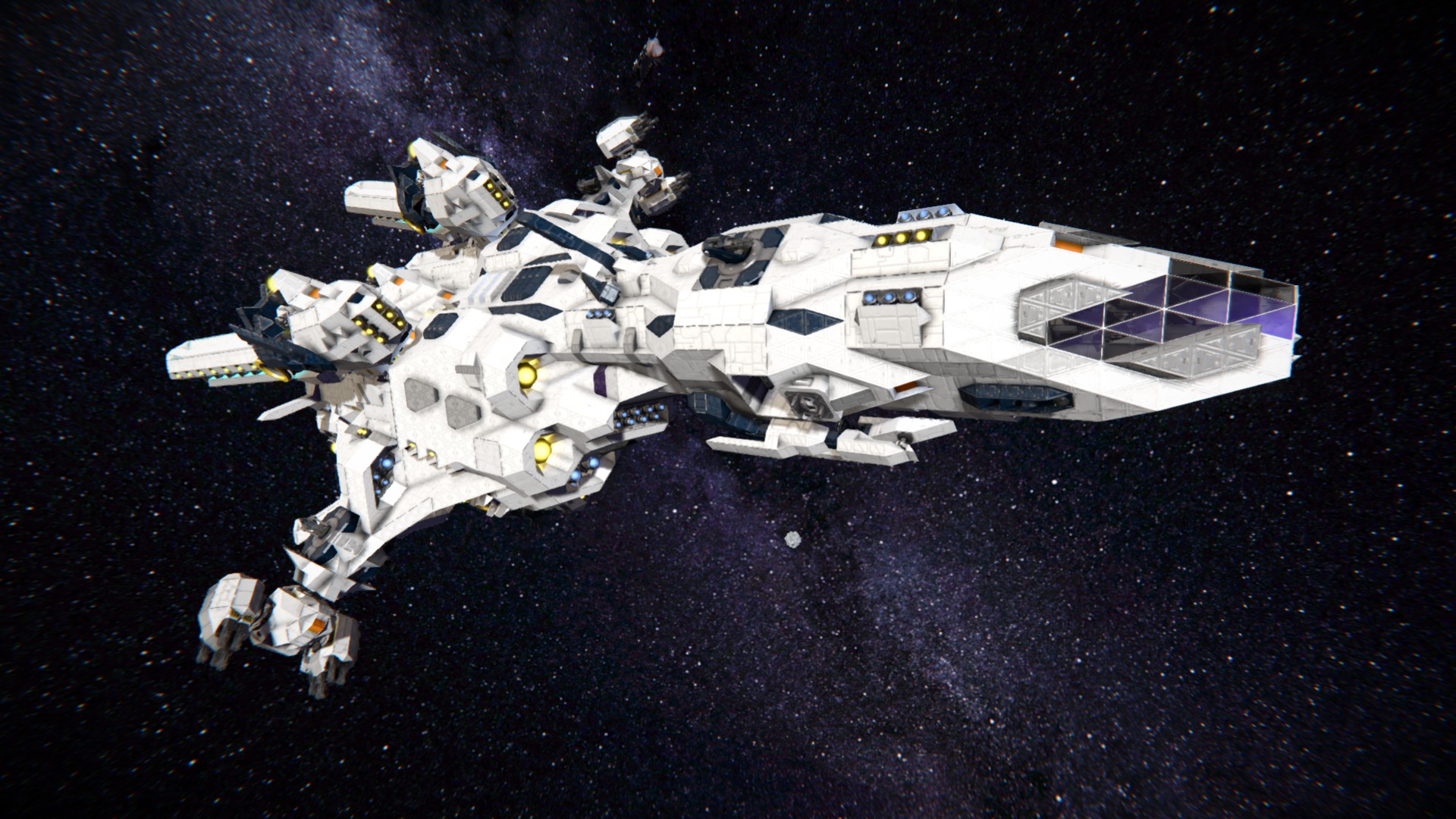
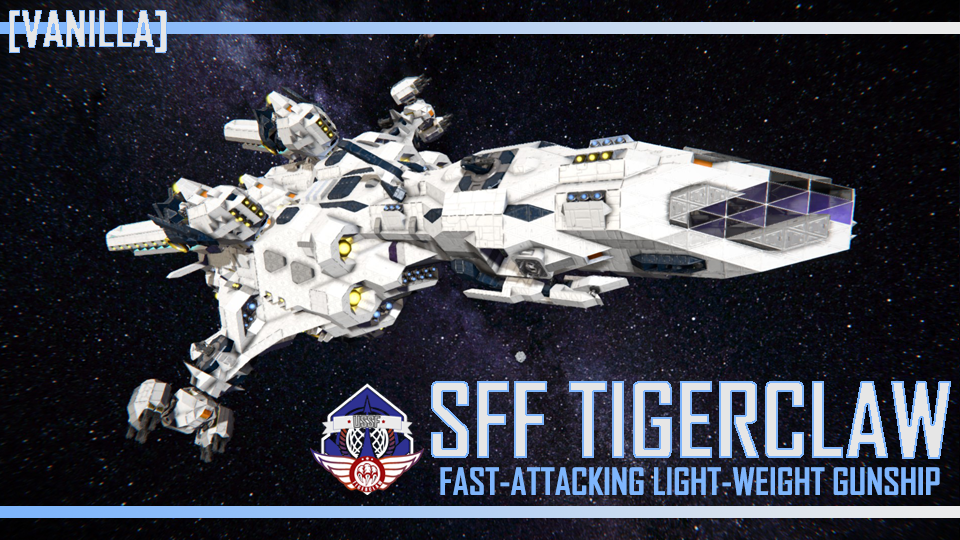
About SFF Tigerclaw (Vanilla) - [Modless]
From Steam Workshop-----UPDATE LIST----- Hello everyone, just wanted to go through the updates that I did with this ship and what's different since v.1. 1. First thing is the cockpit was totally reworked to have a real…
-----UPDATE LIST-----
Hello everyone, just wanted to go through the updates that I did with this ship and what's different since v.1.
- 1. First thing is the cockpit was totally reworked to have a real pilot seat and glass view. Now you can fly this ship like any other fighter out there.
- 2. Second, I added a large ship gravity generator to have the ability to walk around the ship when in deep space. Makes it easier to get around without bumping into things.
- 3. All doors have been replaced with the new small-grid vanilla doors added by Keen. This makes the ship so much more stable and less likely to KLANG. This also allowed me to add a true airlock to the ship for getting in and out of the ship without killing everyone.
- 4. I replaced the designator turrets for the 2 large Hydra cannons on the wing tips with missile turrets. This allows for more punch in a dog-fight. You can also control these turrets using the copilot seats. This will also slave the Hydra turret to shoot where ever you aim the controlled turret.
- 5. I changed all the timer block sequencing so there's no more issue with opening and closing using the wrong sequence. Opening the wings turns that timer block off, only by pressing the close timer block turns it back on, and vise versa.
!!!-----THIS BLUEPRINT NEEDS SCRIPTS TO WORK-----!!!
Before loading a world, first go to advanced options and make sure "allow in game scripts" is toggled on.
-----BASIC INTRODUCTION-----
The latest large fast-attacking gunship to be made for the USSF. This ultra-fast, light-weight gunship is capable of interplanetary travel via its 36 powerful, rear-facing, large hydrogen engines to lift it into space at incredibly high speeds. With a fully pressurized interior, crew and passengers can handle long flights between planets with ease. replicating Also unique to the SFF Tigerclaw is that the booster module wings can fold down for easy storage into a large hangar or landing onto a planet's surface.
This gunship is primarily designed to be a ultra-fast, fighter-screener, capable of chasing down enemy fighters and destroying them with its 5 forward-facing manual aiming gatling guns, 5 auto-aiming gatling turrets, and 2 upgraded auto-aiming, dual-armed, Hydra Turrets first used on the AVAA - Aquila Gunship (The AVAA - Aquila Gunship is not part of the USSF armed forces) Since the SFF Tigerclaw has many articulating parts to it, each part has its own unique projector to help with repairs and maintenance.
-----NOTES ON HOW TO OPERATE-----
[b][i]This ship uses scripts to fly and function. Because of this, you need to have in-game scripts option turned 'on'.
This ship was designed to used with a speed mod installed. Not using a speed mod with this ship is like buying a Ferrari and driving it only in a city.
This is the speed mod that I use and I recommend you use it as well; https://steamcommunity.com/sharedfiles/filedetails/?id=372524559&searchtext=Speed+plaid[/i][/b]
- 1. When transforming the booster module wings from any position, it's imperative that you first toggle 'off' inertial dampeners. Failure to do so will cause the booster module rotors to not fully open or close until they regain rotor-lock. If rotors lock in an undesired angle, simply disengage inertial dampeners and toggle the thrust vector control timer block again. If flying with atmosphere, simple maintain lift by tapping or holding the 'spacebar'.
- 2. If the lower booster module thruster rotors are in the down position, do not engage the langing gears. This will cause a collision and the landing gears will hit the thruster shields. Simply, return the lower booster module thruster rotors to the 'folded' position and then engage the landing gears.
- 3. When ready to take-off from any surface, you don't need to disengage the landing gear locks manually. Simply press the number 4 key on the second control page and the landing gear locks will automatically disengage and then fold up.
- 4. This ship has several open and folded configurations. You can choose which configuration to fly the ship in, but it is recommended that if you are flying within atmosphere or outer space, use the fully open configuration. When landing within atmosphere, fold only the lower booster module thruster wings and then lower the landing gear. When landing on a platform in outer space, use the fully folded configuration and then lower the landing gear.
- 5. If substantial damage is caused to the booster modules and the projectors are destroyed, it's recommended that you eject the booster modules and return the body of the space craft to a repair facility to replace the modules. The ship is equipped with a 'Repair Tree' projector that you can use to fully rebuild each part of the ship. Assembly with the use of a mover vehicle is required after that.
- 6. Please pay attention to activating the correct timer block for the function you want to perform because of manner of timing for turning the booster module thrusters on or off. If you activate the wrong timer block you could cause damage to the ship itself.
-----KEYPAD FUNCTIONS-----
When climbing into the pilot seat there is a set of controls available to control and fly the craft. Here's a list of the number key and it's corresponding function.
- Page 1
- 1- View port side exterior camera
- 2- View nose exterior camera
- 3- View starboard side exterior camera
- 4- Fire forward facing gatling guns
- 5- Open all booster module wings
- 6- Close all booster module wings
- 7- Toggle nose reticle on/off
- 8- Build and fire 1 decoy missile (ion thruster)
- 9- Build and release 1 decoy dummy (parachute equipped)
- Page 2
- 1. Close lower booster module wings.
- 2. Lower all landing gear legs.
- 3. View ventral landing gear camera.
Highlights
From source dataFootprint
Rated a light load on a server.
Last update
Its author last shipped an update 6 yr ago.
SFF Tigerclaw (Vanilla) - [Modless] on Nxeon
From our catalogue- One-click install
- Not available. One-click install isn't available for this game's mods yet. Download it and upload it to your server in Files.
- Server load
- light
- Smallest plan we suggest
- Space Engineers — 8 GB (8 GB RAM). This follows our own load rating above, not a benchmark.
- Latest build
- 2020-10-05, released 2020-10-05
Game versions by loader
| Loader | Game versions | Newest |
|---|---|---|
| Workshop |
From 1 recorded build of SFF Tigerclaw (Vanilla) - [Modless].
Run SFF Tigerclaw (Vanilla) - [Modless] on a Space Engineers server
Deploy a server above, then upload the file in Files.
What kind of mod it is
From the catalogVehicles & ships
Cars, boats, aircraft, ships and other things to drive or fly.
Compatibility
- Game
- Space Engineers
Verified at the source
- ✓Steam WorkshopOfficial listing, checked 2026-11-01Open ↗
- ✓AuthorRaidenDerpy, as published on Steam Workshop
- ✓LicenseNot published by the sourceFree












