






About SHift K UI
From Steam WorkshopSHift K UI A shared UI framework for Space Engineers mods. SHift K UI gives compatible mods a common settings window, independent windows, and in-game HUD panels with consistent controls. This…
SHift K UI
A shared UI framework for Space Engineers mods.
SHift K UI gives compatible mods a common settings window, independent windows, and in-game HUD panels with consistent controls.
This framework does not change block performance or add gameplay features by itself. Those features are provided by the mods that use it.
Features
- Shared settings window for compatible mods.
- Two windows visible side by side, with additional windows accessible through a bottom taskbar.
- Minimize, restore, pin, and switch between windows while preserving unfinished edits.
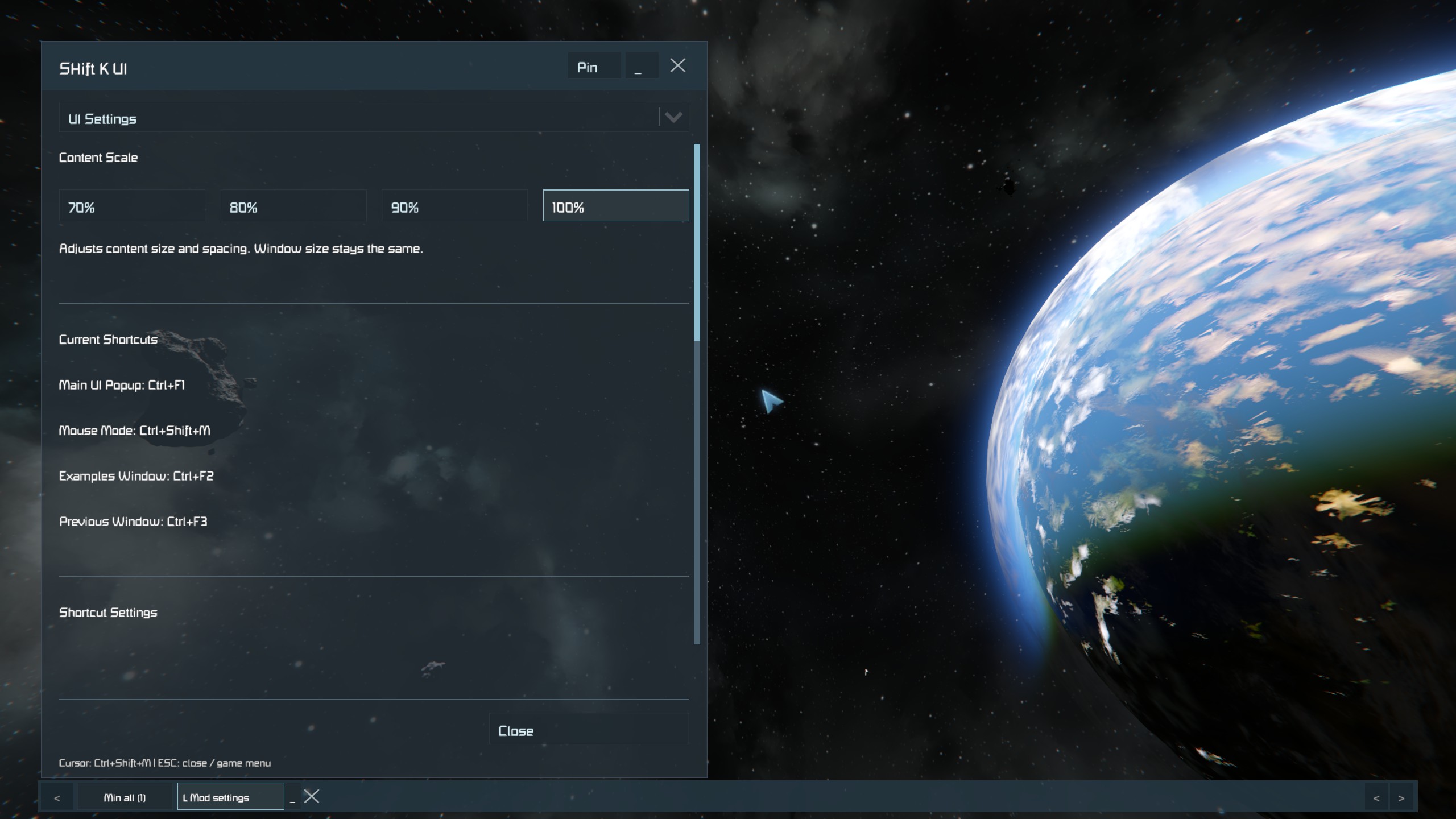
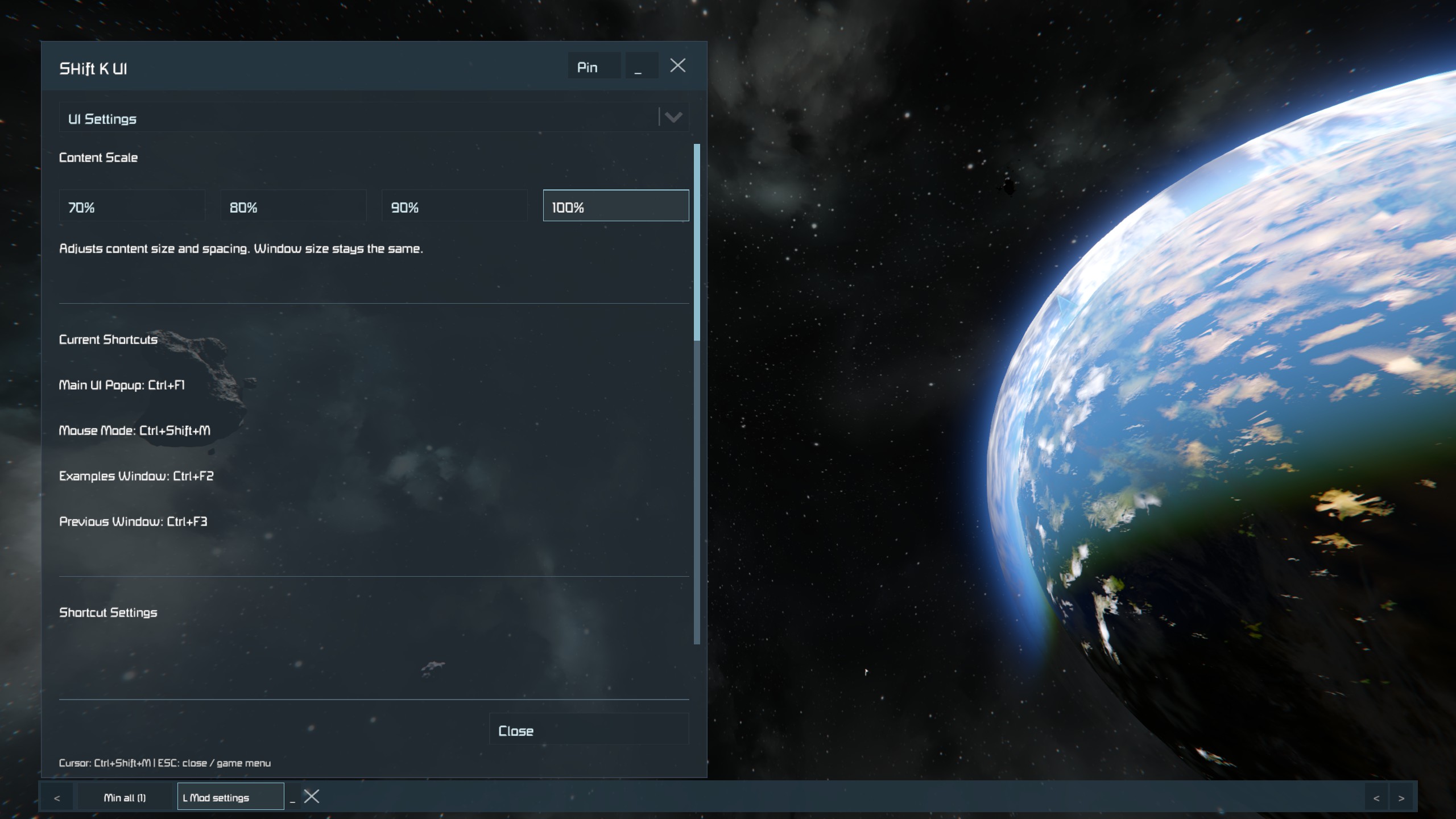
- Content density presets: 70%, 80%, 90%, and 100%. Smaller presets fit more content inside the same window.
- In-game HUD panels with a separate mouse interaction mode.
- Tooltips, collapsible groups, dropdowns, color controls, confirmation dialogs, and keyboard navigation.
- Optional window tabs, formatted text, tables, and lists.
- 2D drawing and lightweight 3D wireframe views.
Default Shortcuts
- Ctrl + F1 — Open shared mod settings.
- Ctrl + F2 — Open the UI examples.
- Ctrl + Shift + M — Toggle mouse interaction for HUD panels and the taskbar.
- Ctrl + F3 — Switch to the previous window.
Shortcuts can be changed in the settings.
Visible windows automatically activate UI mouse input. HUD panels normally allow gameplay to continue until mouse interaction is enabled.
Using Windows
Use Min all to return to gameplay while keeping your windows and unfinished edits available. Enable mouse interaction to select a window from the taskbar and restore it.
ESC or opening a native game menu closes the retained windows. Use minimization when you want to keep them available.
Installation
Subscribe to this item and enable SHift K UI in your world's mod list alongside the compatible mods you want to use.
The built-in examples demonstrate the framework and only change local preview values.
For Mod Authors
Compatible mods can register settings pages, windows, and HUD panels through the SHiftKUI messaging API without referencing a framework DLL.
Integration documentation and a standalone provider example are included in the development package. Add this Workshop item as a required dependency for mods that use the framework.
Current Notes
- Designed for Space Engineers on PC.
- Text entry supports English/ASCII characters. Korean and IME input are not supported.
- Direct operating-system clipboard access is not supported.
- Live multiplayer validation is pending.
Highlights
From source dataFootprint
Rated a light load on a server.
Last update
Its author last shipped an update today.
SHift K UI on Nxeon
From our catalogue- One-click install
- Not available. One-click install isn't available for this game's mods yet. Download it and upload it to your server in Files.
- Server load
- light
- Smallest plan we suggest
- Space Engineers — 8 GB (8 GB RAM). This follows our own load rating above, not a benchmark.
- Latest build
- 2026-11-04, released 2026-11-04
Game versions by loader
| Loader | Game versions | Newest |
|---|---|---|
| Workshop |
From 1 recorded build of SHift K UI.
Run SHift K UI on a Space Engineers server
Deploy a server above, then upload the file in Files.
What kind of mod it is
From the catalogQuality of life & UI
Small conveniences, tweaks and interface improvements players notice straight away.
Compatibility
- Game
- Space Engineers
Verified at the source
- ✓Steam WorkshopOfficial listing, checked 2026-11-04Open ↗
- ✓AuthorSHift K, as published on Steam Workshop
- ✓LicenseNot published by the sourceFree












