






About TCES | Turret Controller Enhancement Script
From Steam WorkshopTCES | Turret Controller Enhancement Script Description Howdy! TCES enhances the functionality of the Custom Turret Controller block (CTC) in a few ways: NEW! Enables mouse aimed turret stabilization…
TCES | Turret Controller Enhancement Script
[img=https://i.imgur.com/iHy45ds.png]
Description
Howdy!
TCES enhances the functionality of the Custom Turret Controller block (CTC) in a few ways:
- NEW! Enables mouse aimed turret stabilization when manually aimed! TCES will try to automatically cancel the effect that ship rotation has on your aim so that rough terrain or evasive maneuvers don't mess up your gunner's aim.
- Automatically configures Custom Turret Controller blocks using block groups. This helps fix a very annoying bug and means you don't need to manually configure the Custom Turret Controller.
- Allows you to use more than two rotors/hinges for each CTC. This means you could have turrets with multiple elevation rotors for example.
- Rest angle support. Turrets will automatically return to configured rest angles after a set amount of idle time.
Additionally, you only need one script to manage all of your custom turret controllers.
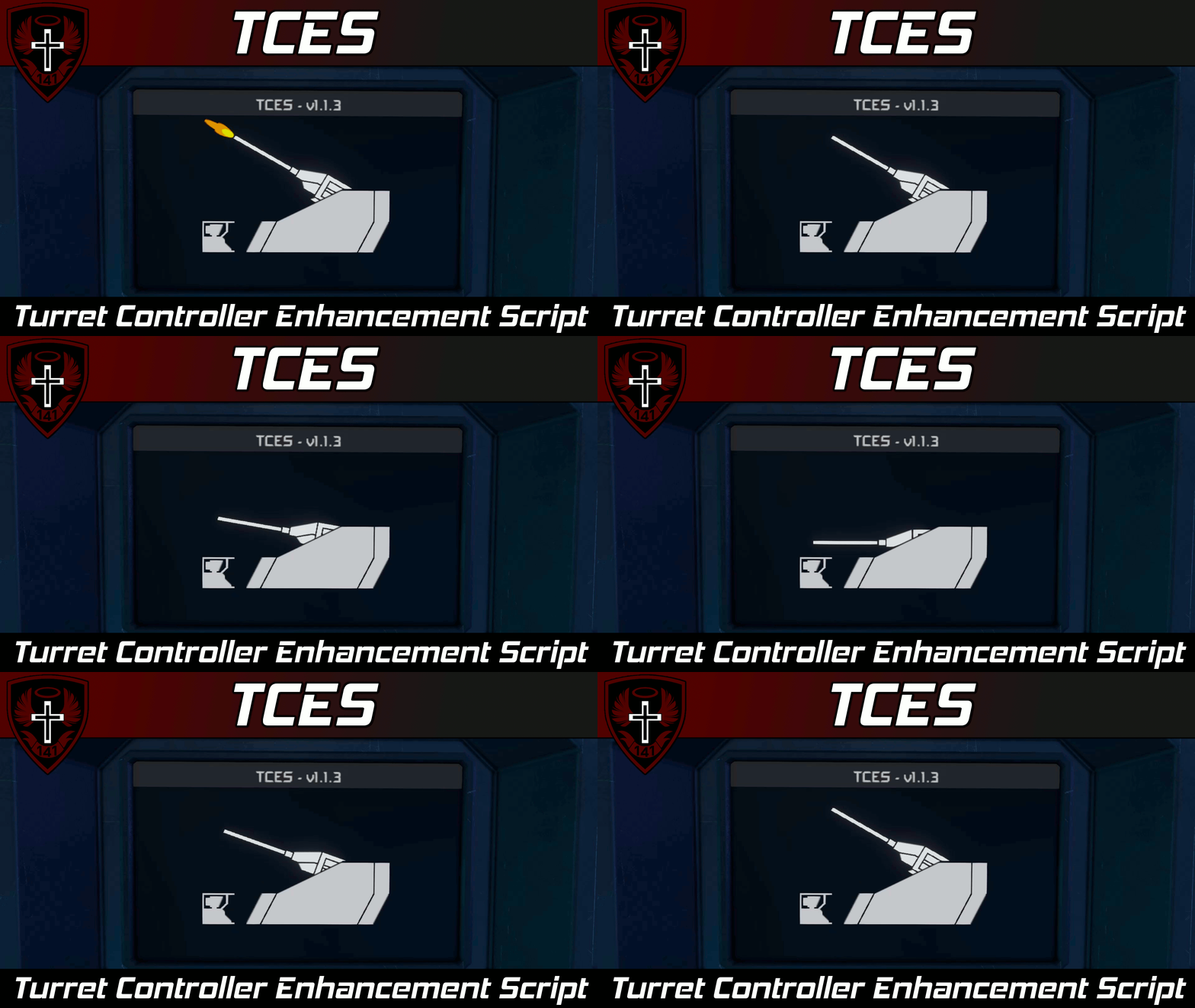
[img=https://i.imgur.com/G2pv9SH.gif] [img=https://imgur.com/jtUYtwN.gif]
[img=https://i.imgur.com/iHy45ds.png]
Instructions
Script Setup
[olist] [*] Group each Custom Turret Controller block with all the blocks that it will control with a group named TCES <Unique Name Tag> (See below section for more info). [*] Open a programmable block and load this script from the "Edit" menu. [*] Configure rotor/hinge custom data if you want rest angles. [*] Run TCES with the argument setup to process any new groups or custom data changes. [/olist]
TCES Groups
TCES groups should be named like the following:
TCES <Unique Name>[/code]
where [b]<Unique Name>[/b] is... well... a unique name.

[b]Each[/b] Custom Turret Controller should have its own, [b]unique[/b] group with all of the blocks that it controls (including itself!). You need one TCES group [b]per custom turret.[/b]

TCES will automatically configure the custom turret controller in each group with:
[list]
[*] A Rotor/hinge named "Azimuth" will be used as the azimuth rotor
[*] A Rotors/hinge named "Elevation" will be used as the elevation rotor
[*] Cameras, weapons, and tools in the group
[*] Any [b]extra[/b] rotors are automatically controlled by TCES. This allows you to create custom turrets with multiple elevation rotors for example. (See the "Extra Rotors" section below for more details)
[/list]

At [b]minimum[/b], a TCES group should have the following blocks:
[list]
[*] The custom turret controller that it should manage.
[*] At least one rotor with name tag "Azimuth" OR one rotor with name tag "Elevation".
[list][*] You do not need both an azimuth and an elevation, you only need one[/list]
[*] At least one camera, weapon, or tool.
[/list]

[h3]Extra Rotors[/h3]
If you want TCES to control extra rotors/hinges in addition to your [i]Azimuth[/i] and/or [i]Elevation[/i], the following conditions [b]must[/b] be met.
[olist]
[*] A camera, weapon, or tool [b]must[/b] reside on the same grid as the rotor/hinge head of the [i]Azimuth[/i] or the [i]Elevation[/i]
[*] [b]Each[/b] extra rotor must have a camera, weapon, or tool on the same grid as it's rotor/hinge head.
[/olist]

If these two constraints are satisfied, the extra rotors will point their cameras/weapons/tools in the same direction as the [i]Azimuth[/i] and [i]Elevation[/i] are pointing theirs. The script will also synchronize weapon firing and tool activation across these extra rotors.

[b]Note:[/b] Due to limitations of the API, in order for you to be able to manually fire the weapons/tools on extra rotors, you need at least one weapon or tool ([u]a camera alone is not enough[/u]) for constraint (1) above. This is because the script tries to read the state of weapons on the main rotors and sync them across the extra rotors. Cameras do not change state when the turret is manually fired, but weapons and tools (like drills/welders) do.

[h2]SYNC Groups[/h2]
SYNC groups allow you to synchronize the aiming of a custom rotor turret to a particular custom turret controller. The custom turret controller does not need to be in a TCES group, but if it is, the SYNC group will inherit the configured turret stabilization, rest angles, and weapon deadzones from the TCES group.

SYNC groups should be named like the following:
[code]SYNC <Unique Name>
The <Unique Name> does not need to correspond to a TCES name to function.
A SYNC group should have the following blocks:
- The custom turret controller that it should synchronize to.
- At least one rotor (name does not matter)
- At least one camera, weapon, or tool.
This script will attempt to aim the SYNC turret in the same direction as the grouped custom turret controller and it will also synchronize weapon/tool firing state.
Rotor Configuration
To configure rotor/hinge rest angles and stabilization, you must first have the rotors in a valid TCES group. Then, once the group is recognized by the script, you should see the following in the rotor's custom data:
[TCES - Rotor]
Rest angle (deg)=none
Enable stabilization=False
Configure these to your desired values, then run the argument setup to process this custom data change.
General Configuration
To configure general TCES parameters, open the custom data of the programmable block and edit the settings to your liking. The custom data should look like the following:
[TCES - General]
Group name tag=TCES
Azimuth rotor name tag=Azimuth
Elevation rotor name tag=Elevation
Should auto return to rest angle=true
Auto return to rest angle delay (s)=2
Draw title screen=true
Highlights
From source dataFootprint
A 630 KB download, rated a light load on a server.
Last update
Its author last shipped an update 5 mo ago.
TCES | Turret Controller Enhancement Script on Nxeon
From our catalogue- One-click install
- Not available. One-click install isn't available for this game's mods yet. Download it and upload it to your server in Files.
- Server load
- light
- Smallest plan we suggest
- Space Engineers — 8 GB (8 GB RAM). This follows our own load rating above, not a benchmark.
- Latest build
- 2026-05-29, released 2026-05-29, 630 KB
Game versions by loader
| Loader | Game versions | Newest |
|---|---|---|
| Workshop |
From 1 recorded build of TCES | Turret Controller Enhancement Script.
Run TCES | Turret Controller Enhancement Script on a Space Engineers server
Deploy a server above, then upload the file in Files.
What kind of mod it is
From the catalogTechnology & automation
Machines, power, logistics and automation.
Compatibility
- Game
- Space Engineers
- File size
- 630 KB
Verified at the source
- ✓Steam WorkshopOfficial listing, checked 2026-10-10Open ↗
- ✓AuthorWhiplash141, as published on Steam Workshop
- ✓LicenseNot published by the sourceFree












