






About Terranovum Dynamic Mining HUD
From Steam WorkshopTERRANOVUM DYNAMIC MINING HUD - SCRIPT A real-time mining control interface for Space Engineers. Update 26/09/2026 This mod has been optimized to improve game performance and fluidity. Unnecessary…
TERRANOVUM DYNAMIC MINING HUD - SCRIPT
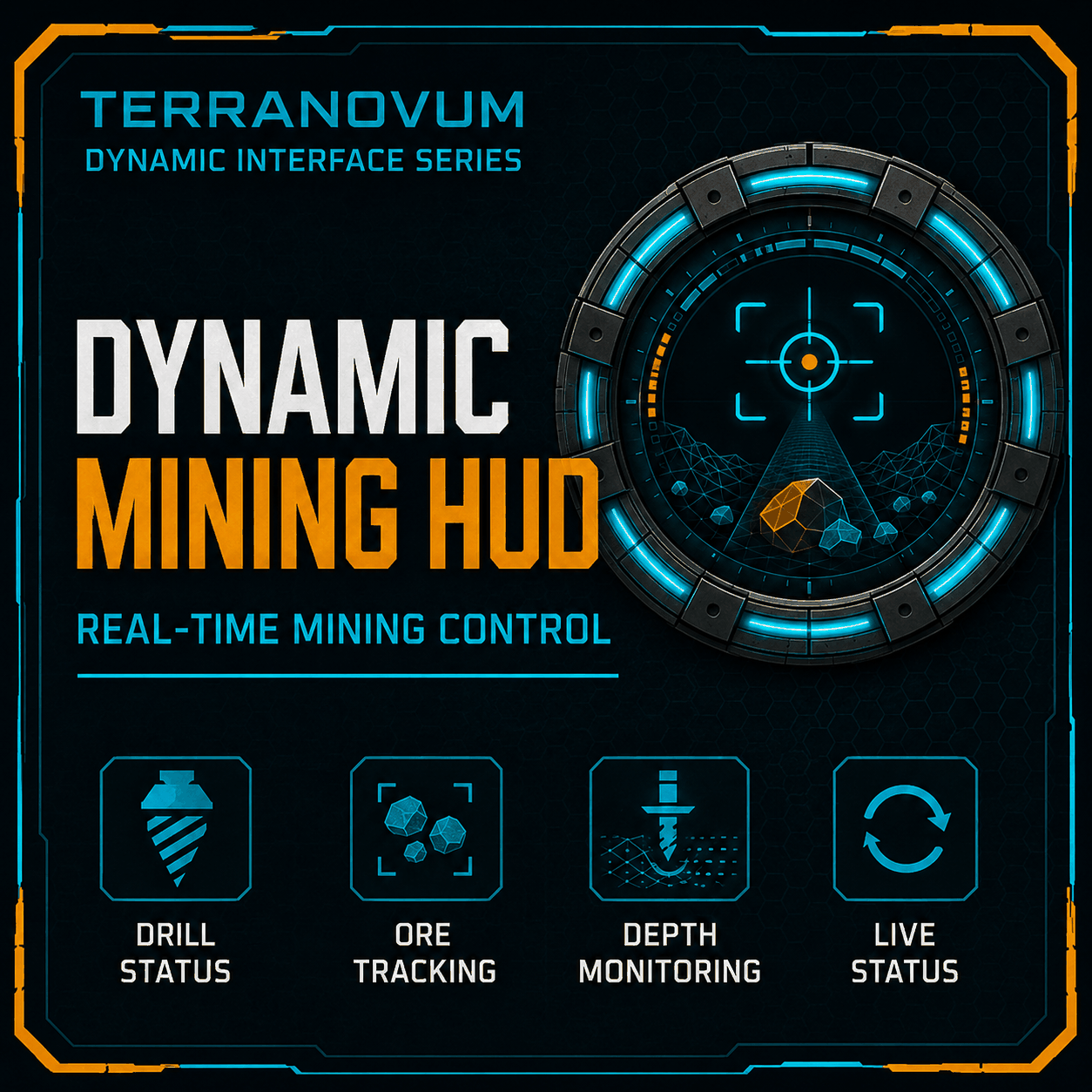
A real-time mining control interface for Space Engineers.
Update 26/09/2026
This mod has been optimized to improve game performance and fluidity. Unnecessary scans, calculations and display updates have been reduced while keeping the original functions unchanged.
One script can control a complete WIDE mining display, individual STD LCD modules, and multiple cockpit screens.
FEATURES
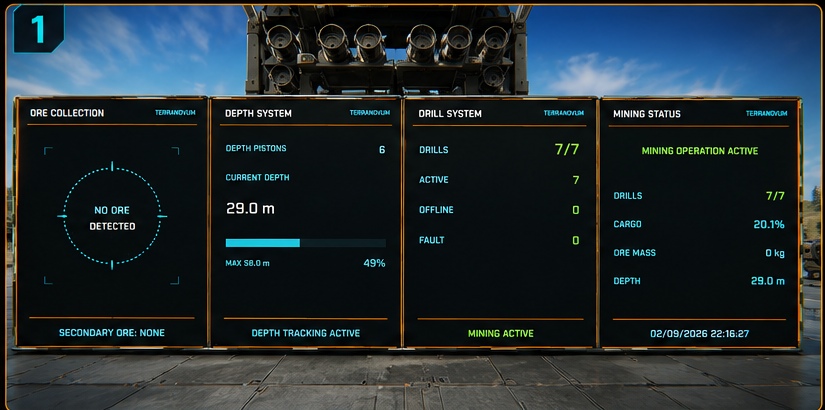
• Live drill status • ACTIVE / OFFLINE / FAULT monitoring • Real-time cargo usage and maximum capacity • Dedicated drill inventory load • Automatic ore tracking from drill and cargo inventories • Primary and secondary ore display • Dynamic ore scan reticle • Optional piston-based drilling depth • Piston count, current depth, maximum depth and progress • Automatic operational status and warnings • Complete WIDE HUD • Modular STD LCD panels • Multi-screen cockpit support • One Programmable Block controls all displays
WIDE DISPLAY
Add this tag to a widescreen LCD:
[TI MINING BASE]
This shows the complete mining interface on one WIDE display.
MODULAR LCD PANELS
Use these tags on individual STD LCDs or other single-screen blocks:
[TI MINING DRILLS] Drill count and ACTIVE / OFFLINE / FAULT status.
[TI MINING DEPTH] Depth pistons, current depth, maximum depth and progress bar.
[TI MINING ORE] Ore scan reticle, primary ore, total ore mass and secondary ore.
[TI MINING CARGO] Cargo status and dedicated drill-load status.
[TI MINING STATUS] General mining status and compact system summary.
A modular tag without a screen number uses the first available display surface.
COCKPIT / MULTI-SCREEN BLOCKS
For cockpits or blocks with multiple internal screens, add a screen number after the tag.
Screen numbering starts from 1:
:1 = first screen :2 = second screen :3 = third screen :4 = fourth screen
Examples:
[TI MINING ORE:1] [TI MINING CARGO:2] [TI MINING DRILLS:3] [TI MINING DEPTH:4]
You can place several tags in the SAME cockpit name.
Example using only two cockpit screens:
Industrial Cockpit [TI MINING ORE:1] [TI MINING CARGO:2]
Result: • Screen 1 = ORE COLLECTION • Screen 2 = CARGO / DRILL LOAD
You do not have to use every screen.
The exact physical order of the screens depends on the cockpit or block. If a module appears on the wrong screen, simply change the number after the colon.
The script also disables the built-in LCD script on a selected surface, preventing default displays such as the vanilla Clock from alternating with the TERRANOVUM HUD.
DEPTH MONITORING
Add this tag to every piston that should be included in the drilling-depth calculation:
[TI DEPTH]
Depth is calculated from the real extension of the tagged pistons.
It represents the extension of the drilling system, not literal depth below terrain or asteroid surface.
CARGO AND ORE DATA
The mining system reads cargo containers and drill inventories on the same construct as the Programmable Block.
The WIDE CARGO STATUS represents the combined cargo-container + drill-inventory capacity used by the mining system.
DRILL LOAD represents only the inventories inside the drills.
Ore values are based on actual ore items currently present in those inventories.
No fake geological, temperature, purity or scanner data is generated.
INSTALLATION
1. Load the script into a Programmable Block. 2. Compile / run the Programmable Block. 3. Add [TI MINING BASE] to a WIDE LCD for the complete interface, or use the modular tags on STD LCDs. 4. For cockpit screens, use the numbered tag format such as [TI MINING ORE:1]. 5. Add [TI DEPTH] to drilling pistons if depth monitoring is required.
The HUD updates automatically.
QUICK EXAMPLES
WIDE base display: Wide LCD [TI MINING BASE]
Separate STD displays: LCD Ore [TI MINING ORE] LCD Cargo [TI MINING CARGO] LCD Depth [TI MINING DEPTH] LCD Drills [TI MINING DRILLS]
Cockpit with three selected screens: Mining Cockpit [TI MINING ORE:1] [TI MINING CARGO:2] [TI MINING STATUS:3]
Highlights
From source dataFootprint
Rated a light load on a server.
Last update
Its author last shipped an update 39d ago.
Terranovum Dynamic Mining HUD on Nxeon
From our catalogue- One-click install
- Not available. One-click install isn't available for this game's mods yet. Download it and upload it to your server in Files.
- Server load
- light
- Smallest plan we suggest
- Space Engineers — 8 GB (8 GB RAM). This follows our own load rating above, not a benchmark.
- Latest build
- 2026-09-26, released 2026-09-26
Game versions by loader
| Loader | Game versions | Newest |
|---|---|---|
| Workshop |
From 1 recorded build of Terranovum Dynamic Mining HUD.
Run Terranovum Dynamic Mining HUD on a Space Engineers server
Deploy a server above, then upload the file in Files.
What kind of mod it is
From the catalogQuality of life & UI
Small conveniences, tweaks and interface improvements players notice straight away.
Compatibility
- Game
- Space Engineers
Verified at the source
- ✓Steam WorkshopOfficial listing, checked 2026-10-04Open ↗
- ✓AuthorElettroshock, as published on Steam Workshop
- ✓LicenseNot published by the sourceFree












