






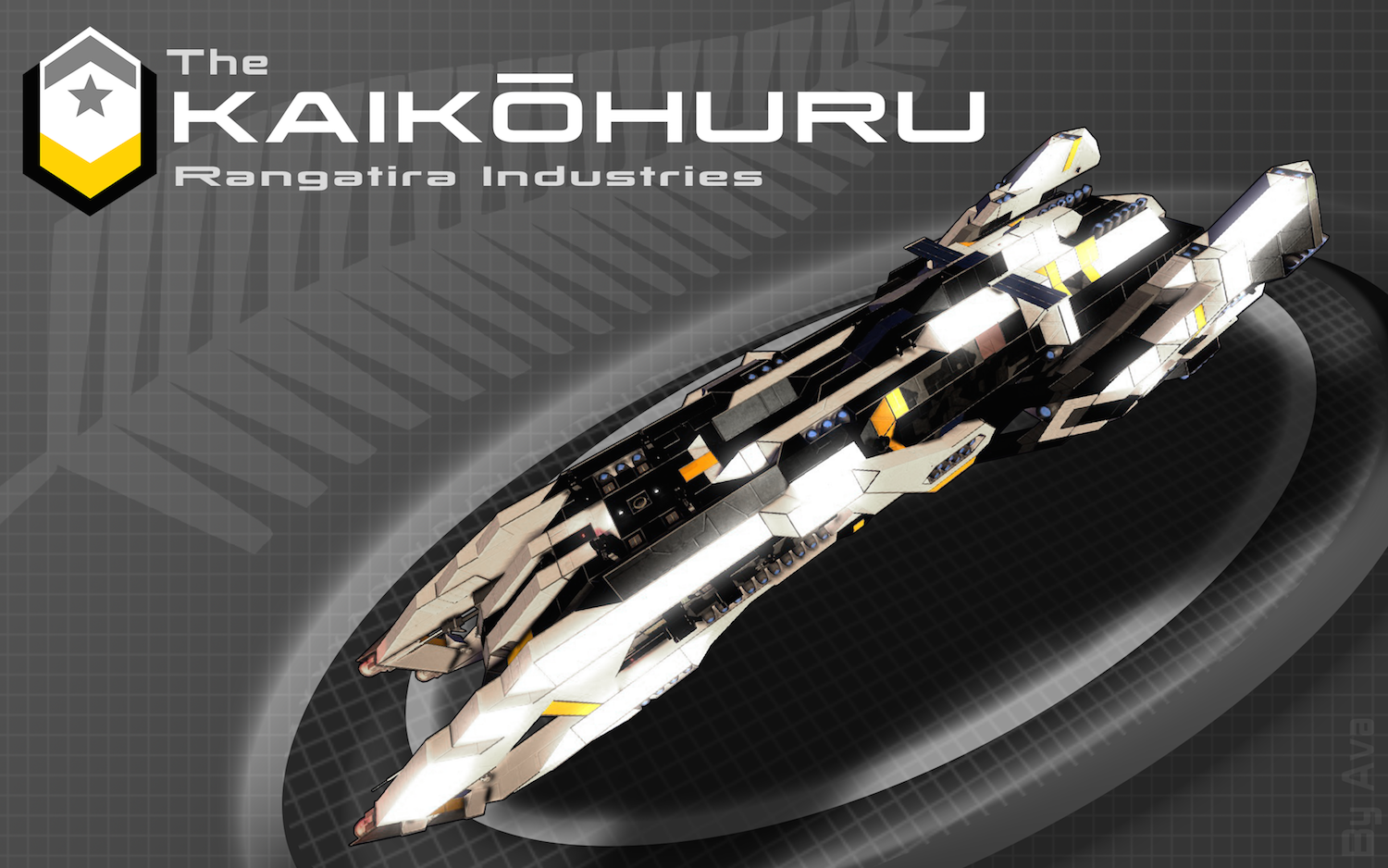
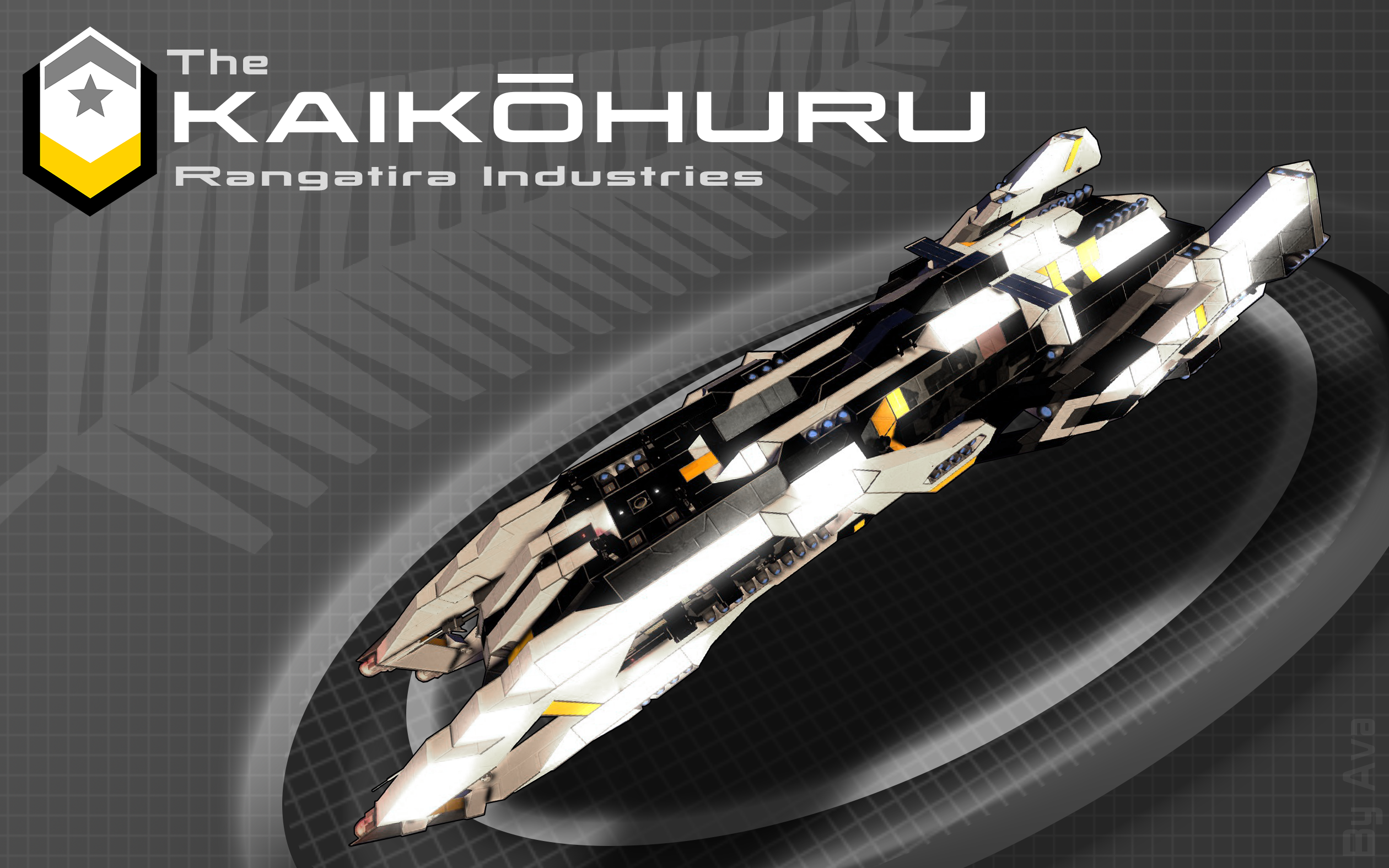
About The Kaikohuru Cruiser SR-2
From Steam Workshophttp://imgur.com/mJhNJeK.png "You deserve to battle in style." NO MODS WERE USED IN THIS SHIP http://i.imgur.com/F1pordk.png INFO: [Kaikohuru: (Kai-ye-koh-hu-ru), Maori for Assassin.] Unofficial…

"You deserve to battle in style."
NO MODS WERE USED IN THIS SHIP

INFO:
[Kaikohuru: (Kai-ye-koh-hu-ru), Maori for Assassin.]
Unofficial name: The Legionnaire
The Kaikohuru Cruiser is designed to function as a hunter killer ship which can track down vessles and destroy them from a distance. Because its designed to function alone, it is made to be as self sustaining as possible with refineries, assemblers, and space to hold fighters and mining vessles. It is the swiss army knife of cruisers with multiple abilities built into a small package. Because of its unique role the ship is reserved for elite crews, hense the luxurious interior. These ships are supplied to governments and to private buyers as well.
This ship is NOT rated for planetary use. Just as a battle ship only operates in the ocean, this only operates in space. Including planetary capabilities would require that I sacrifice much of its design. A jack of all trades is master of none.
It's name is derived from Te Reo Māori (the language of the native people of New Zealand). In Te Reo, Kaikōhuru means assassin/killer. I recently added the SR-2 because this is the second iteration of the ship (re-uploaded after being taken down). It was inspired by when the Normandy in mass effect is destroyed and rebuilt even better as the Normandy SR-2.
Please rate this blueprint if you can :)
How to's:
How to fire torpedoes:
1) You can aim using the "camera front" and activating the projector "aim sights" which will produce a projection to help you aim the torpedoes when viewing through "Camera Front"
2) Start timer "Build Torpedos" you will an long alarm sound. Then you will hear a short buzzing alarm. This will tell you it is ok to go to step 2.
3) Start time "Fire Torpedos" you will hear a long alarm sound. A short buzzing alarm will sound when torpedo has left the silo and you are safe to go back to step 1.
How to launch escape pod:
1) Start timer "Prepare escape pods" it has a 1 minute delay to give you time to get into the escape pod. You can press trigger now if you are impatient.
2) Once in the escape pod wait for the hangar doors to open fully. Then start timer "launch escape pod." The escape pod will then launch out of the bay at 35 m/s.
Note: Preparing the escape pods is an irreversible process. Attempting to reattach them will cause the ship to spin out of control due to a glitch in the game. Do not attempt to launch the escape pods manually-- you WILL do it incorrectly. I built a timer into each escape pod that when triggered will handle the process for you. Pleas use that. If you accidentally start to prepare the escape pods then you have one minute to stop the process. This can be done by triggering the "emergency stop escape pod preparation" timer. Again do not attempt to load new escape pods into the ship unless you are very familiar with the games bugs and how to avoid them.
How to drop decoys:
1) Start timer "deploy decoys" (to stop deploying them start timer "stop deploy decoys")

Features:
• Fully survival ready
• 9 jump drives for a max jump distance over 1500km
• 12 missile launchers
• A gravity torpedo production printer (designed to have a single "push to build and fire" button on the bridge) (note that torpedos are designed to be built at max speed. If you use realistic welding speed please adjust the timer settings)
• A large array of turrets
• A gravity shield (that does not majorly impact gravity inside the ship)
• Space for 27 crew (with enough chairs to hold the crew during a jump)
• Includes a private Captains quarters
• Windows with opening/closing shutters
• Two large observation decks that can be sealed off during battle (all windows can be closed off)
• A large hangar with welders for repairs
• A gravity driven hyper drive (to bring it to max speed in about 20 seconds)
• Cryopods, a medbay, and all engineering equipment (refinery, assembler, arc-refinery, etc)
• Fully oxygen integrated with vents running throughout the ship. (also has 8 oxygen farms for emergencies)
• Deployable decoys that can be built in mass quantities via hidden projector and welders under ship.
• Cameras in every section of the ship (and exterior)
• Automated Escape pods with a total evacuation capacity of 24 crew.
• A projector for the entire ship blueprint to assist repairs of vastly damaged structures.
• An array of sensors on the ship which will detect enemy players and ships that get within range, and will sound an alert. Note you must turn on the sensors as they are disabled by default (enemy detection sensors).
Warnings:
DO NOT PRESS P FOR LANDING GEAR. Landing gear are used to hold the tables and escape pods and pressing P will destroy the ship due to rotor glitches.
Do not fire gravity torpedos while ship is rotating they could colide with the inside side of the ship and explode.
Bo not build torpedoes while ship is moving. The projector can become displaced and lead to an incorrect build.
Do not press the button to fire the torpedoes until the previous torpedo has already left the barrel (an alarm should sound in the bridge to tell you its ok to fire again).
Automated Turrets have a tendancy to accidentally hit the ship (this is a problem with the game).
Do not activate Turrets while firing torpedo as the turrets will fire upon the torpedo.
Highlights
From source dataFootprint
A 5 MB download, rated a light load on a server.
Last update
Its author last shipped an update 10 yr ago.
The Kaikohuru Cruiser SR-2 on Nxeon
From our catalogue- One-click install
- Not available. One-click install isn't available for this game's mods yet. Download it and upload it to your server in Files.
- Server load
- light
- Smallest plan we suggest
- Space Engineers — 8 GB (8 GB RAM). This follows our own load rating above, not a benchmark.
- Latest build
- 2017-01-29, released 2017-01-29, 5 MB
Game versions by loader
| Loader | Game versions | Newest |
|---|---|---|
| Workshop |
From 1 recorded build of The Kaikohuru Cruiser SR-2.
Run The Kaikohuru Cruiser SR-2 on a Space Engineers server
Deploy a server above, then upload the file in Files.
What kind of mod it is
From the catalogVehicles & ships
Cars, boats, aircraft, ships and other things to drive or fly.
Compatibility
- Game
- Space Engineers
- File size
- 5 MB
Verified at the source
- ✓Steam WorkshopOfficial listing, checked 2026-10-10Open ↗
- ✓AuthorAvaslash, as published on Steam Workshop
- ✓LicenseNot published by the sourceFree












