






About [TMC] Tree Menu Command NET
From Steam WorkshopDescription This script provides graphical interface to terminal block actions in the form of tree-organized menu. Originally intended to help organizing complex builds with many programmable blocks…
Description
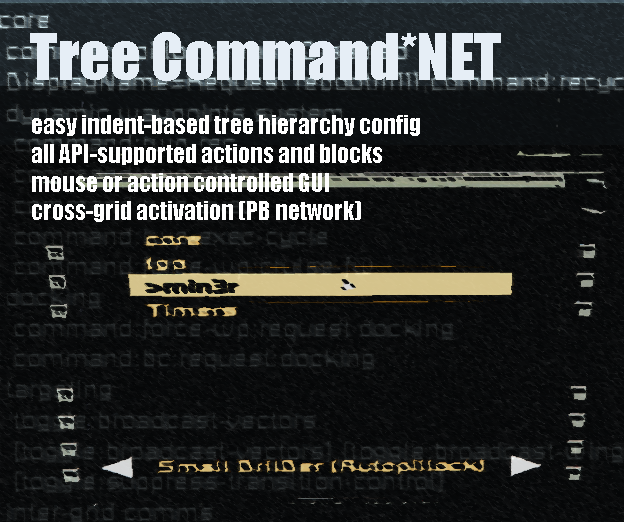
This script provides graphical interface to terminal block actions in the form of tree-organized menu. Originally intended to help organizing complex builds with many programmable blocks that require numerous command arguments. Helps a lot to save toolbar space and removes the need to remember button meanings. Also it helps by grouping commands as you see fit.

This script is an evolution of Tree Menu Command.
Distinctive features:
- Works as a self-configurable network, where any menu instance can be remotely controlled from another one.
- GUI can be controlled by mouse or conventional toolbar commands
- Easy single Custom Data config - space-indented tree hierarchy
- Programmable Block argument calls with result printout
- Grid timers are grouped into the separate menu entry
- foreach, group and name-bound queries for terminal block triggers and properties
- report query for discovering API type names and available API terminal actions and properties
- dynamic menu population callbacks for supported scripts (i.e. HudDog automatically feeds its' toggle entries)
Setting up
Build
1. Get the script into PB. 2. Add PB to some group (name does not matter). 3. Optional - add cockpit or remote to the same group (not needed for remote-controlled instances) 4. Optional - LCD panel to the group or set cockpit internal screen index for the main GUI output (not needed for remote-controlled instances). Cockpit screen index is MenuScreenIndex field found at the top of the code. 5. Optional - add timer blocks that you want to appear in Timer Triggers menu entry. 6. Optional - add welder or grinder to the script group and use it from toolbar to capture mouse click - alternative for E button. 7. Optional - add Action Relay block to the script group (new feature, see below). 7. Set the PB Custom Data (optional, but without it you get only Timers menu entry activation).
Check out Config class at the top of the code, there is some minor convenience stuff to customize.
Custom Data
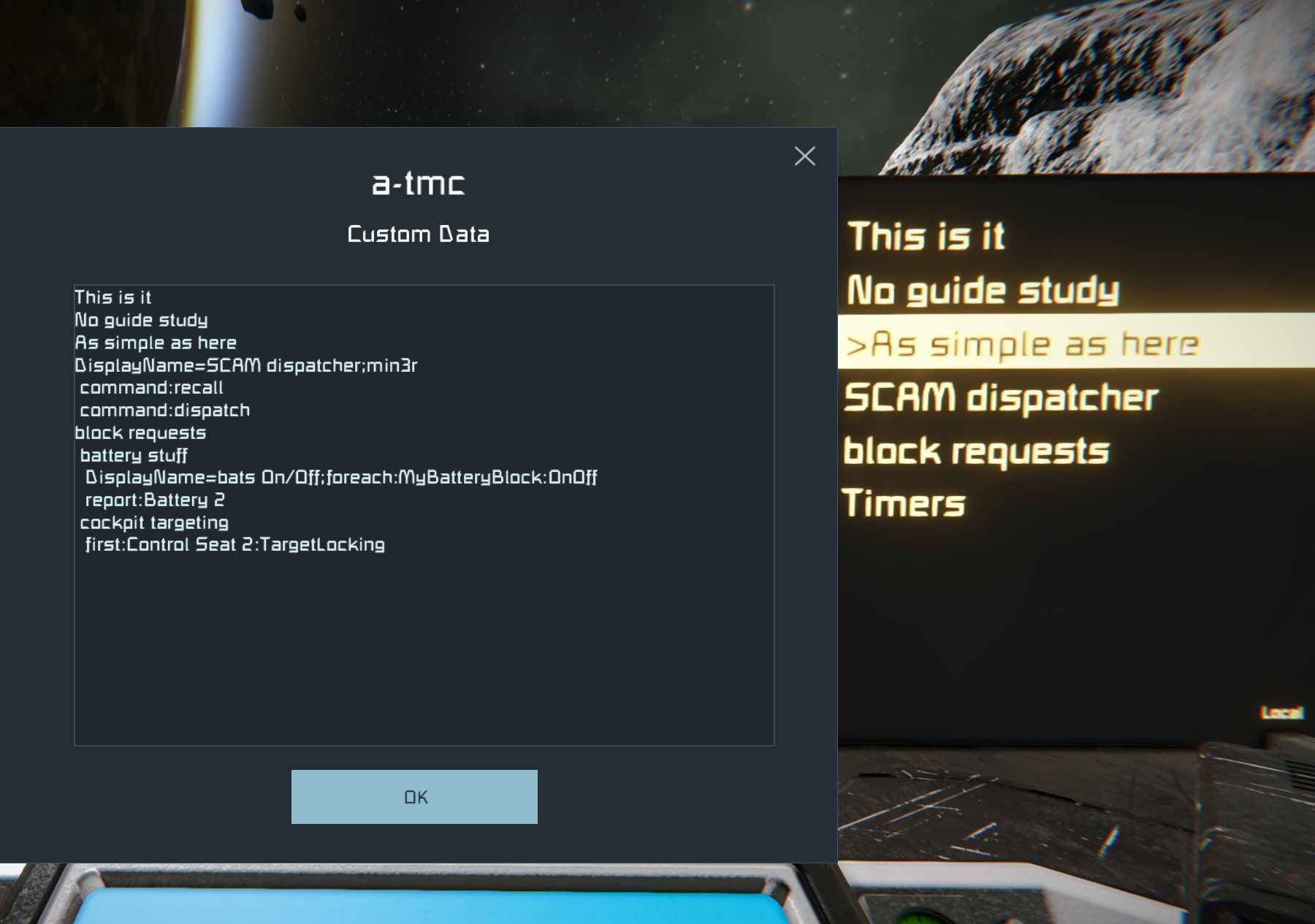
The structure is defined in PB custom data (single space indent defines the level of hierarchy).
Programmable block trigger with argument
The 1st level elements must be a part of the name of the target programmable block. I.e. if you want to attach commands to PB named "a-processing-core [drone][clock=12]" the element can be named "core". The last (downmost) element must be the actual command line, which will be passed to respective PB.
Optionally a line can start with DisplayName parameter. Put it in front of an existing command, dot-comma-delimited, to have your text displayed instead of actual command string. Like this: DisplayName=my pretty string;command:recycle. That of course bans using dot comma in that text alias, but if you really need that, you can change AliasDelimiter value at the top of the script.
TMC can dynamically populate menu nodes by pulling data from other scripts. See this guide for details.
General block action trigger
Actions represent triggers that you can do in timer blocks.
Templates:
- foreach:IType:Action - runs Action for all blocks of IType (foreach:MyBatteryBlock:OnOff)
- first:name:Action - runs Action for the first block it finds that has {name} it its' CustomName (first:Projector 2:IncreaseY)
- group:name:Action - tries to run Action for all blocks in a group specified by name (group:Dakka:Shoot_On)
- report:name - searches block by name, prints its' type name and available Actions to PB log (found in secondary PB screen, aka "keyboard")
General block set property value
Properties represent values that you set in terminal UI (i.e. Velocity for pistons and rotors, Color for lights, etc). Vanilla does not offer any kind of automation for these, only direct user input in interface.
To set property: foreach:IType:ProperyId:Value first:name:ProperyId:Value group:name:ProperyId:Value
Value can be of 3 types: number bool (true, false) Color (6-digit hex number, like in games' color picker. E.g.: #ff11aa)
To increase or decrease current value, prefix it with a $, for example:
group:Rotors:Velocity:$-0.5 first:Battery:OnOff:$
For numeric values, $ would take current value and add yours. For booleans (true/false), which are used for On/Off properties, $ would invert the current value. Note that there is an Action OnOff on most blocks that would do essentially the same as set Property (first:Battery:OnOff:$), but that isn't always available.
To find out Type, Actions and Properties of certain block type, name your block in a unique way and then make menu entry report:{that block name}. Recompile, navigate to that entry and run it. Then look to PBs' screen (keyboard) and get them from log output.
Multiple queries in one trigger
Query batches - compose multiple queries in a single menu item like this: [query1],[query2],...,[queryN]
Query by argument run
Run the PB with argument "q:{your_block_query}" to have that query executed immediately without using menu. That allows to use TMC as a query runner from timers or toolbar.
Timer trigger
All grid timers are found in special menu entry. Just navigate there and use them.
Action Realy command binding
You can have action relay set channel action trigger commands. The idea is to have labeled actions on toolbar until Keen decides to implement the labeling feature for PB run action.
1. Add AR block to the group
Highlights
From source dataFootprint
Rated a light load on a server.
Last update
Its author last shipped an update 2 yr ago.
[TMC] Tree Menu Command NET on Nxeon
From our catalogue- One-click install
- Not available. One-click install isn't available for this game's mods yet. Download it and upload it to your server in Files.
- Server load
- light
- Smallest plan we suggest
- Space Engineers — 8 GB (8 GB RAM). This follows our own load rating above, not a benchmark.
- Latest build
- 2024-06-23, released 2024-06-23
Game versions by loader
| Loader | Game versions | Newest |
|---|---|---|
| Workshop |
From 1 recorded build of [TMC] Tree Menu Command NET.
Run [TMC] Tree Menu Command NET on a Space Engineers server
Deploy a server above, then upload the file in Files.
What kind of mod it is
From the catalogQuality of life & UI
Small conveniences, tweaks and interface improvements players notice straight away.
Compatibility
- Game
- Space Engineers
Verified at the source
- ✓Steam WorkshopOfficial listing, checked 2026-11-01Open ↗
- ✓Authorcheerkin, as published on Steam Workshop
- ✓LicenseNot published by the sourceFree













