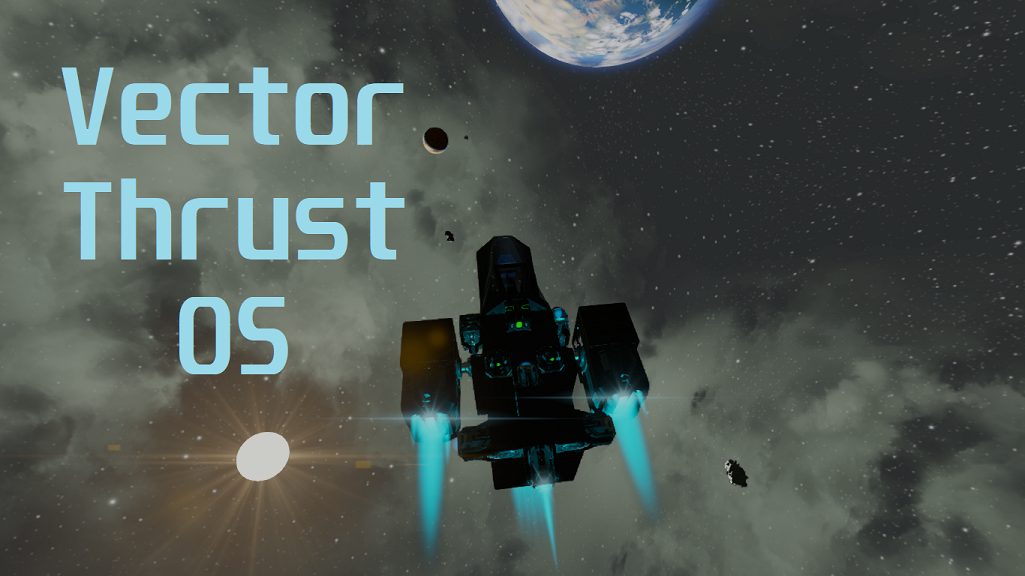
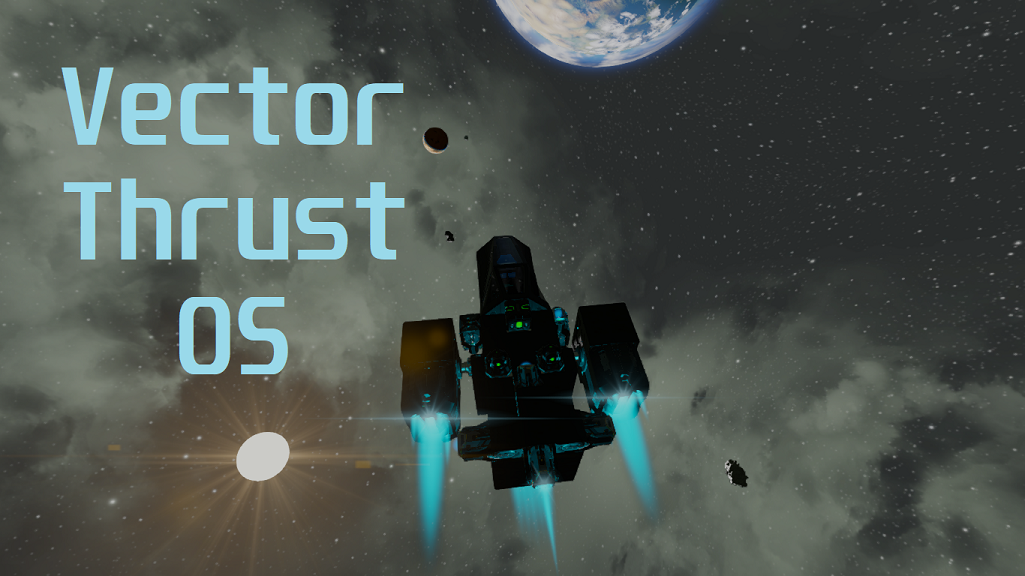
About Vector Thrust OS
From Steam WorkshopVector Thrust OS https://imgur.com/9ZWk4YM.gif Welcome to the best meta/agility script of Space Engineers. Not only controls rotor-thrusters, it's an entire OS. https://i.imgur.com/r9YamRr.gif Fork…
Vector Thrust OS

Welcome to the best meta/agility script of Space Engineers. Not only controls rotor-thrusters, it's an entire OS.

Fork from VectorThrust2
Big thanks to Digi, Whiplash, d1ag0n, feoranis, Malware, and so on to help me with part of the code and solving some problems. I cannot rule out my thanks also to 1wsx10, the original author of Vector Thrust 2 and for providing the mayority of the code where this script is working.
If you have Control Module installed in the world, then you don't need to set up Actions in your Toolbar, use the controls of your keyboard. NOW FULLY FUNCTIONAL
New Github Repository Old Github Repository (Vector Thrust 2)
NEW UPDATE INCLUDES MOST PART OF WHIPLASH'S ARTIFICIAL HORIZON REDUX, MAKE SURE TO GIVE IT A VISIT AND A THANKS

Features:
- Movement in space and in gravity totally possible with a variety of possibilities, rotors and thrusters more stable, thanks to some maths and a custom sensibility value.
- Includes it's own artificial horizon, based completely on the coded by Whiplash, Whip's Artificial Horizon Redux, Thank you so much Whip!
- Improved performance considerably, no more stanby/jetpack mode.
- All configuration handled in the Custom Data of the Programmable Block.
- Fully customizable accelerations, you can switch them like the gears of a car.
- Tag assignation for blocks and screens is now fully customizable and really easy to implement.
- You can park with landing gears and connectors and assign which batteries and tanks will be set to recharge/stockpile, also turns off all thrusters of the ship if you want it.
- Better dampeners and cruise mode.
- Improved UI.
- Added some utilities to improve the experience in configuration, like Runtime Tracker by Whiplash or SimpleTimerSM by Digi.
- If the script is too demanding for a server, you can increase some values in configuration (Skipframes, Frames Where The Script Won't Print, Frames Per Operation: Task Splitter, etc) to reduce average runtime to 0.025ms!
- And the list goes on...

Click to Open Complete Guide
Click to Open Youtube Tutorials Playlist (Not completed, YET).
Soon I will upload more tutorials, but for now I'm modifing the script and doing relevant changes, I am afraid that if I change something that appears on a video it could become obsolete quickly.
SCRIPT IS TOO HEAVY FOR YOUR SERVER?
Don't worry! There's an option I added for that desired low end gameplay, I present you "Skipframes=", each frame is processed, N frames will be skipped, improving performance but making the script less precise the more the value, I recommend putting it no more than 4 in space and 2 in planets. Example: Assuming if the frame that will not be processed is [skip] and processed [process]. If you set Skipframes to 1, the frames will go like this: [skip][process][skip][process]... But if you set it to 3, it will go like this: [skip][skip][skip][process][skip][skip][skip][process]
VANILLA BUTTONS SETUP
1. Get in your Controller (Cockpit, Remote Control), press G. 2. Drag the Programmable Block to the bar and select "Run". 3. Write or paste the argument for your controls. you will need: * gear * cruise * park (To toggle between shutting off all thrusters and set tanks/batteries to stockpile/recharge) * dampeners (If you don't have any normal thrusters available, otherwise use vanilla [Z])
CONTROL MODULE SETUP (FULLY FUNCTIONAL)
Inertia Dampeners key (Default Z) : Inertia Dampeners On/Off. Gear key (Default Shift) : Increase accelerations saved in the custom data, like a car's gears, similar to "gear" argument. Cruise key (Default R) : Toggle cruise mode, turns off thrusters depending of the controller's direction. Toggle park mode (Jetpack Button) (Default X) : Toggle park mode, if you added a landing gear or connector to the script, you can toggle this to shutdown everything properly and set tanks and batteries to recharge automatically.
INFO PANEL SETUP
While this is Optional, I highly recommend it. 1. Place a text panel 2. put NameTagLCD in the name 3. For Controller screens add NameTag:n , where n can be from 0 to the (length of all screens available - 1).
RELEVANT BUGS
- Sometimes if the thrusters are so strong, at full acceleration, the vector thruster that doesn't have to do anything does a coordinated zigzag pattern, it doesn't affect gameplay or movement at all. - You tell me. If you want to report a bug go to Questions / Bug Report forum.
EXAMPLE UPDATED BLUEPRINTS
Small Grid
Highlights
From source dataFootprint
A 853 KB download, rated a light load on a server.
Last update
Its author last shipped an update 4 yr ago.
Vector Thrust OS on Nxeon
From our catalogue- One-click install
- Not available. One-click install isn't available for this game's mods yet. Download it and upload it to your server in Files.
- Server load
- light
- Smallest plan we suggest
- Space Engineers — 8 GB (8 GB RAM). This follows our own load rating above, not a benchmark.
- Latest build
- 2022-11-28, released 2022-11-28, 853 KB
Game versions by loader
| Loader | Game versions | Newest |
|---|---|---|
| Workshop |
From 1 recorded build of Vector Thrust OS.
Run Vector Thrust OS on a Space Engineers server
Deploy a server above, then upload the file in Files.
What kind of mod it is
From the catalogQuality of life & UI
Small conveniences, tweaks and interface improvements players notice straight away.
Compatibility
- Game
- Space Engineers
- File size
- 853 KB
Verified at the source
- ✓Steam WorkshopOfficial listing, checked 2026-10-10Open ↗
- ✓AuthorDRIFTER, as published on Steam Workshop
- ✓LicenseNot published by the sourceFree