






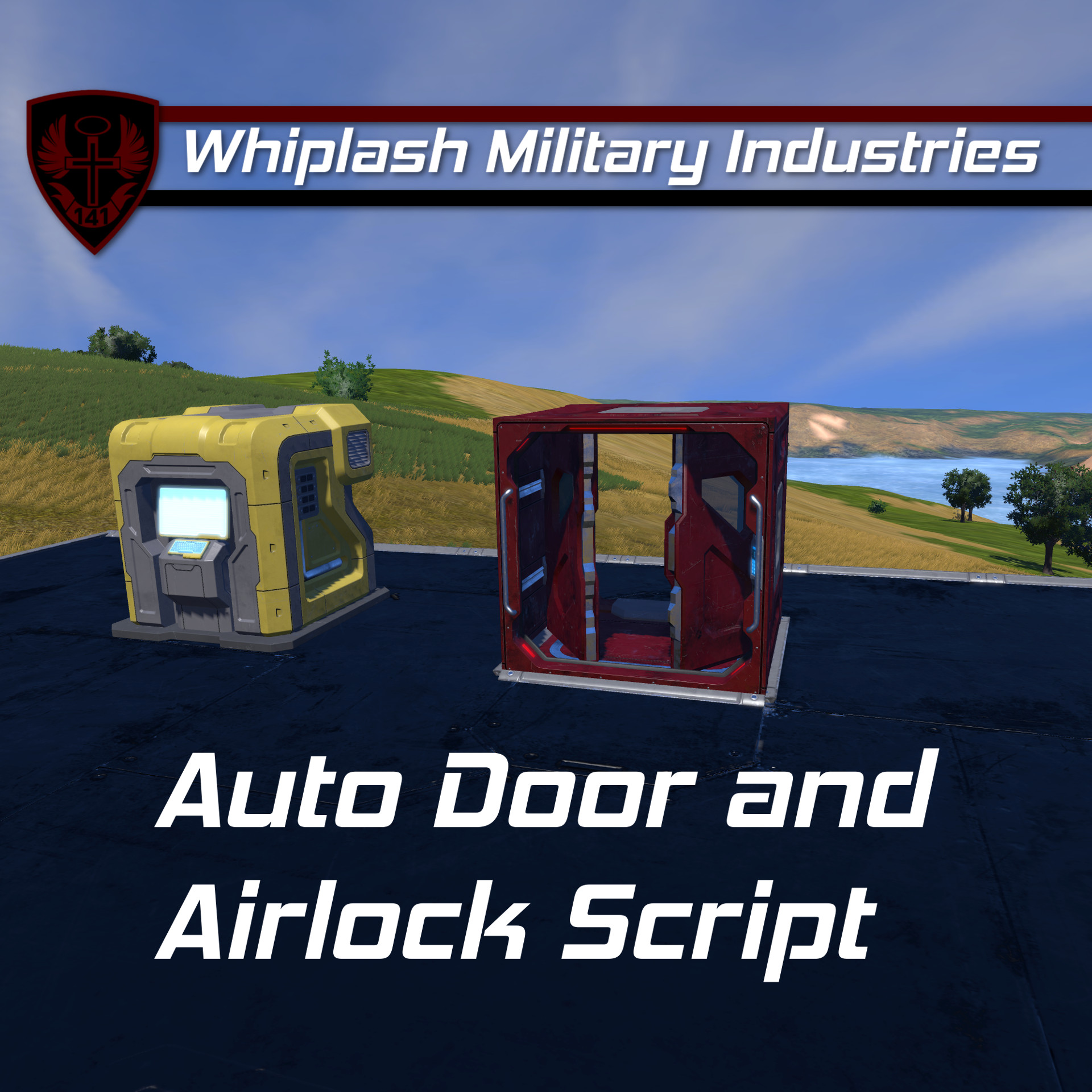
About Whip's Auto Door and Airlock Script
From Steam WorkshopDescription " Sure, I could turn around and close the door like a civilized man. Or I could let a robot do it for me... like a modern man. " - Acarii on the virtues of automatic doors This script…
[img=https://i.imgur.com/iHy45ds.png]
Description
"Sure, I could turn around and close the door like a civilized man. Or I could let a robot do it for me... like a modern man."
- This script will close any door once it has been fully open for over 3 seconds (10 seconds for hangar doors). The duration that a door is allowed to be open is independent of the status of any other doors. This is to say that if I open one door at a certain time then open another door a second later, each door will stay open for 3 seconds, then close. This script also supports an INFINITE amount of simple airlock systems.
- [img=https://i.imgur.com/iHy45ds.png]
- [h1] Instructions[/h1]
- [olist]
- Place this script in a programmable block
- (Optional) Set up airlock systems
- [/olist]
- If you don't want/need the airlock functionality, only step (1) is necessary!
- [h2]Auto Door Closer[/h2]
- The script will fetch ALL doors on the grid and automagically close any
- door that has been open for a set number of seconds. Doors can also be excluded from
- this feature.
- [h3]Changing the Auto-Close Interval[/h3]
- You can change the auto close interval one of two ways:
- [list]
- Globally by changing the "auto close time" in the Custom Data of the Programmable Block
- Per door by changing "Custom auto close time (s)" and setting "Use default auto close time" to false in the Custom Data of a Door.
Excluding Doors:
Add the tag "Excluded" anywhere in the door's name to exclude it from auto closing. Hangar doors are excluded from auto closing by default, but you can change that in the Custom Data of this programmable block.
Airlocks
This script supports the optional feature of airlock systems. Airlock systems are composed of AT LEAST one Interior Door AND one Exterior Door. The airlock status lights and sound blocks do not affect the functionality of the doors so if you don't have space for them, don't fret :)
[h3]Naming:[/h3] [list] [*] Interior doors should be named like so: "[Prefix] Airlock Interior" [*] Exterior doors should be named like so: "[Prefix] Airlock Exterior" [*] (Optional) Airlock status lights should be named like so: "[Prefix] Airlock Light" [*] (Optional) Airlock Sound Block should be named like so: "[Prefix] Airlock Sound" [*] The "[Prefix]" is the unique name that you group your airlock doors by
Example Names:
- "[Main] Airlock Interior" and "[Main] Airlock Exterior"
- "Potato Airlock Interior" and "Potato Airlock Exterior"
- "1337 Airlock Interior" and "1337 Airlock Exterior"[/list][/list]
- Rules:[list]
- An airlock system is composed of at least one Interior Door and one Exterior Door. You can have more than one of each type of door. If you do not have one or more Interior and Exterior doors in your airlock system, that particular system will be ignored.
- Prefixes are case insensitive and spaces are ignored
- Doors with the same prefix are linked together in an airlock system
- You do not need an airlock light for the doors to function properly
- For each airlock system, if an Interior Door is opened, all Exterior Doors are locked and vice versa
- Each airlock system operates independently of others
[img=https://i.imgur.com/iHy45ds.png]
Custom Data Configuration
I've rewritten this code (yet again) to support Custom Data configuration. This means that you do not need to touch any values inside of the code.
Programmable Block Config
In the Custom Data of the programmable block, you can change the global default auto close intervals as well as any and all of the name tags used by this script.
[Auto Door and Airlock - General Config]
Enable automatic door closing=true
Enable airlock system=true
Ignore all hangar doors=true
Default regular door auto close time (s)=3
Default hangar door auto close time (s)=10
Auto door exclusion name tag=Excluded
Interior airlock door name tag=Airlock Interior
Exterior airlock door name tag=Airlock Exterior
Airlock light name tag=Airlock Light
Airlock sound block name tag=Airlock Sound
Per Door Config
By popular request, if you want to set auto close intervals per door, you can do so in the Custom Data of a door.
[Auto Door and Airlock - Door Config]
Use default auto close time=true
; To use a custom auto close time, set "Use default auto close time" to false
Custom auto close time (s)=3
Airlock Light Config
Because hardcoding stuff is mega lame, I've also added configuration settings in the Custom Data of light blocks that are being used as airlock indicator lights.
[Auto Door and Airlock - Light Config]
Turn on when airlock is open=true
Airlock open - Color (R,G,B)=255, 40, 40
Airlock open - Blink interval (seconds)=0.8
Airlock open - Blink length (%)=50
Turn on when airlock is closed=true
Airlock closed - Color (R,G,B)=80, 160, 255
Airlock closed - Blink interval (seconds)=0.8
Airlock closed - Blink length (%)=100
[img=https://i.imgur.com/iHy45ds.png]
Author's Notes
This script has been rewritten (on 2021/02/22) to support Custom Data configuration. The script is still very performance friendly, and this should make configuring stuff much cleaner since you no longer need to edit variables in the code.
This is/was my first script, I hope y'all enjoy! :)
Highlights
From source dataFootprint
A 616 KB download, rated a light load on a server.
Last update
Its author last shipped an update 5 yr ago.
Whip's Auto Door and Airlock Script on Nxeon
From our catalogue- One-click install
- Not available. One-click install isn't available for this game's mods yet. Download it and upload it to your server in Files.
- Server load
- light
- Smallest plan we suggest
- Space Engineers — 8 GB (8 GB RAM). This follows our own load rating above, not a benchmark.
- Latest build
- 2021-09-12, released 2021-09-12, 616 KB
Game versions by loader
| Loader | Game versions | Newest |
|---|---|---|
| Workshop |
From 1 recorded build of Whip's Auto Door and Airlock Script.
Run Whip's Auto Door and Airlock Script on a Space Engineers server
Deploy a server above, then upload the file in Files.
What kind of mod it is
From the catalogTechnology & automation
Machines, power, logistics and automation.
Compatibility
- Game
- Space Engineers
- File size
- 616 KB
Verified at the source
- ✓Steam WorkshopOfficial listing, checked 2026-10-10Open ↗
- ✓AuthorWhiplash141, as published on Steam Workshop
- ✓LicenseNot published by the sourceFree












