






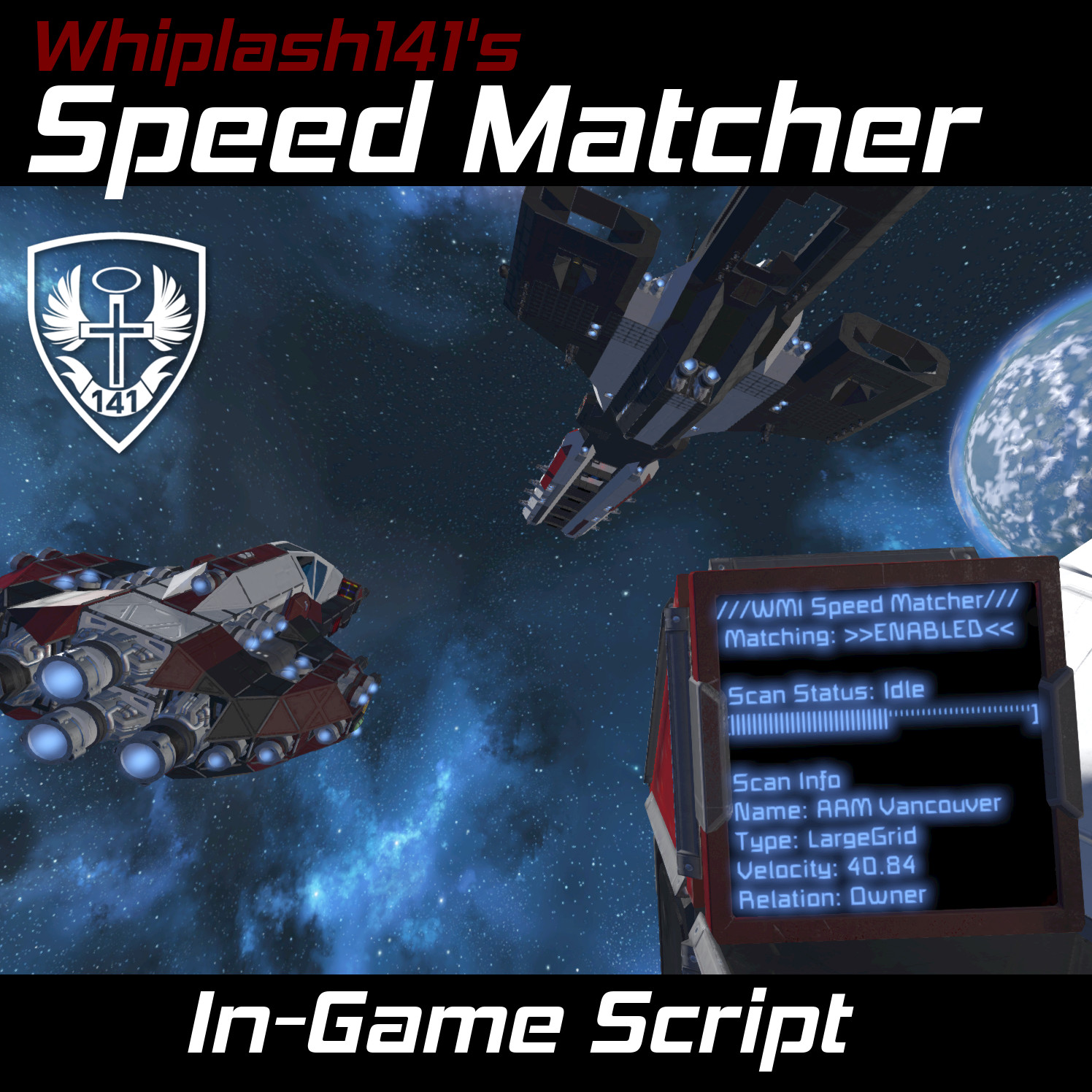
About Whip's Speed Matcher Script
From Steam WorkshopATTENTION: This script triggers itself automatically. No timers needed! Howdy! This script allows you to use custom inertial dampening to match the speed of a linearly moving target! This makes…
ATTENTION: This script triggers itself automatically. No timers needed!
[img=http://imgur.com/ubfyNUk.gif] [img=https://i.imgur.com/Vw0h1Xy.png] Howdy!
This script allows you to use custom inertial dampening to match the speed of a linearly moving target! This makes landing on carriers and sniping pirate ships shockingly easy!
When speed matching is active, you can still control your ship with regular flight commands. However, instead of your dampeners firing to slow your world velocity to 0 m/s, they will instead adjust to make your relative velocity 0 m/s with respect to your target.
If your target changes velocity, you will need to scan it again to update the stored information.
[img=https://i.imgur.com/A6KkMfe.png] [img=https://i.imgur.com/JPqiZPY.png]
Code Setup
[olist] [*] Place this code in a program block [*] Make a camera and add "Speed Match" to the name [*] Make a text panel and add "Speed Match" to the name [/olist]
[img=https://i.imgur.com/4ERHZxj.png]
Matching Speed
[olist][*] Aim at the ship that you want to speed match using your camera [*] Run the code with the argument "match" (This can be done by binding the command to tool bar as well) [*] Your ship will begin speed matching! [/olist]
[img=https://i.imgur.com/e2vdUBv.png]
Maintaining Speed
[olist][*]Get to the speed that you want to maintain [*]Run the code with the argument "self" [*]The ship will now use inertial dampeners to try and maintain this speed![/olist]
Turning Speed Match On/Off
- To disable speed matching, use the argument "off"
- To enable speed matching, use the argument "on"
- To toggle speed matching, use the argument "toggle"[/list]
- Note: Script controlled dampeners will turn on or off based on if you use [Z] to toggle dampeners
- [h1]Changing Scan Range[/h1]
- The scan range for the camera is set for 5 km straight ahead by default. If you want to change the range, you can do so at the top of the code!
- [h1]Ignoring Certain Thrusters[/h1]
- Add the word "Ignore" into the name of thrusters that you want the code to ignore.
- [h1]Arguments[/h1]
- Here is a list of all the arguments that the code accepts
- [table]
- [tr]
- [th]Arguments[/th]
- [th]Functions[/th]
- [/tr]
- [tr]
- [td]match[/td]
- [td]Scans for a target and enables speed matching once a target is found[/td]
- [/tr]
- [tr]
- [td]scan[/td]
- [td]Scans for a target. Does not enable speed matching when target is found[/td]
- [/tr]
- [tr]
- [td]self[/td]
- [td]Saves current speed and attempts to maintain it[/td]
- [/tr]
- [tr]
- [td]on[/td]
- [td]Turns speed matching on[/td]
- [/tr]
- [tr]
- [td]off[/td]
- [td]Turns speed matching off[/td]
- [/tr]
- [tr]
- [td]toggle[/td]
- [td]Toggles speed matching on/off[/td]
- [/tr]
- [tr]
- [td]clear[/td]
- [td]Clears any saved target and turns speed matching off[/td]
- [/tr]
- [tr]
- [td]increment <number>[/td]
- [td]Increments the currently matched speed by the input number. Negative numbers decrease the speed and positive numbers increase it.[/td]
- [/tr]
- [/table]
- (Do not reupload without permission, not even to mod.io)
Highlights
From source dataFootprint
A 510 KB download, rated a light load on a server.
Last update
Its author last shipped an update 3 yr ago.
Whip's Speed Matcher Script on Nxeon
From our catalogue- One-click install
- Not available. One-click install isn't available for this game's mods yet. Download it and upload it to your server in Files.
- Server load
- light
- Smallest plan we suggest
- Space Engineers — 8 GB (8 GB RAM). This follows our own load rating above, not a benchmark.
- Latest build
- 2023-11-06, released 2023-11-06, 510 KB
Game versions by loader
| Loader | Game versions | Newest |
|---|---|---|
| Workshop |
From 1 recorded build of Whip's Speed Matcher Script.
Run Whip's Speed Matcher Script on a Space Engineers server
Deploy a server above, then upload the file in Files.
What kind of mod it is
From the catalogTechnology & automation
Machines, power, logistics and automation.
Compatibility
- Game
- Space Engineers
- File size
- 510 KB
Verified at the source
- ✓Steam WorkshopOfficial listing, checked 2026-10-10Open ↗
- ✓AuthorWhiplash141, as published on Steam Workshop
- ✓LicenseNot published by the sourceFree












