






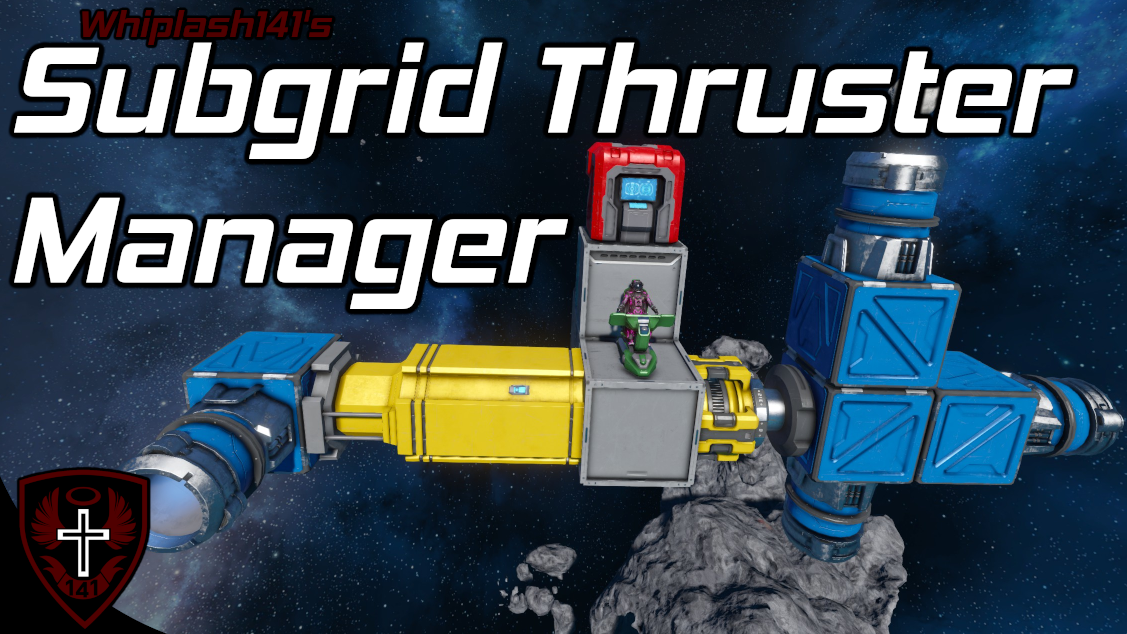
About Whip's Subgrid Thruster Manager
From Steam WorkshopFormerly Named "Whip's Rotor Thruster Manager" Update Added custom data configuration. You no longer need to open the code and change variables! Added cute little animated running screens :D…
Formerly Named "Whip's Rotor Thruster Manager"
[img=https://i.imgur.com/iHy45ds.png]
Update
- Added custom data configuration. You no longer need to open the code and change variables!
- Added cute little animated running screens :D
[img=http://i.imgur.com/3yNVfai.gif]
[img=https://i.imgur.com/iHy45ds.png]
Description
Howdy!
This script allows you to control thrusters over subgrids. This code will also work with inertial dampeners!
This script does not control subgrids themselves, it simply allows you to control subgrid thrust like regular thrusters. Also, if you change the angle the of subgrid thruster, the code will automatically adjust the movement keys that fire it.
As always, I will continue to improve this code :)
[img=https://i.imgur.com/iHy45ds.png]
Setup Instructions
[olist] [*] Place a seat or remote on the main grid.
- NEW - If you want only specific ship controllers to be considered, add the name tag "Reference" to the name of the block.[/list]
- Put this code in a programmable block.
- Attach thrusters to your subgrids. If you are using rotors or hinges, I suggest you lock them because there are some strange physics bugs associated with thrust on rotors.
- [list][*]You do not need any thrusters on your main grid! However, if you wish to enable/disable dampeners, you'd need to use the dampener toggle arguments.
- Thrusters on grids with connectors are IGNORED by default. This is to avoid taking control of docked grid's thrusters. To change this, configure the corresponding key inside the custom data.
[img=https://i.imgur.com/cm0jTAV.png?1] [*] Enjoy![/olist]
[img=https://i.imgur.com/iHy45ds.png]
Ship Controller Prioritization
The script will automagically detect what seat you are controlling on your ship and begin controlling subgrid thrust. If you have name tagged ship controllers, only those ship controllers will be considered for prioritization. If you have multiple ship controllers on your ship, it will select them based on the following priority. [olist] [*] Main seat/remote [*] The first seat that was controlled [/olist]
[img=https://i.imgur.com/iHy45ds.png]
Arguments
[table] [tr] [th]Argument[/th] [th]Function[/th] [/tr] [tr] [td]on[/td] [td]Turns program control of subgrid thrust on[/td] [/tr] [tr] [td]off[/td] [td]Turns program control of subgrid thrust off[/td] [/tr] [tr] [td]toggle[/td] [td]Toggles program control of subgrid thrust off/on[/td] [/tr] [tr] [td]dampeners_on[/td] [td]Turns dampeners of sub-grid thrust off[/td] [/tr] [tr] [td]dampeners_off[/td] [td]Turns dampeners of sub-grid thrust off[/td] [/tr] [tr] [td]dampeners_toggle[/td] [td]Toggles dampeners of sub-grid thrust off/on[/td] [/tr] [/table]
[img=https://i.imgur.com/iHy45ds.png]
Author's Notes
I designed this code to make flying with VTOL and thrust vectoring craft much easier and much more fun. I truly hope that this code brings you as much joy as it does to me!
Remember to lock your subgrids or you will get torque :)
If you notice any bugs/want to make suggestions feel free to leave a comment! This code is by no means perfect; I will continue to update and fix any issues that this code has to make it the best as possible :)
This should also go without saying, but do not reupload without explicit permission from me, not even to mod.io.
- Whiplash141
Highlights
From source dataFootprint
A 990 KB download, rated a light load on a server.
Last update
Its author last shipped an update 3 yr ago.
Whip's Subgrid Thruster Manager on Nxeon
From our catalogue- One-click install
- Not available. One-click install isn't available for this game's mods yet. Download it and upload it to your server in Files.
- Server load
- light
- Smallest plan we suggest
- Space Engineers — 8 GB (8 GB RAM). This follows our own load rating above, not a benchmark.
- Latest build
- 2023-07-16, released 2023-07-16, 990 KB
Game versions by loader
| Loader | Game versions | Newest |
|---|---|---|
| Workshop |
From 1 recorded build of Whip's Subgrid Thruster Manager.
Run Whip's Subgrid Thruster Manager on a Space Engineers server
Deploy a server above, then upload the file in Files.
What kind of mod it is
From the catalogWorkshop
Its source category doesn’t say more about what it does, so NxLabs lists it under Other.
Compatibility
- Game
- Space Engineers
- File size
- 990 KB
Verified at the source
- ✓Steam WorkshopOfficial listing, checked 2026-10-10Open ↗
- ✓AuthorWhiplash141, as published on Steam Workshop
- ✓LicenseNot published by the sourceFree












