






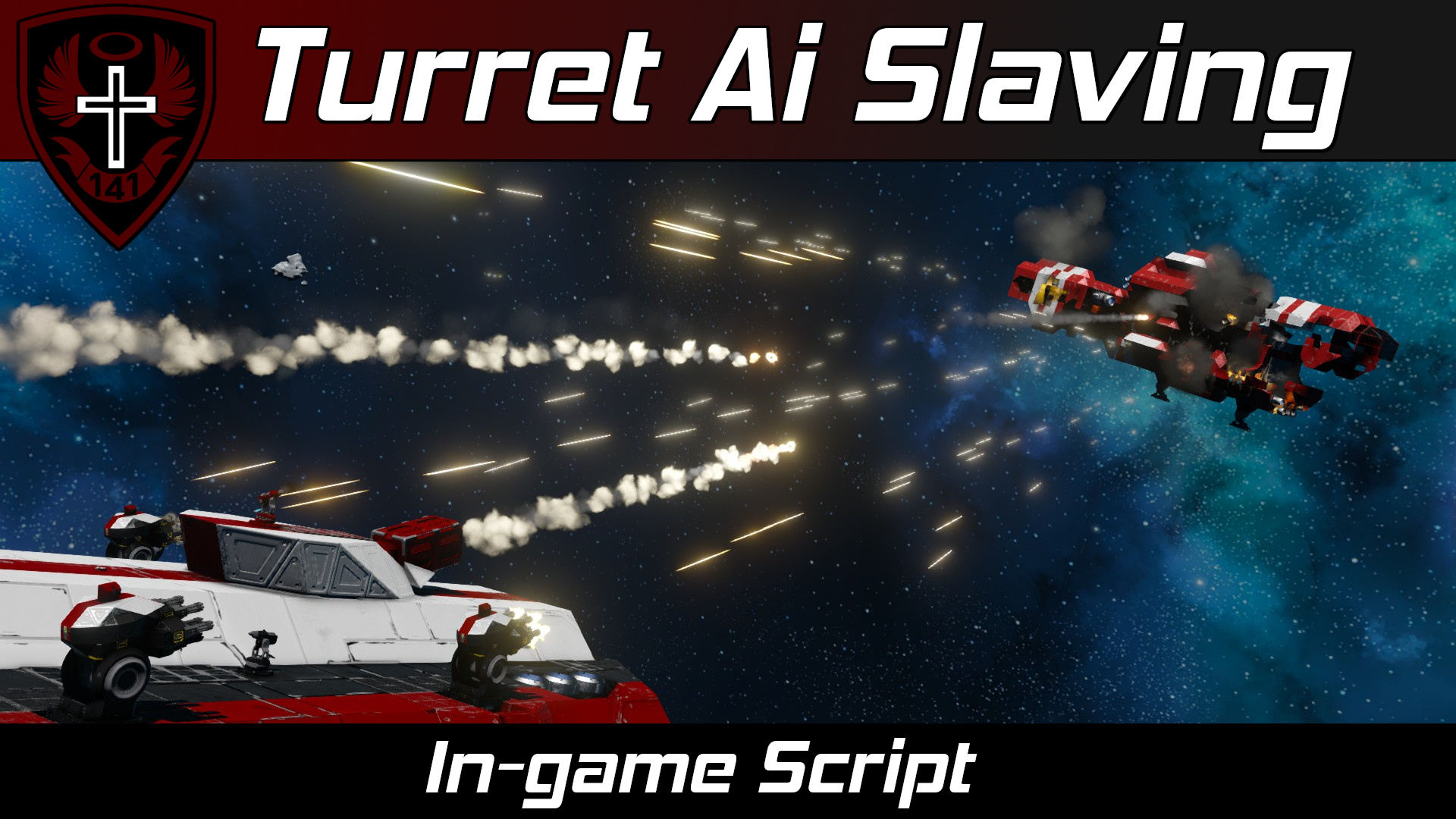
About Whip's Turret AI Slaving Script
From Steam Workshop(Previously titled: "Whip's AI Rotor Turret Control Script") Note In the documentation below, "rotor" refers to both rotors and hinges ! This is because the game considers hinges to be just fancy…
(Previously titled: "Whip's AI Rotor Turret Control Script")
Note
In the documentation below, "rotor" refers to both rotors and hinges! This is because the game considers hinges to be just fancy sideways rotors.
[img=https://i.imgur.com/iHy45ds.png]
Features
- Slaves targeting of AI turrets, player-made rotor turrets, and rotor gimbals to other AI turrets.
- Designators can be manually controlled to fire slaved turrets
- Each turret group can be individually configured
- Accurate target leading: slaved rocket turrets will actually hit their targets.
- Turrets will avoid shooting through their own ship & subgrids.
- [img=https://thumbs.gfycat.com/MetallicCourageousAphid-size_restricted.gif][/img]
- Turrets will also avoid shooting through friendly ships with Turret Based Radar or this Turret Slaving script installed.
[img=https://i.imgur.com/RVbHyxb.png]
[img=https://i.imgur.com/iHy45ds.png]
Description
Howdy!
This script aims player made rotor or hinge based turrets at an AI turret's target. This script also allows you to slave control of other AI turrets to other AI turrets.
Now for some terminology:
- Designator turret: An AI turret (vanilla or modded) that will be used to give targets to our custom turrets. They must have the word Designator added to their name.
- Rotor turret: One rotor/hinge and one (or more) secondary rotors/hinges with weapons or tools on them slaved to one (or more) designator turrets (2DOF)
- Rotor gimbal: One rotor/hinge with weapons or tools on it slaved to one (or more) designator turrets (1DOF)
- Slaved AI group: One (or more) AI turrets slaved to one (or more) designator turrets
Additionally, you can manually control turret groups by manually controlling the designator.
You can have multiple turret groups controlled by this script simultaneously. You do not need a script for each custom turret group you wish to create.
[img=https://i.imgur.com/iHy45ds.png]
Script Setup
[olist] [*]Place this script in a programmable block. [*]Setup rotor turret, rotor gimbal, and slaved AI turret groups (See below sections for more detail). [*]You must run the script with the argument setup to process any new blocks, groups, or custom data changes! [/olist]
You can heavily customize each turret's behavior in the custom data of the programmable block tha this script runs from (See "Custom Data" section below).
[img=https://i.imgur.com/iHy45ds.png]
Rotor Turret Group Setup
Required Steps
Create a block group with the following constraints:
- Rotor turret groups must be named like the following: "Turret Group <TAG>" where <TAG> is a unique tag for your turret.
- Examples:
- [list]
- Turret Group 1
- Turret Group Tomato
- Turret Group iLikeTurtles420
[*]Each turret group must have the following required blocks:
- One base rotor/hinge. Each rotor turret only supports one base rotor/hinge. (Name does not mater)
- One or more secondary rotors/hinges mounted sideways on top of the base rotor/hinge. (Names do not matter)
- At least one weapon or tool atop each secondary rotor/hinge head (Names do not matter). Accepted blocks include:
- [list]
- Any fixed weapon
- Cameras
- Ship tools
- Any light block
[*]One or more AI turrets with the name tag "Designator". The type of the turret does not matter, but in survival, it must have ammo to work as a designator. [/list] [/list]
Optional Steps
- Add any desired optional blocks to the group:
- [list]
- Timers: Can be configured to trigger on shoot or on targeting in the timer's custom data
- Lights: Can be configured to blink or change color when turret is targeting or idle in the light's custom data
[*]You can set rotor/hinge rest positions in the custom data of the rotors/hinges once the code has finished registering your turrets. [/list]
Examples
[img=https://i.imgur.com/LpCE83G.png]
[img=https://i.imgur.com/iHy45ds.png]
Rotor Gimbal Group Setup
Required Steps
Create a block group with the following constraints:
- Rotor gimbal groups must be named like the following: "Gimbal Group <TAG>" where <TAG> is a unique tag for your gimbal.
- Each gimbal group must have the following required blocks:
- [list]
- A rotor/hinge. Each gimbal group only supports one rotor/hinge. (Name does not mater)
- At least one weapon or tool atop the rotor/hinge head(Names do not matter). Accepted blocks include:
- [list]
- Any fixed weapon
- Cameras
- Ship tools
- Any light block
[*]One or more AI turrets with the name tag "Designator". The type of the turret does not matter, but in survival, it must have ammo to work as a designator. [/list] [/list]
Optional Steps
- Add any desired optional blocks to the group:
- [list]
- Timers: Can be configured to trigger on shoot or on targeting in the timer's custom data
- Lights: Can be configured to blink or change color when turret is targeting or idle in the light's custom data
[*]You can set rotor/hinge rest positions in the custom data of the rotors/hinges once the code has finished registering your turrets. [/list]
Examples
[img=https://i.imgur.com/uApRYHk.png]
[img=https://i.imgur.com/iHy45ds.png]
Slaved AI Turret Group Setup
Required Steps
Create a block group with the following constraints:
Highlights
From source dataFootprint
A 595 KB download, rated a light load on a server.
Last update
Its author last shipped an update 2 yr ago.
Whip's Turret AI Slaving Script on Nxeon
From our catalogue- One-click install
- Not available. One-click install isn't available for this game's mods yet. Download it and upload it to your server in Files.
- Server load
- light
- Smallest plan we suggest
- Space Engineers — 8 GB (8 GB RAM). This follows our own load rating above, not a benchmark.
- Latest build
- 2024-10-11, released 2024-10-11, 595 KB
Game versions by loader
| Loader | Game versions | Newest |
|---|---|---|
| Workshop |
From 1 recorded build of Whip's Turret AI Slaving Script.
Run Whip's Turret AI Slaving Script on a Space Engineers server
Deploy a server above, then upload the file in Files.
What kind of mod it is
From the catalogTechnology & automation
Machines, power, logistics and automation.
Compatibility
- Game
- Space Engineers
- File size
- 595 KB
Verified at the source
- ✓Steam WorkshopOfficial listing, checked 2026-10-10Open ↗
- ✓AuthorWhiplash141, as published on Steam Workshop
- ✓LicenseNot published by the sourceFree












