






The Nxeon Blog
Guides for people who run their own servers.
Straight-talking tutorials and comparisons on VPS hosting, game servers, Linux and security. No fluff, just what actually works. 346 guides from the team that runs the servers.
Search results
7 guides for “transfer” in Game servers · Clear search
ARK: Survival Ascended Server Requirements
ASA is built on Unreal Engine 5 and eats RAM like no other survival game. Here's the real RAM, CPU, and storage you need — per map and for clusters.
How to Set Up an ARK: Survival Ascended Server on a VPS
ARK: Survival Ascended is the most demanding survival server around, and its dedicated build is Windows-only. Here's how to run it on Linux with Proton, or on Windows.

Game Server Specs Explained: CPU, RAM and Bandwidth
Understand what actually matters when sizing a game server: single-thread CPU, RAM per player, storage speed, and upload bandwidth — with real rules of thumb.
Best VPS for a Rust Server
Rust is one of the most demanding survival games to host. Here's how to choose a VPS that keeps a wipe day smooth — CPU, RAM, and storage sizing explained.
How to Install a Modpack on a Minecraft Server from CurseForge
Want to host a CurseForge modpack? Here's the reliable way to install its server files on a Linux VPS and keep clients in sync.
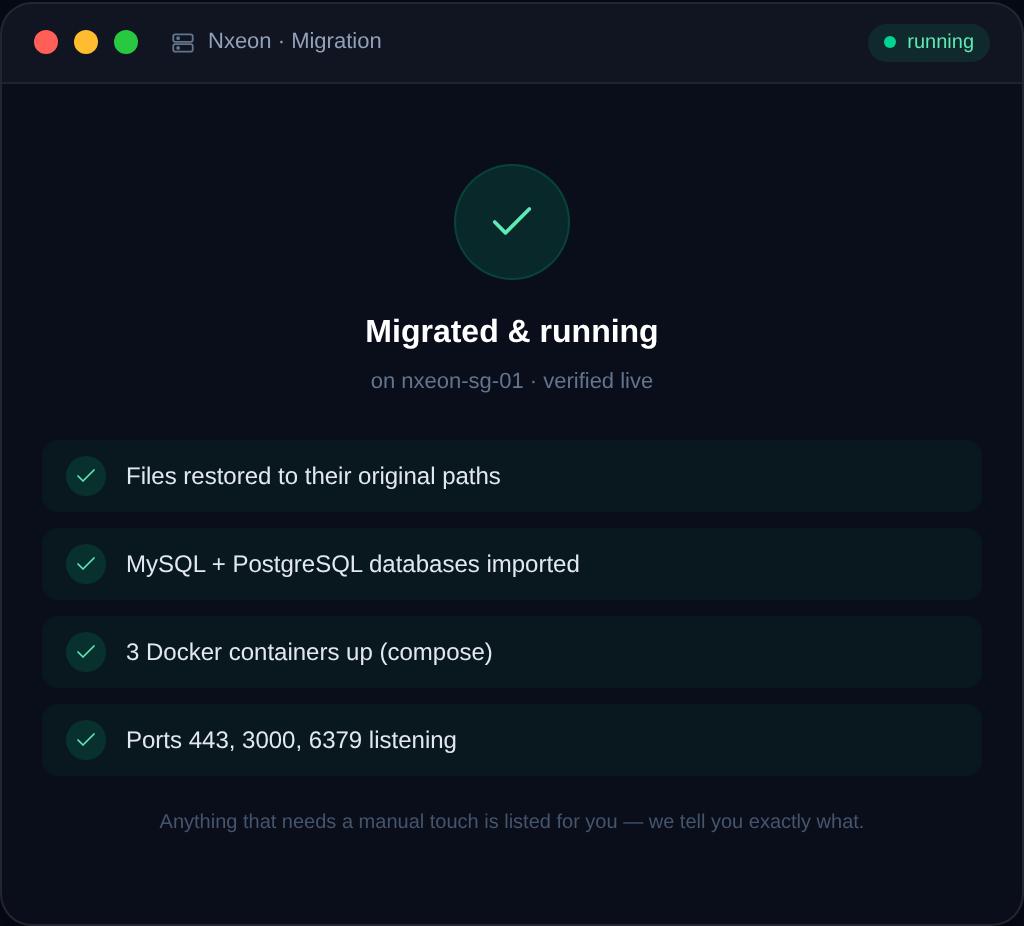
How to Migrate a Minecraft World to a New Server
Moving to a new host or bigger plan? Here's how to migrate a Minecraft world safely, keeping player data, configs, and plugins intact.

How to Set Up an ARK: Survival Ascended Server
Tame dinos on your own persistent ARK: Survival Ascended server. Install with SteamCMD, pick a map, tune rates and open the UDP ports.
Deploy your first server in under a minute.
Creating an account is free and takes no card details. Every guide here runs on a Nxeon VPS or game server.