






The Nxeon Blog
Guides for people who run their own servers.
Straight-talking tutorials and comparisons on VPS hosting, game servers, Linux and security. No fluff, just what actually works. 346 guides from the team that runs the servers.
Search results
9 guides for “port forwarding” · Clear search
How to Set Up a Core Keeper Dedicated Server
Host a persistent Core Keeper world your friends can mine and explore any time: SteamCMD install, the Game ID connection model, and a lightweight systemd service.

How to Self-Host Syncthing for File Sync
Syncthing keeps folders in sync across your devices with no cloud provider in between. Run it on a VPS as an always-on relay so devices sync even when they're not both online.
How to Set Up a Minecraft SMP for Friends
Want a persistent survival world for you and your friends? Here's how to set up a Minecraft SMP the right way, from software to security.
How to Set Up a Vanilla Minecraft Server
The clean, official way to run a vanilla Minecraft Java server on Linux — no mods, no plugins, just the base game for you and friends.
Port Forwarding vs a VPS: How to Make a Minecraft Server Public
To let friends join, you either port-forward your home router or run a VPS. Here's an honest comparison of both, with the tradeoffs.
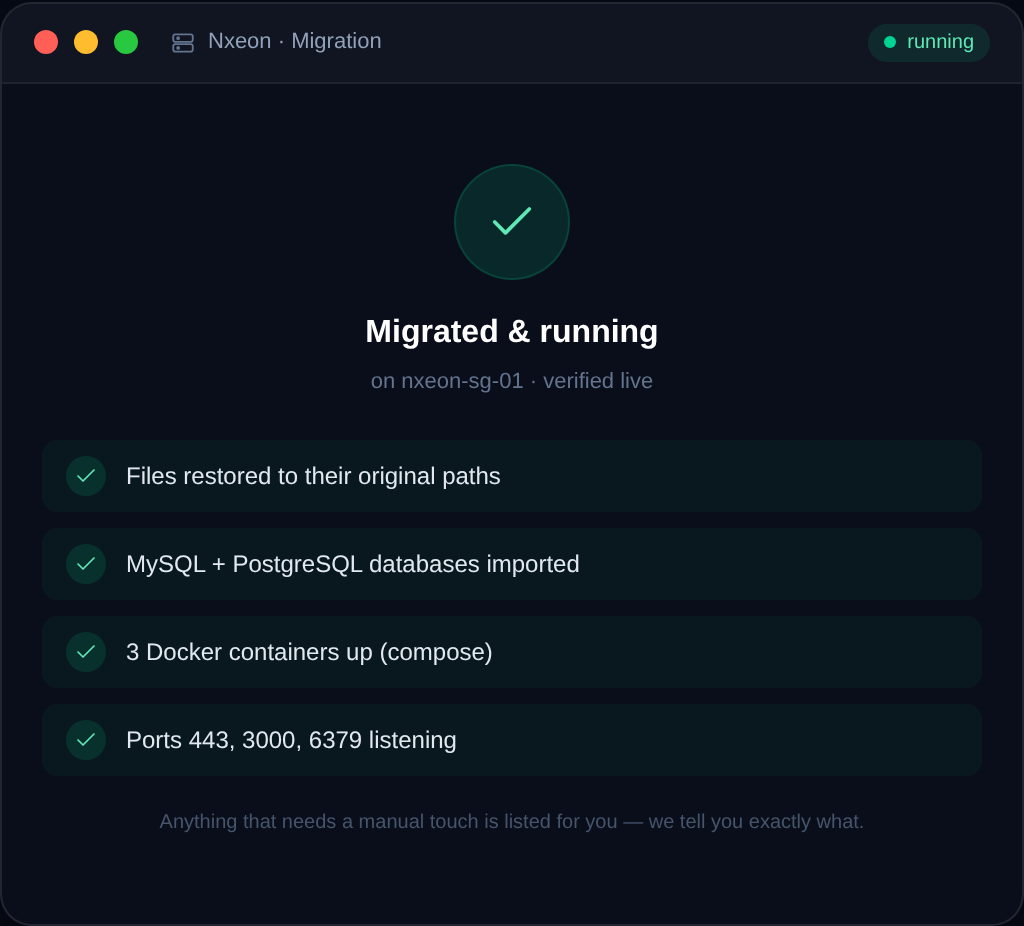
How to Migrate a Minecraft World to a New Server
Moving to a new host or bigger plan? Here's how to migrate a Minecraft world safely, keeping player data, configs, and plugins intact.
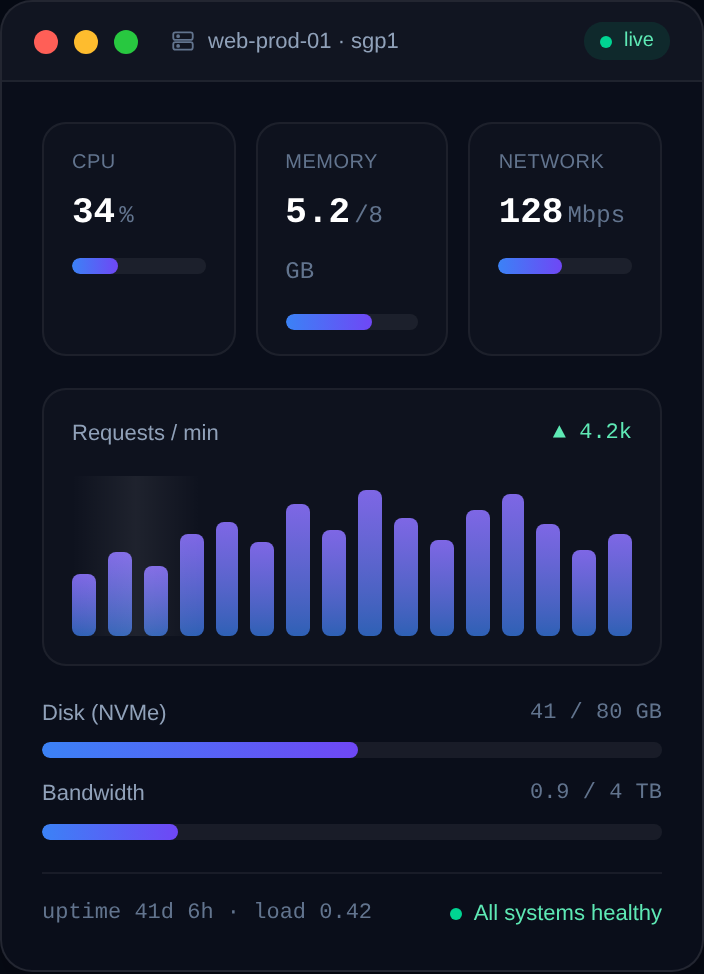
How Much RAM Does a Minecraft Server Need?
How much RAM does a Minecraft server actually need? Real numbers for vanilla, plugins, and modpacks by player count.
How to Install Forge on a Minecraft Server
A step-by-step guide to installing Minecraft Forge on a Linux server so you can run mods like Create, atm, or JEI for your friends.
Why Host Your Game Server on a VPS?
Home PC, game panel, or VPS? Here's why a VPS is the sweet spot for most game servers — control, reliability and value — and when it isn't.
Deploy your first server in under a minute.
Creating an account is free and takes no card details. Every guide here runs on a Nxeon VPS or game server.