






About Background Crafting
From Steam WorkshopBackground Crafting Keep crafting, building, repairing, and other supported toggle interactions running while you open menus or tab out of Palworld. Normally, Palworld cancels an active interaction…
Background Crafting
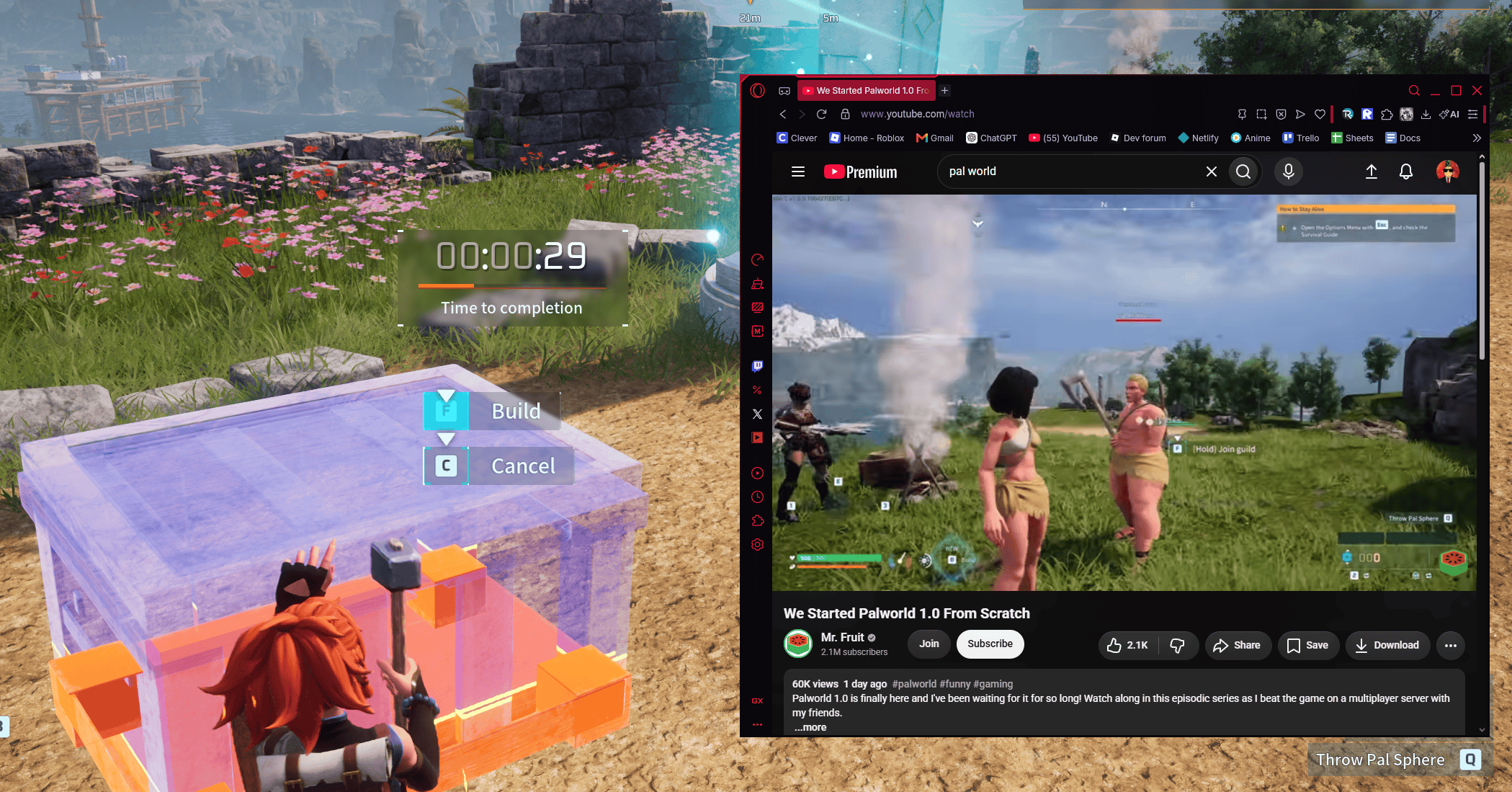
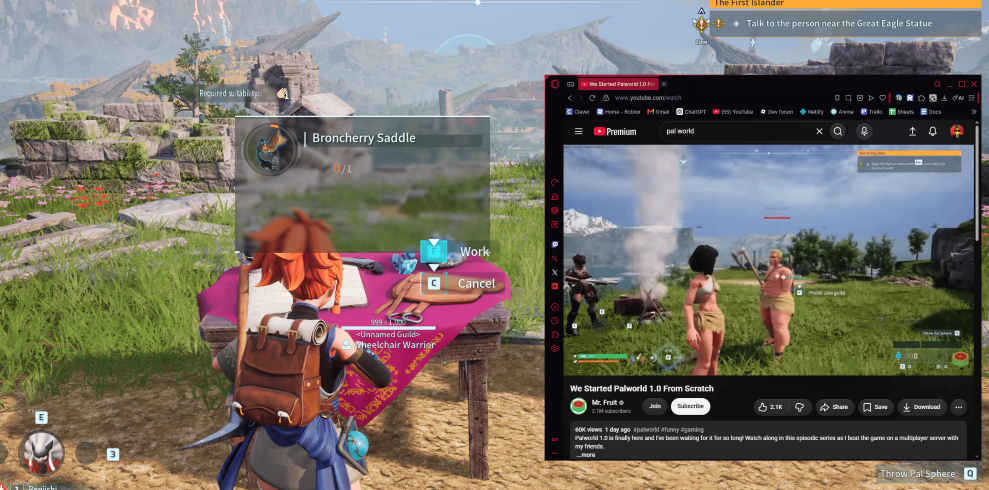
Keep crafting, building, repairing, and other supported toggle interactions running while you open menus or tab out of Palworld.
Normally, Palworld cancels an active interaction when you open certain menus or switch away from the game. This mod detects that interruption and restores the interaction so your work can continue.
**This is an extention to the toggle hold setting to allow it to continue while not tabbed**
Game Settings -> Keyboard -> Single button press for hold interactions - > On
Features
• Keeps crafting active while the inventory is open
• Keeps interactions active in the Technology menu
• Keeps interactions active in the pause menu
• Continues crafting and building while Tabbed Out
• Works with crafting stations, building, repairing, and other supported toggle interactions
• Restores the selected interaction state
• You can still stop the interaction normally
• No configuration required
Current Version
1.0.0
Initial Workshop release.
Setup
1. Subscribe to this mod.
2. Subscribe to UE4SS Experimental (Palworld) under Required Items.
3. Launch Palworld.
4. Open Options → Mod Management.
5. Enable both UE4SS Experimental and Background Crafting.
6. Restart the game.
No manual file installation or configuration is required.
How It Works
When Palworld opens a menu or loses focus, it normally ends the active crafting or building interaction.
Background Crafting detects interruptions caused by:
• Opening the inventory
• Opening the Technology menu
• Opening the pause menu
• Alt-Tabbing away from the game
• A normal manual interaction cancel
Automatic interruptions are restored. Manual cancellations are left alone.
Because Palworld fully ends the interaction before the mod can restore it, the crafting animation may briefly replay when opening a menu or returning to the game. Your crafting or building progress should continue normally.
Controls
The mod automatically uses Palworld’s existing interaction behavior.
• Start crafting or building normally.
• Open menus normally.
• Alt-Tab normally.
• Press your interaction control again to stop.
No custom hotkeys are required.
Multiplayer
This is a client-side UE4SS mod.
It has primarily been tested in single player. Multiplayer and dedicated-server behavior have not been fully tested, so results may vary.
Compatibility
This mod may conflict with other mods that change:
• Interaction controls
• Crafting actions
• Building actions
• Menu input behavior
• CancelInteract
• UE4SS interaction hooks
For troubleshooting, test with only this mod and UE4SS Experimental enabled.
Troubleshooting
If the mod is not working:
1. Confirm both mods are enabled in Options → Mod Management.
2. Restart Palworld after enabling them.
3. Make sure you are not running a separate manual UE4SS installation alongside the Workshop version.
4. Check this file:
Palworld\Mods\NativeMods\UE4SS\UE4SS.log[/code]

Look for:

[code][BackgroundCrafting] Mod loaded
[BackgroundCrafting] Background interaction continuation ready
If those lines are missing, the mod was not loaded.
When reporting an issue, include:
• The interaction you were using
• The menu you opened
• Whether it happened after Alt-Tabbing
• Your UE4SS.log
• Any other interaction or crafting mods you have installed
Known Limitations
• The interaction animation may briefly restart after a menu interruption.
• Extremely rapid menu spamming may produce unusual behavior.
• Some special interactions may not use Palworld’s standard interaction system and may not be supported.
Credits
Made by : faminetax / Wheelchair Warrior
Created as a UE4SS Lua mod for Palworld.
Highlights
From source dataFootprint
Rated a light load on a server.
Last update
Its author last shipped an update 4 mo ago.
Background Crafting on Nxeon
From our catalogue- One-click install
- Not available. One-click install isn't available for this game's mods yet. Download it and upload it to your server in Files.
- Server load
- light
- Smallest plan we suggest
- Palworld — 8 GB (8 GB RAM). This follows our own load rating above, not a benchmark.
- Latest build
- 2026-07-17, released 2026-07-17
Game versions by loader
| Loader | Game versions | Newest |
|---|---|---|
| Workshop |
From 1 recorded build of Background Crafting.
Run Background Crafting on a Palworld server
Deploy a server above, then upload the file in Files.
What kind of mod it is
From the catalogWeapons, items & crafting
New weapons, gear, items and the recipes to make them.
Compatibility
- Game
- Palworld
Verified at the source
- ✓Steam WorkshopOfficial listing, checked 2026-11-01Open ↗
- ✓AuthorWhisper Warrior, as published on Steam Workshop
- ✓LicenseNot published by the sourceFree












