






About DarnUI - Dev Resource
From Steam WorkshopDarnUI The shared widget kit the Darn family of mods builds its in-game UI on — pulled out of DarnMenu so every Darn mod uses one hardened, crash-tested set of menu code instead of carrying its own…
DarnUI
The shared widget kit the Darn family of mods builds its in-game UI on — pulled out of DarnMenu so every Darn mod uses one hardened, crash-tested set of menu code instead of carrying its own copy.
Client-side mod. You install it; the server does not need it. Works in single-player and when playing on a dedicated server.
Do I need to do anything?
No. There's nothing to configure. Install it and the mods that use it pick it up automatically — DarnMenu installs it for you when you subscribe. It just needs to be present.
What it is
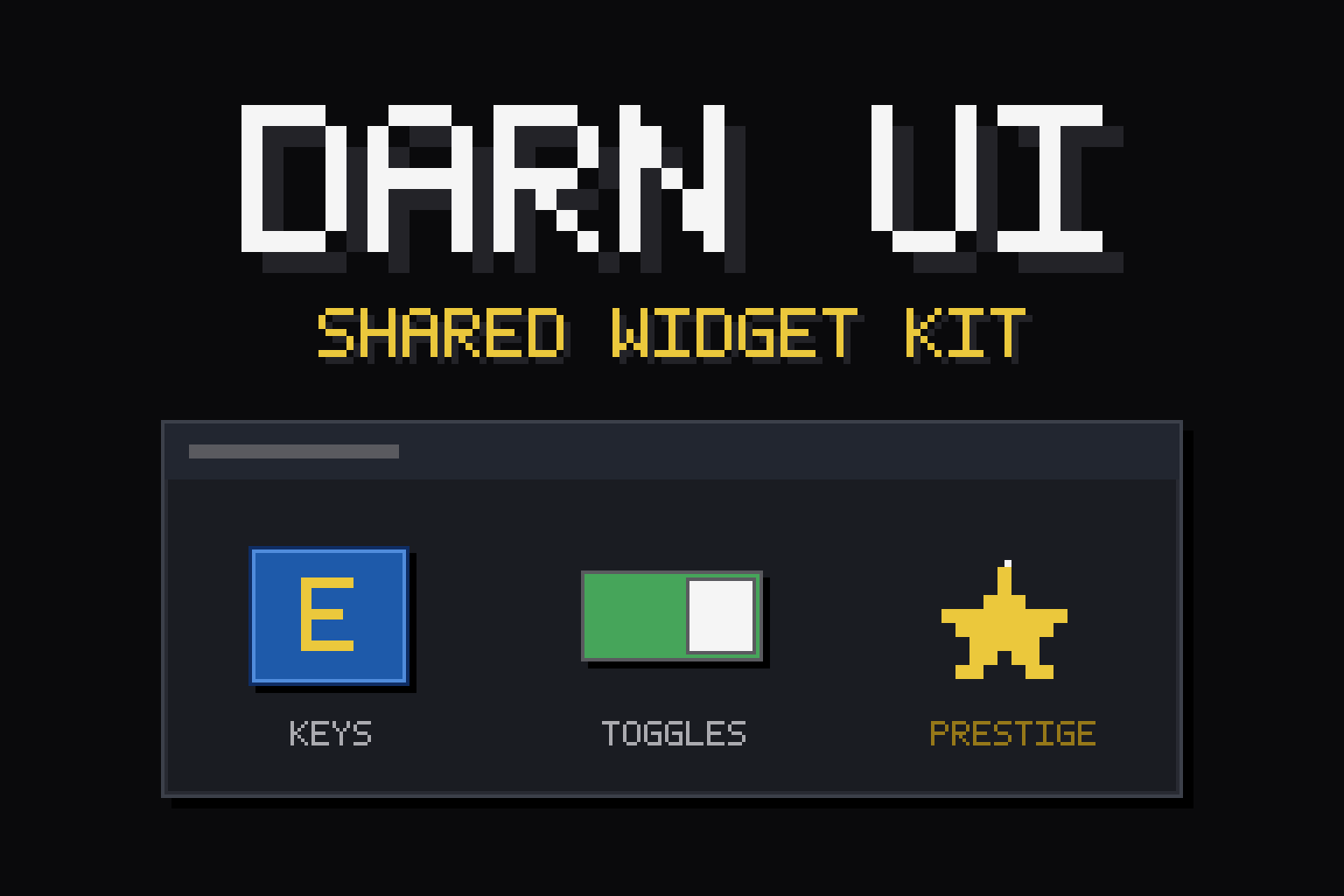
- A library, not a feature — DarnUI adds no menus or settings of its own. It's the toolkit other mods draw their panels, buttons, key icons and prestige surfaces with.
- Crash-hardened — it bakes in the hard-won rules for safely adding widgets to Palworld's menus (add only to absolute-layout canvases, never destroy the game's own widgets, clean up when a menu moves on), so the mods built on it stay stable.
- Shared once — one copy for the whole family means a fix here improves every Darn mod at once.
Mod authors — build native-looking, crash-safe UI
DarnUI is a real toolkit, documented like one. require it via the vendored darn.lua (one call handles the package.path + require), then build from the game's own blueprints so everything looks native:
- UI.overlay — a safe injection host: it finds a menu, adds your widgets to a CanvasPanel, polls it, dispatches clicks, and bakes in every crash-safety rule (never mutate native layout, collapse-don't-destroy on sweep, alive-gated + pcall'd).
- UI.tilePopup — a "click → choice tiles → pick" popup with the fiddly parts handled (build-on-open, never-cache-empty, click routing).
- UI.editCloseGuard — put a text field in the ESC menu without Backspace destroying it. While one of your boxes has focus the menu’s cancel action is held off, so Backspace edits text. Pair with UI.assertEscCloses, which keeps ESC working as the deliberate way out.
- UI.relayout — call after adding or reordering children of a native game panel. Without it the panel draws in the new order while clicks still hit the old one, and the first click lands on the wrong button.
- UI.insertChildAt — put your widget at a chosen position inside one of the game's panels. UMG has no InsertChildAt, so this detaches and re-adds the rows after it while restoring every slot property, and forces the relayout that stops clicks landing on the old positions.
- UI.armMapBoundary / UI.worldIsGone — stand your timers down while the game loads between worlds. A tick that lands mid-teardown touches half-dead widgets, and IsValid() does not catch that.
- UI.isOurs — is this button one you created? The game’s own ESC buttons share our button class, so this is what stops a stray click being routed into your code (or yours into theirs).
- Native buttons, styled text, edit boxes, canvas layout helpers, key-glyph icons, and safe property reads.
Docs ship in the package: DarnUI_API.md (full reference + the safety contract), DarnUI_TUTORIAL.md (a 10-minute build-an-overlay walkthrough), and DarnUI_overlay_example.lua (copy-paste). A missing DarnUI should cost only your feature — pcall the require and ship your defaults.
Known issues
- With UI.editCloseGuard active, the first click that opens your page right after the ESC menu appears can occasionally do nothing — clicking again always works. A transient during the menu’s open animation; it is on the list to fix properly.
- Suppressing Backspace is one-way for the life of that menu: Backspace stops backing out of the ESC menu until it is reopened. ESC is unaffected (that is what UI.assertEscCloses is for). The engine offers no way to restore the binding from Lua.
Compatibility
- Works in single-player and on dedicated servers (client-side; auto-disables on headless).
- Requires UE4SS. Pure Lua — no DLLs, no paks, no shell calls.
If something breaks
Crashes are rare but real, and so is "it just stopped working". A good report usually gets it fixed fast -- past bugs in this mod family were found and fixed precisely because players sent the right files. Start here: [olist] [*]First, update every Darn mod you have -- DarnMenu, DarnToasts and DarnUI as well as the mod itself. These share libraries, and updating one while another stays old is the single most common cause of a mod behaving strangely or not running at all. If that fixes it, you are done. [*]Before you relaunch, copy UE4SS.log from the UE4SS folder the mod is installed under (Steam installs: Palworld\Mods\NativeMods\UE4SS\UE4SS.log). It is overwritten on the next launch, so grab it first -- it usually names the problem outright. [*]If the game CRASHED, grab its own crash record too: the newest folder in %LOCALAPPDATA%\Pal\Saved\Crashes. [*]Include the mod's version: open ESC -> Mod Options -> this mod's page -- the version is shown at the top (needs DarnMenu 1.7.4+; it is also printed near the top of UE4SS.log at every launch). Note whether you play singleplayer or on a dedicated server, what you were doing just before, and your other mods. [*]Zip it up, upload to gofile.io (free, no account needed), and post the link in a comment -- or, if you also use Nexus, file it on the mod's Bugs tab there, which is hardest for me to lose. [/olist]
AI disclosure
Highlights
From source dataFootprint
Rated a light load on a server.
Last update
Its author last shipped an update 3 mo ago.
DarnUI - Dev Resource on Nxeon
From our catalogue- One-click install
- Not available. One-click install isn't available for this game's mods yet. Download it and upload it to your server in Files.
- Server load
- light
- Smallest plan we suggest
- Palworld — 8 GB (8 GB RAM). This follows our own load rating above, not a benchmark.
- Latest build
- 2026-08-21, released 2026-08-21
Game versions by loader
| Loader | Game versions | Newest |
|---|---|---|
| Workshop |
From 1 recorded build of DarnUI - Dev Resource.
Dependencies
- Required: UE4SS Experimental (Palworld)
Declared by the newest build that lists any. Required ones are installed with it on one-click installs.
Run DarnUI - Dev Resource on a Palworld server
Deploy a server above, then upload the file in Files.
What kind of mod it is
From the catalogQuality of life & UI
Small conveniences, tweaks and interface improvements players notice straight away.
Compatibility
- Game
- Palworld
Verified at the source
- ✓Steam WorkshopOfficial listing, checked 2026-11-01Open ↗
- ✓AuthorA New Darn, as published on Steam Workshop
- ✓LicenseNot published by the sourceFree












