






About More Guild Markers
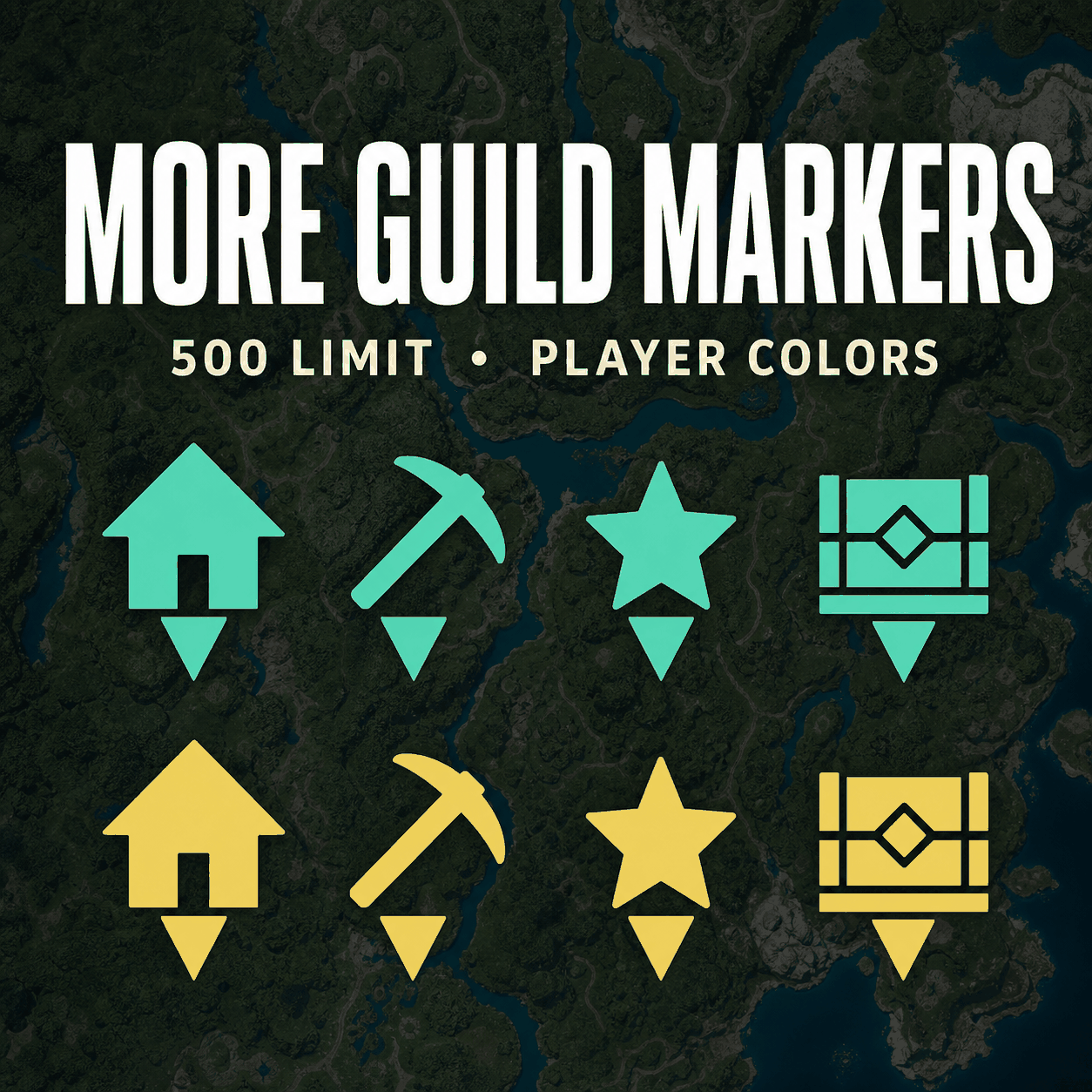
From Steam WorkshopMore Guild Markers Expands guild and personal map marker capacity and makes player-created guild markers easier to identify in multiplayer. Features Expanded Map Marker Capacity Raises the guild map…
More Guild Markers
Expands guild and personal map marker capacity and makes player-created guild markers easier to identify in multiplayer.
Features
[list=1] [*]Expanded Map Marker Capacity Raises the guild map marker limit from 50 to 500 and the personal/custom map marker limit from 300 to 500 by default.
Press F8 to enable or disable the expanded limits. Press F9 to cycle through 50 / 500 / 1000 / 3000 guild marker presets. Personal marker capacity follows the selected preset without dropping below the configured minimum or the vanilla limit of 300.
F8/F9 settings are saved locally and restored after restarting the game. Manual configuration through Scripts/config.lua is still supported; changing GuildMarkerLimit or CustomMarkerLimit overrides the saved preset on the next launch.
[*]Player-Based Guild Marker Colors Guild markers are automatically assigned different colors based on their owner ID. Additional players receive automatically generated colors beyond the initial color set.
Colors can be changed locally from the player legend using presets or Palworld's native color editor, or reset to Auto. Color settings are not synchronized with other players.
Color loading is optimized for maps with many markers: personal markers keep their original appearance, while guild marker coloring is processed in smaller batches. Newly added or edited guild markers retain the player color, including after reopening the map.
[*]Matching HUD Compass Colors Guild marker icons on the HUD compass use the same player colors as their corresponding world map markers.
[*]Collapsible Player Legend The world map includes a collapsible legend showing each player's color and name.
Mouse users can click the legend title to expand or collapse it and use the “...” button to edit colors. Controller users can press L3 to open the legend or cycle players, Y to open the color editor, and B to close the legend.
Long names are automatically shortened, and larger guilds display the number of additional hidden players.
[*]Optional Limits-Only Mode Set LimitOnlyMode = true in Scripts/config.lua, then restart the game. This keeps marker limits, F8/F9 hotkeys and saved limit settings, while disabling map and compass coloring, the player legend and the color editor.
Existing player color preferences are preserved. Set LimitOnlyMode = false and restart to restore the visual features. Normal mode remains the default. [/list]
Compatibility
MapsPlus is currently unsupported, including in limits-only mode. Using both mods together can cause crashes when editing map markers;
Multiplayer and Server Support
- Client UI: Marker colors, custom colors, compass colors, and the player legend are rendered locally. Every player who wants these visual features must enable the mod.
- Client-Hosted Co-op: The host should enable the mod to apply the expanded shared guild marker limit. All players should enable it for consistent limits and UI behavior.
- Windows Dedicated Server: The server must enable this mod and UE4SS Experimental (Palworld) to create and persist more than 50 shared guild markers. Clients still need the mod for marker colors, compass colors, the player legend, and expanded client-side limits.
- Unmodded Clients: Clients without the mod can see guild markers already persisted beyond 50, but cannot create markers above the vanilla limit and will not receive the additional UI features.
- Native Linux Dedicated Server: The current UE4SS Experimental (Palworld) prerequisite cannot be loaded by a native Linux Palworld Dedicated Server. This mod therefore cannot run server-side on native Linux, and the server will continue to enforce the vanilla limit of 50 guild markers.
- Clients may still enable the mod locally for marker colors, compass colors, and the player legend when joining a Linux server, but guild markers created above 50 will be rejected by the server.
Highlights
From source dataFootprint
Rated a light load on a server.
Last update
Its author last shipped an update 50d ago.
More Guild Markers on Nxeon
From our catalogue- One-click install
- Not available. One-click install isn't available for this game's mods yet. Download it and upload it to your server in Files.
- Server load
- light
- Smallest plan we suggest
- Palworld — 8 GB (8 GB RAM). This follows our own load rating above, not a benchmark.
- Latest build
- 2026-09-15, released 2026-09-15
Game versions by loader
| Loader | Game versions | Newest |
|---|---|---|
| Workshop |
From 1 recorded build of More Guild Markers.
Dependencies
- Required: UE4SS Experimental (Palworld)
Declared by the newest build that lists any. Required ones are installed with it on one-click installs.
Run More Guild Markers on a Palworld server
Deploy a server above, then upload the file in Files.
What kind of mod it is
From the catalogMaps & scenarios
Custom maps, arenas and scenarios to play on.
Compatibility
- Game
- Palworld
Verified at the source
- ✓Steam WorkshopOfficial listing, checked 2026-11-04Open ↗
- ✓Author搞事清, as published on Steam Workshop
- ✓LicenseNot published by the sourceFree












