






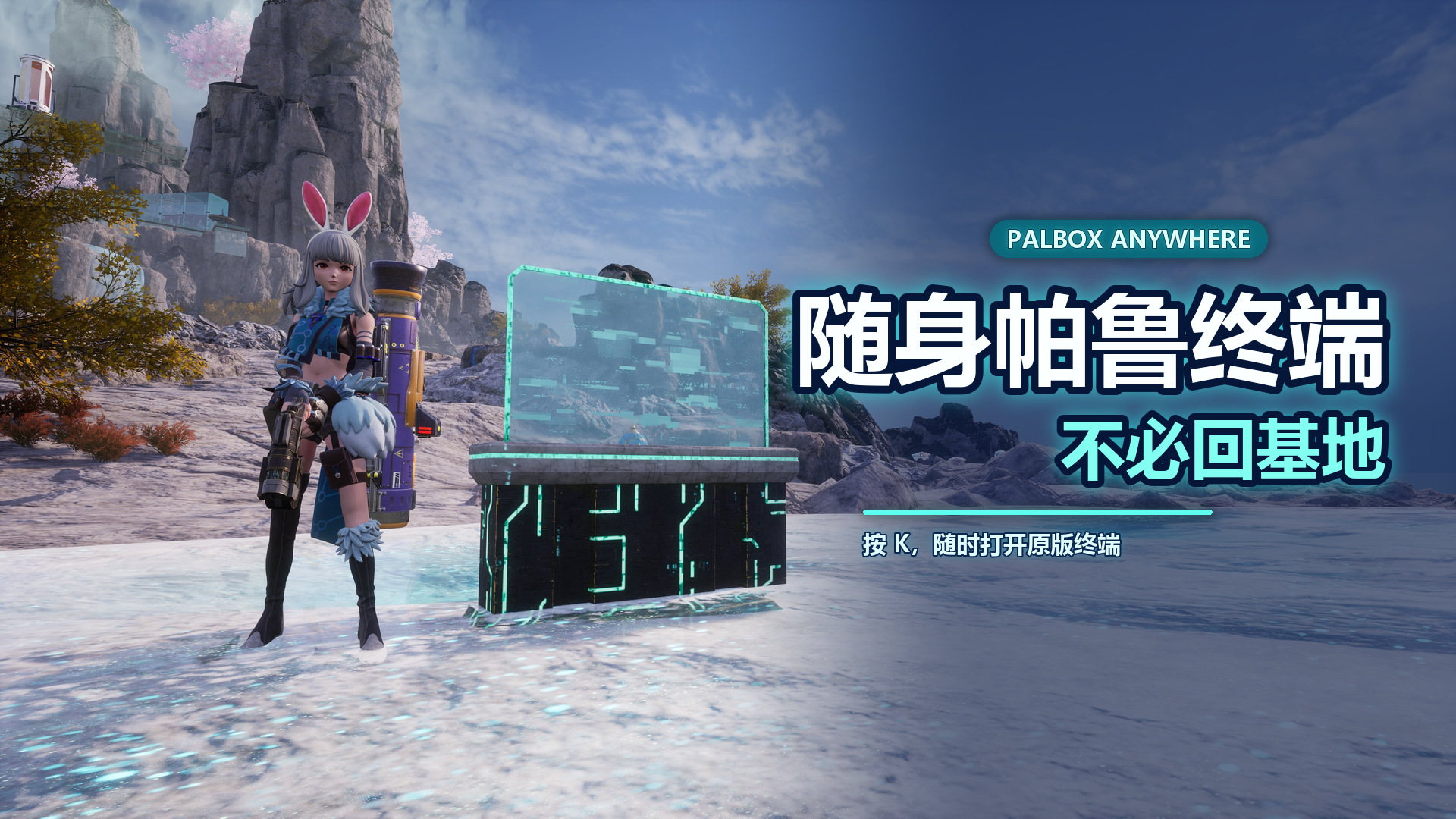

About Palbox Anywhere
From Steam WorkshopEnglish Summary Press K to open the original Palbox management screen from most locations. Press L at any time to choose one of your bases. • Uses the original Palbox UI, synchronization and saving •…
English Summary
Press K to open the original Palbox management screen from most locations. Press L at any time to choose one of your bases.
• Uses the original Palbox UI, synchronization and saving • Supports single-player and multiplayer • Client-side only; the server does not need this mod • Automatic mode uses the nearest loaded Palbox • A specific base selection remains active until changed or unavailable • The selector closes automatically when leaving or changing worlds • Requires UE4SS Experimental (Palworld)
New or recently rebuilt Palboxes may need about 20 seconds to synchronize. Remote worker portraits and work-status details may be incomplete until the base has been loaded normally.
Do not enable this together with Remote Palbox, older Palbox Anywhere versions, or another mod using the same Palbox hotkey.
随时访问你的帕鲁终端
不必返回基地,即可远程管理你的帕鲁终端
进入世界后按 K,即可从地图上的大多数位置打开游戏原本的帕鲁终端管理界面。模组不会移动终端或玩家,打开后仍然使用原版界面、帕鲁盒子、服务器同步和保存流程。
主要功能
• 按 K 远程打开原版帕鲁终端 • 按 L 随时查看并选择自己的基地 • 自动选择附近最近的可用终端 • 支持单人游戏 • 支持多人游戏与 Dedicated Server • 只需玩家客户端安装,服务器无需安装 • 不需要额外初始化,也不需要先正常打开一次终端 • 终端拆除、重建或数据更新期间会安全拒绝访问
默认按键
K:打开帕鲁终端 L:显示或切换基地选择列表
基地选择
L 列表的第一项始终是“自动选择”。
自动选择 • 附近有已加载终端时,K 打开距离最近的可用终端 • 所有终端都在远处时,K 使用列表中排列第一的可用基地
选择具体基地 • 之后按 K 会继续打开所选基地 • 即使走到另一个终端附近,也不会自动改选 • 再按 L 切回“自动选择”即可恢复自动模式
如果所选基地被拆除、正在更新或暂时不可用,模组会显示提示并恢复自动选择;当时如果还有其他安全目标,也会尝试自动打开。
退出服务器、离开单机世界或切换地图时,选择列表和当前选择会自动清除。
安装要求
请先订阅并启用: UE4SS Experimental (Palworld)
安装或更新后,请完全退出并重新启动游戏。
多人游戏
本模组已在未安装本模组的 Dedicated Server 上完成远程访问、帕鲁放入/取出、重连和服务器重启持久化测试。
服务器管理员不需要安装本模组。实际的数据操作、同步和保存仍由游戏服务器处理。
可选设置
配置文件:
PalboxAnywhere/Scripts/PalboxAnywhereConfig.lua
可修改:
• 打开终端按键 • 基地选择按键 • 是否允许骑乘时使用 • 是否允许在地下城、高塔等特殊区域使用 • 是否启用完整调试日志
修改配置后需要完全重启游戏。
已知限制
• 新建世界中的第一个终端,或刚刚拆除、重建的终端,可能需要约 20 秒完成同步 • 从未靠近过的远程基地,工作帕鲁头像或“工作中/休息中”状态可能暂时不完整 • 骑乘、地下城和高塔访问默认关闭,可在配置文件中开启 • 基地列表目前通过按 L 循环选择,不支持鼠标点击或拖动 • 游戏原本禁止打开帕鲁终端的部分状态仍然无法使用 • 游戏更新后,模组可能需要同步更新
兼容性提醒
请勿同时启用以下类型的模组:
• Remote Palbox • 其他使用相同快捷键远程打开帕鲁终端的模组
多个模组同时处理 K 或帕鲁终端访问,可能造成重复开窗或不稳定行为。
安全与存档
模组只会列出经过检查、属于当前玩家公会的终端,不会把附近其他公会的终端作为目标。
终端正在拆除、重建、回收或数据尚未准备完成时,模组会停止访问并提示稍后再试。
本模组使用游戏原本的界面与保存流程,但安装任何模组前仍建议备份重要存档。
问题反馈
反馈问题时请提供:
• 单人游戏或多人服务器 • 当时是否刚传送、死亡、复活或拆建终端 • 是否处于骑乘、地下城或高塔状态 • 按 K 或 L 后的实际表现 • PalboxAnywhere.log
日志位置:
PalboxAnywhere/PalboxAnywhere.log
默认模式每次启动都会清空旧日志,只记录程序错误,因此正常游戏时日志可能为空。
如需完整排查日志,请将配置中的 DebugMode 改为 true,然后完全重启游戏并重新操作一次。
Highlights
From source dataFootprint
Rated a light load on a server.
Last update
Its author last shipped an update 4 mo ago.
Palbox Anywhere on Nxeon
From our catalogue- One-click install
- Not available. One-click install isn't available for this game's mods yet. Download it and upload it to your server in Files.
- Server load
- light
- Smallest plan we suggest
- Palworld — 8 GB (8 GB RAM). This follows our own load rating above, not a benchmark.
- Latest build
- 2026-07-20, released 2026-07-20
Game versions by loader
| Loader | Game versions | Newest |
|---|---|---|
| Workshop |
From 1 recorded build of Palbox Anywhere.
Dependencies
- Required: UE4SS Experimental (Palworld)
Declared by the newest build that lists any. Required ones are installed with it on one-click installs.
Run Palbox Anywhere on a Palworld server
Deploy a server above, then upload the file in Files.
What kind of mod it is
From the catalogQuality of life & UI
Small conveniences, tweaks and interface improvements players notice straight away.
Compatibility
- Game
- Palworld
Verified at the source
- ✓Steam WorkshopOfficial listing, checked 2026-11-01Open ↗
- ✓Author夢異常, as published on Steam Workshop
- ✓LicenseNot published by the sourceFree












