






About Palworld Material Planner
From Steam WorkshopPalworld Material Planner Plan complete crafting chains, track required materials, and let your base produce each job in the correct order. Select a recipe and quantity at a workstation, then open…
Palworld Material Planner
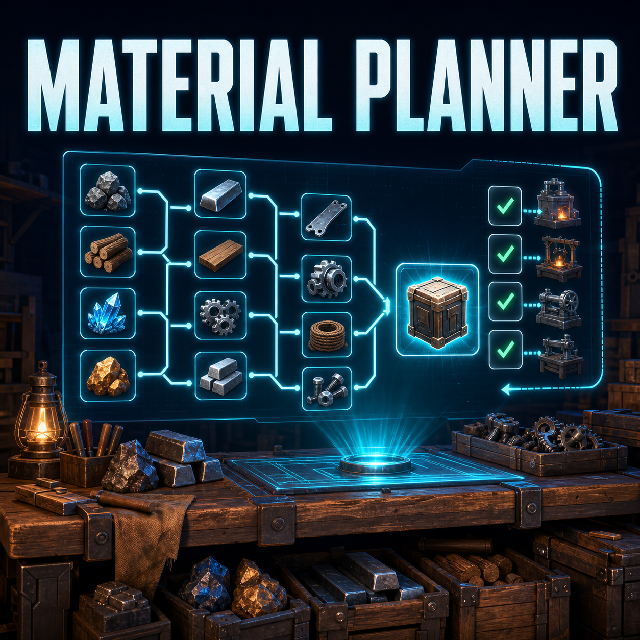
Plan complete crafting chains, track required materials, and let your base produce each job in the correct order.
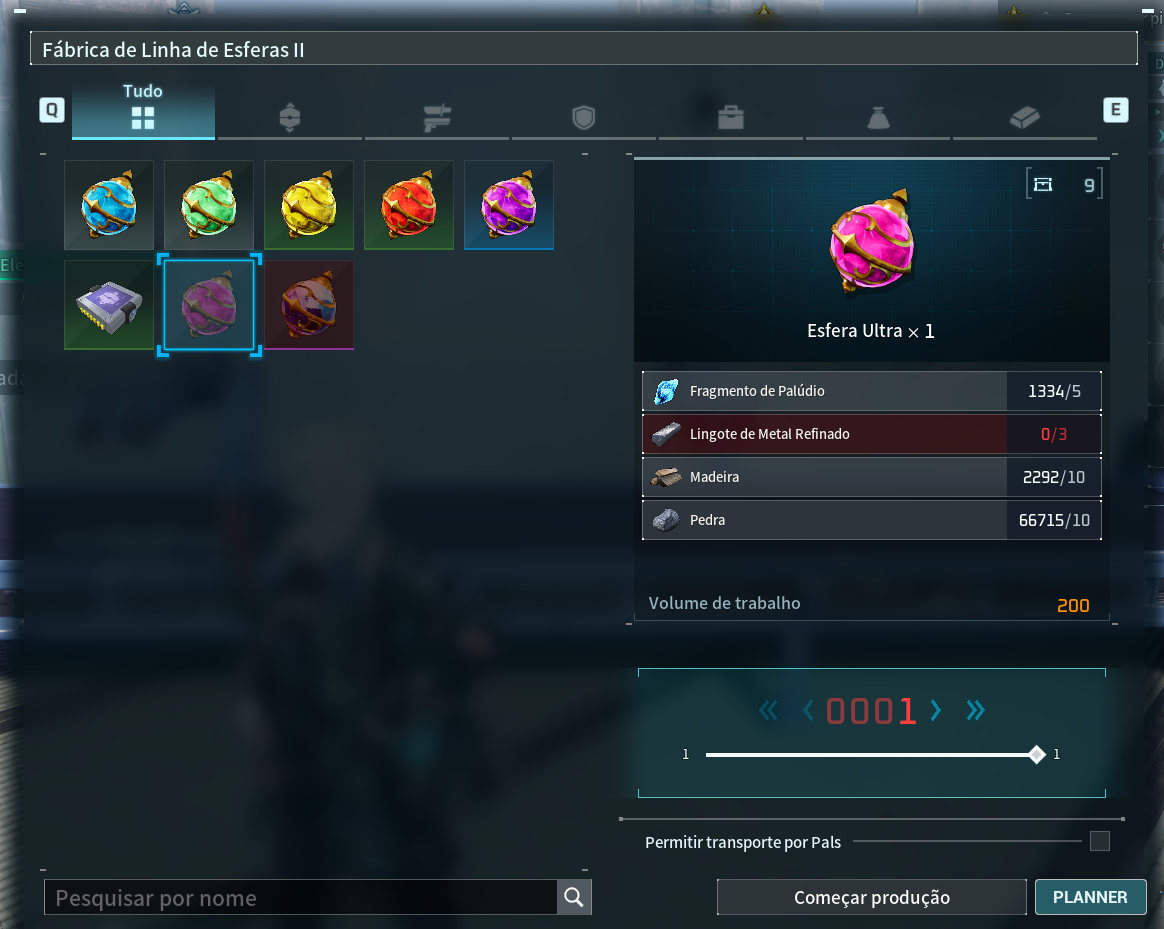
Select a recipe and quantity at a workstation, then open the Planner to see raw materials, intermediate components, compatible workstations, and the final production order.
Features
- Calculates complete multi-level crafting chains
- Shows missing materials and intermediate steps
- Counts player inventory, base storage, and accessible Guild Chest items
- Supports shared ingredients, alternate recipes, multi-output recipes, and conversion chains
- Finds compatible workstations and previews assignments
- Schedules multi-step workflows automatically
- Tracks progress on the HUD after the workstation menu closes
- Uses host-authoritative FIFO queues in single-player and co-op
- Can run independent workflows on different free workstations
How to use
[list=1] [*]Open a production workstation and select a recipe [*]Set the initial quantity with Palworld's controls [*]Click Planner [*]Adjust the amount with - QTY and + QTY [*]Click Preview to verify materials and assignments [*]Click Start to enqueue the workflow [/list]
Quantity steps of +1, +10, +100, and +1000 are available. You may close the workstation after starting; Palworld keeps control of production while the Planner HUD shows progress.
Queues and parallel production
Jobs follow dependency order and are submitted only when their required materials and workstation state are verified.
Older workflows have FIFO material priority. A newer workflow waits if it would consume materials reserved for an earlier one. Independent workflows may run in parallel on different free workstations.
Select an active workflow to resume or cancel it. Cancellation stops only future jobs:
A job already accepted by Palworld is never removed or retried by the Planner.[/quote] Concurrent execution is disabled by default: [code]max_concurrent_workflows = 1[/code] Advanced users may set a value from 1 to 8 in [code]Palworld\Mods\NativeMods\UE4SS\Mods\PalworldMaterialPlanner\Scripts\core\config.lua[/code] after validating their Palworld and UE4SS versions. Two workflows never own the same workstation. [h2]Multiplayer[/h2] [list] [*]Every participating player must install and enable the same mod version [*]Clients send requests; only the host validates and executes production [*]The host controls queue order and material priority [*]Active and waiting workflows are synchronized with modded players [/list] If synchronization is unavailable, planning may remain available, but unverified production is not scheduled. [h2]Safety[/h2] Material Planner does not edit recipes or save data. It never replaces production at a busy workstation, revalidates state before each submission, and stops the affected workflow when a job is rejected or state cannot be verified. [quote]Do not manually replace production on a workstation currently used by Material Planner. Other workstations remain available for manual production.
Installation
[list=1] [*]Subscribe to Palworld Material Planner [*]Subscribe to UE4SS Experimental (Palworld) [*]Open Palworld and go to Options → Mod Management [*]Enable mod support, UE4SS, and Palworld Material Planner [*]Save and allow the game to restart [/list]
Subscribing downloads the mod but does not enable it. Enable it through Mod Management.[/quote] [h2]Compatibility[/h2] [list] [*]Platform: Steam / Windows [*]Tested game version: Palworld 1.0.1 [*]Required dependency: UE4SS Experimental (Palworld) [/list] After major game updates, check this page for compatibility information before enabling automatic scheduling. [h2]Troubleshooting[/h2] Planner button missing: Enable mod support, UE4SS, and Material Planner, then restart. Preview blocked: The base needs compatible workstations and a verified inventory. Waiting for materials: Items may be in transport, replication may be incomplete, or an older workflow may have FIFO priority. Waiting for workstation: Compatible stations are busy or leased; the scheduler rechecks them when idle. Storage not counted: Storage must belong to the workflow's base. Guild Chest access must be available to the host. Co-op not synchronized: Confirm that all participating players use the same enabled Workshop version. [h2]Bug reports[/h2] Include Palworld, UE4SS, and mod versions; game mode; concurrency setting; recipe and quantity; reproduction steps; and relevant UE4SS log entries containing [code]MaterialPlanner[/code]. [h2]Credits[/h2] [list] [*]Original idea: Firms [*]Design and development: GTdmk [/list] Happy crafting!
Highlights
From source dataFootprint
Rated a light load on a server.
Last update
Its author last shipped an update 3 mo ago.
Palworld Material Planner on Nxeon
From our catalogue- One-click install
- Not available. One-click install isn't available for this game's mods yet. Download it and upload it to your server in Files.
- Server load
- light
- Smallest plan we suggest
- Palworld — 8 GB (8 GB RAM). This follows our own load rating above, not a benchmark.
- Latest build
- 2026-07-28, released 2026-07-28
Game versions by loader
| Loader | Game versions | Newest |
|---|---|---|
| Workshop |
From 1 recorded build of Palworld Material Planner.
Run Palworld Material Planner on a Palworld server
Deploy a server above, then upload the file in Files.
What kind of mod it is
From the catalogWeapons, items & crafting
New weapons, gear, items and the recipes to make them.
Compatibility
- Game
- Palworld
Verified at the source
- ✓Steam WorkshopOfficial listing, checked 2026-11-01Open ↗
- ✓AuthorGTdmk, as published on Steam Workshop
- ✓LicenseNot published by the sourceFree












