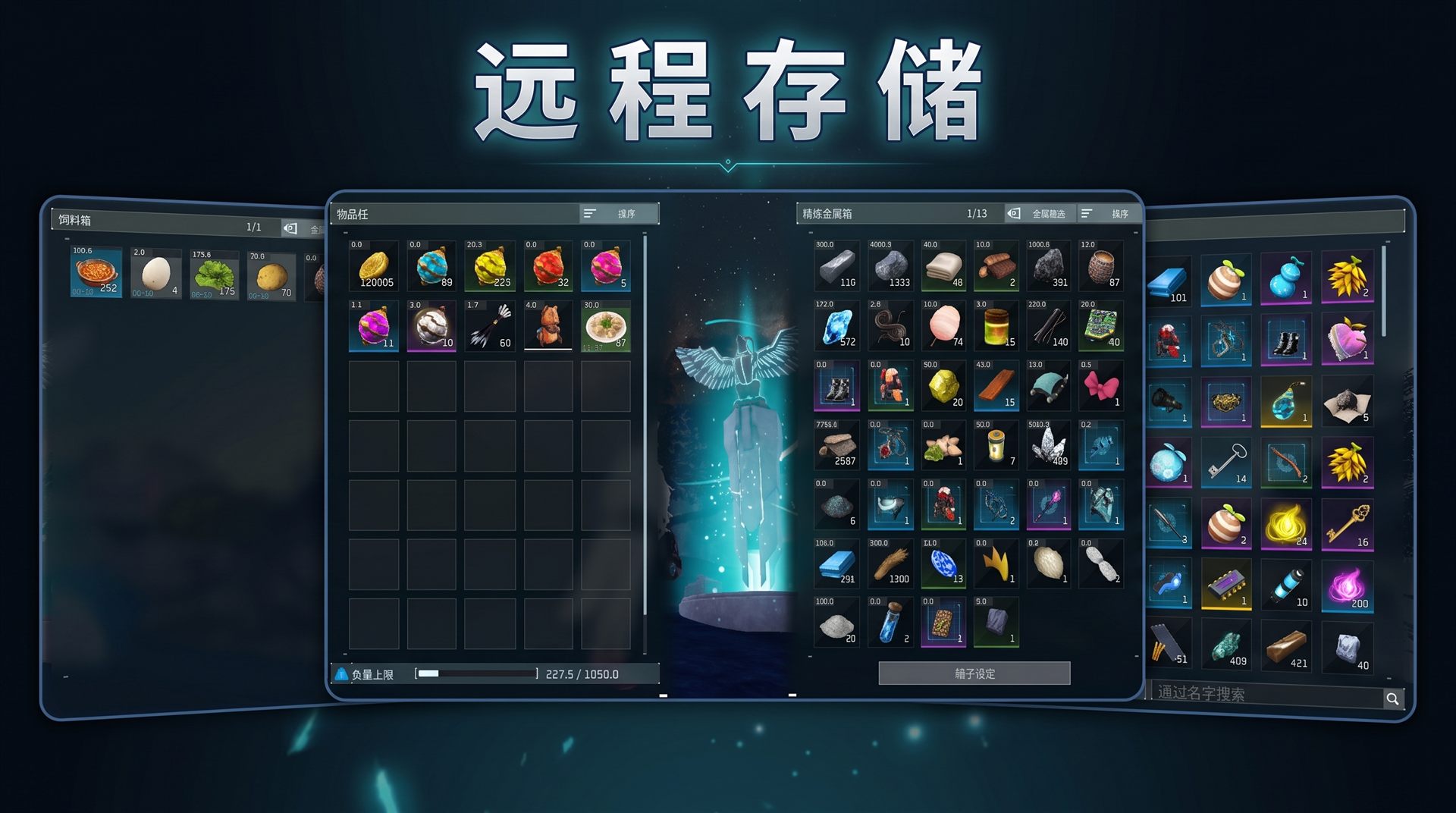
About Remote Storage
From Steam WorkshopNote Also try my another Mod“[url=https://steamcommunity.com/sharedfiles/filedetails/?id=3788840995]Remote Crafting Order ”! Remote Storage Access the storage boxes in your base from anywhere.…
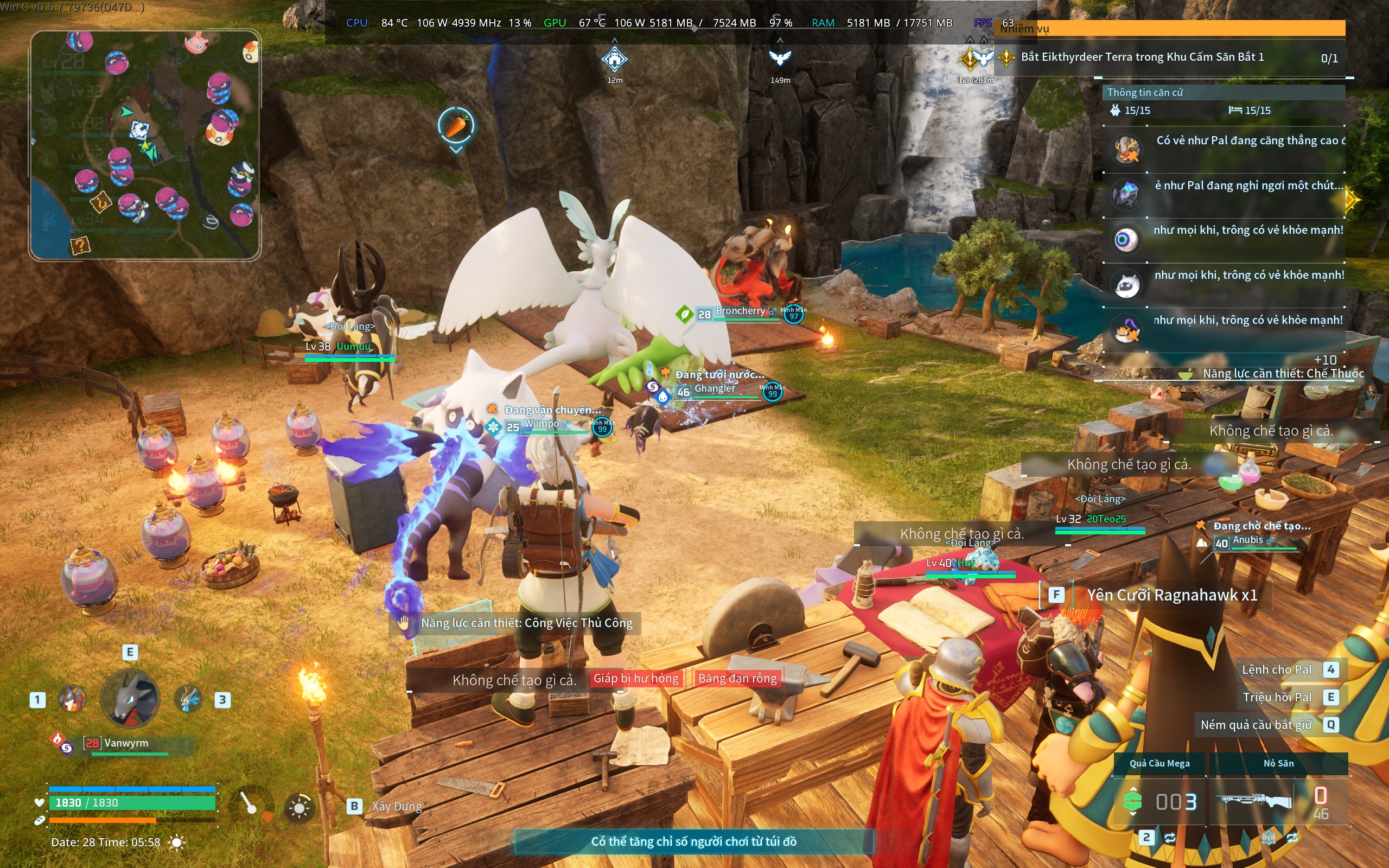
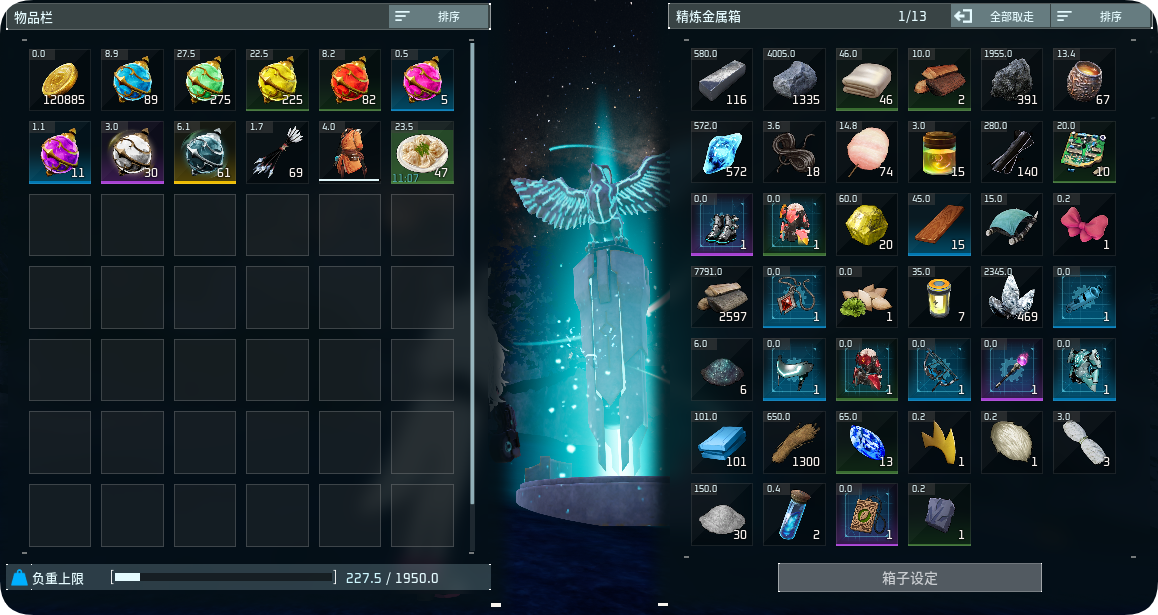
[h1]Note[/h1]Also try my another Mod“Remote Crafting Order”![hr][/hr][h1]Remote Storage[/h1]Access the storage boxes in your base from anywhere. Supports depositing and withdrawing items.[h2]Features[/h2][list][*]Before interacting with any storage, it opens a storage box from the nearest base.[*]Ordinary storage and feed-box screens display “current storage ID / total number of storage IDs in your base”.[*]After quitting the game, any storage box you open will be the one you opened last time, including the Item Dispenser.[/list][h2]Default hotkeys[/h2][list][*]F1 — Open ordinary storage boxes, including refrigerators, bookshelves, wardrobes, and more.[*]F2 / F3 — While in a storage screen, press F2/F3 to switch to the previous/next storage box.[*]F4 — Open the last valid Item Dispenser. You must interact with an Item Dispenser once first; otherwise, it will have no effect.[*]F5 — Open feed boxes.[/list]This mod supports rebinding. The configuration file is:[code]RemoteStorageConfig.ini[/code]A-Z and F1-F12 are supported. Key combinations are not supported yet; restart the game after making changes.[h2]Other[/h2][list][*]Requires UE4SS Experimental (Palworld).[*]Cannot be used on servers; using it will cause a crash.[*]If F1 to F5 do not working, they are conflicting with hotkeys from another mod. Please change them to keys that are not already in use.[/list]
Highlights
From source dataFootprint
Rated a light load on a server.
Last update
Its author last shipped an update 58d ago.
Remote Storage on Nxeon
From our catalogue- One-click install
- Not available. One-click install isn't available for this game's mods yet. Download it and upload it to your server in Files.
- Server load
- light
- Smallest plan we suggest
- Palworld — 8 GB (8 GB RAM). This follows our own load rating above, not a benchmark.
- Latest build
- 2026-08-18, released 2026-08-18
Game versions by loader
| Loader | Game versions | Newest |
|---|---|---|
| Workshop |
From 1 recorded build of Remote Storage.
Dependencies
- Required: UE4SS Experimental (Palworld)
Declared by the newest build that lists any. Required ones are installed with it on one-click installs.
Run Remote Storage on a Palworld server
Deploy a server above, then upload the file in Files.
What kind of mod it is
From the catalogWeapons, items & crafting
New weapons, gear, items and the recipes to make them.
Compatibility
- Game
- Palworld
Verified at the source
- ✓Steam WorkshopOfficial listing, checked 2026-10-10Open ↗
- ✓AuthorLaevatein_, as published on Steam Workshop
- ✓LicenseNot published by the sourceFree