






The Nxeon Blog
Guides for people who run their own servers.
Straight-talking tutorials and comparisons on VPS hosting, game servers, Linux and security. No fluff, just what actually works. 346 guides from the team that runs the servers.
Search results
10 guides for “server settings” · Clear search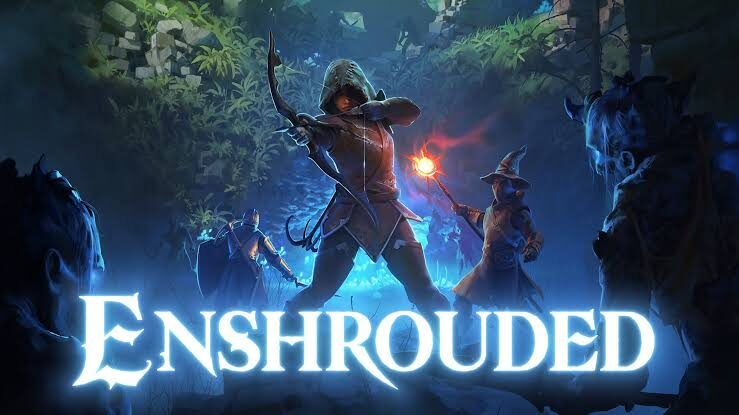
Best Enshrouded Mods & Server Settings (2026)
Enshrouded's modding scene is young, so the biggest wins come from server settings. Here are the mods that exist plus the presets that matter.

Best Palworld Mods & Server Settings for 2026
The most-tuned Palworld server settings for 2026 plus the early modding ecosystem — UE4SS, PalSchema, capture-rate and rebalance mods — to shape rates, PvP, and progression.

How to Set Up a Headless Factorio Server on a VPS
Run a Factorio headless server the right way: direct download (no SteamCMD needed), port 34197, mod syncing, and why this is the game where RAM barely matters.
ARK: Survival Ascended Server Requirements
ASA is built on Unreal Engine 5 and eats RAM like no other survival game. Here's the real RAM, CPU, and storage you need — per map and for clusters.

Why a VPS Beats Shared Hosting for a Growing Site
Shared hosting is fine until it isn't. Here are the honest signs you've outgrown it, and why a VPS gives a growing site the speed, control and headroom it needs.
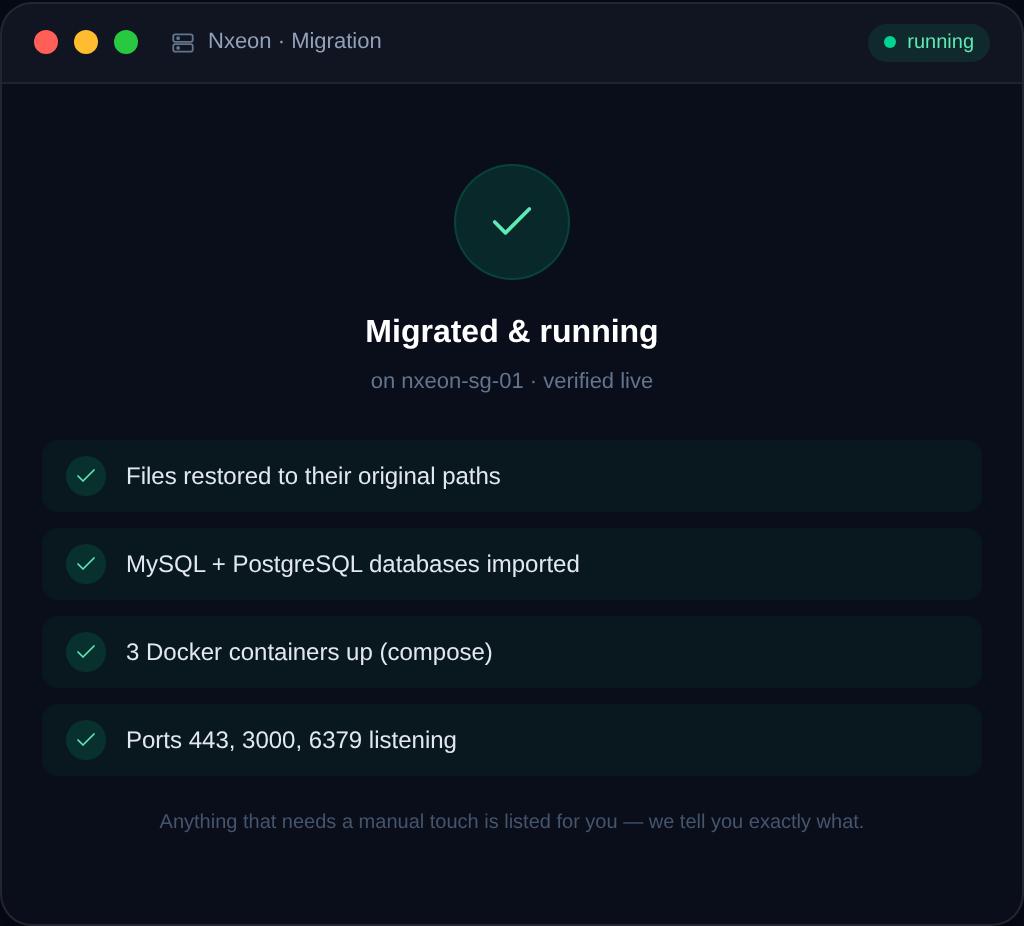
How to Migrate Your Website to Nxeon (Free Migration)
Switching hosts shouldn't cost you a weekend or your uptime. Here's how Nxeon's free migration works, what to prepare, and how the low-risk DNS cutover keeps you online.
Best VPS for Palworld
Palworld dedicated servers are memory-hungry and scale hard with player count. Here's how to size a VPS so your world stays smooth for you and your friends.
How to Install PostgreSQL on a VPS
Install PostgreSQL 16 on Ubuntu 24.04, understand roles and the postgres user, and create a database and app role with the right privileges.

How to Set Up a Project Zomboid Server
Build a persistent Project Zomboid world for your survivors. Install with SteamCMD, set the memory and admin password, and open port 16261.

How to Set Up a Counter-Strike 2 (CS2) Server
Host your own CS2 server for scrims and community play. Install with SteamCMD, get a GSLT token, pick a game mode and open the ports.
Deploy your first server in under a minute.
Creating an account is free and takes no card details. Every guide here runs on a Nxeon VPS or game server.