






The Nxeon Blog
Guides for people who run their own servers.
Straight-talking tutorials and comparisons on VPS hosting, game servers, Linux and security. No fluff, just what actually works. 346 guides from the team that runs the servers.
Search results
177 guides for “game-servers” · Clear search
How Many Players Can a VPS Game Server Handle?
A practical, honest answer: player capacity depends on the game, your specs and your settings. Here's how to estimate it and how to squeeze out more headroom.

Best Cheap VPS Hosting: What to Look For
Cheap and reliable aren't opposites — if you know what to check. Here's how to spot genuine value in a budget VPS and avoid the traps that make cheap hosting expensive.
Best VPS for Palworld
Palworld dedicated servers are memory-hungry and scale hard with player count. Here's how to size a VPS so your world stays smooth for you and your friends.
Best VPS for a Small Business Website
Your business site is your storefront — it shouldn't share a slow, oversold server. Here's how to choose a VPS that's fast, reliable and professional without overspending.
How to Install a Modpack on a Minecraft Server from CurseForge
Want to host a CurseForge modpack? Here's the reliable way to install its server files on a Linux VPS and keep clients in sync.
How to Migrate a Minecraft World to a New Server
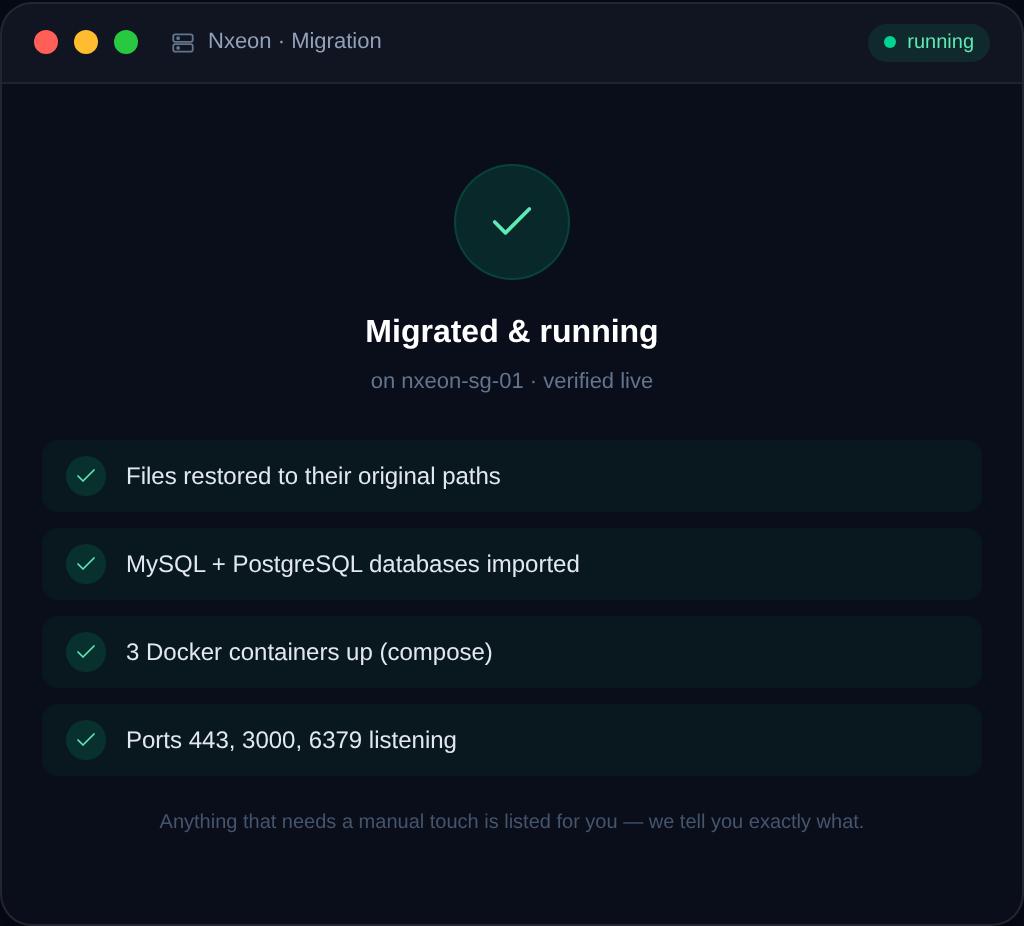
Moving to a new host or bigger plan? Here's how to migrate a Minecraft world safely, keeping player data, configs, and plugins intact.
How to Host a Create Mod Minecraft Server
The Create mod adds mechanical contraptions and automation. Here's how to host a Create-based server on Linux, solo mod or full pack.
How to Set Up an RLCraft Server on a VPS
RLCraft is a brutal, popular Forge modpack. This guide sets up a dedicated RLCraft server on a Linux VPS the right way.
How to Set Up a Minecraft Bedrock Dedicated Server
Run an official Bedrock Dedicated Server on Linux so phone, console, and Windows 10 players can join a persistent world.
How to Add Mods to a Minecraft Server (Forge & Fabric)
Once Forge or Fabric is installed, this is how you actually add, update, and troubleshoot mods on a Minecraft server without crashes.

How to Install code-server (VS Code in the Browser)
Run VS Code in your browser from your VPS: install code-server on Ubuntu 24.04, secure it behind Nginx with HTTPS, and code from anywhere.
How to Run Staging and Production on One VPS
Host both a staging and production environment on a single VPS: separate directories, ports, subdomains, databases, and Nginx server blocks.
Deploy your first server in under a minute.
Creating an account is free and takes no card details. Every guide here runs on a Nxeon VPS or game server.