






The Nxeon Blog
Guides for people who run their own servers.
Straight-talking tutorials and comparisons on VPS hosting, game servers, Linux and security. No fluff, just what actually works. 346 guides from the team that runs the servers.
Search results
22 guides for “infrastructure” · Clear search
How to Self-Host Nextcloud on a VPS
For anyone who wants Dropbox-style file sync without the subscription or the snooping: install Nextcloud on your own VPS with Docker Compose and HTTPS.
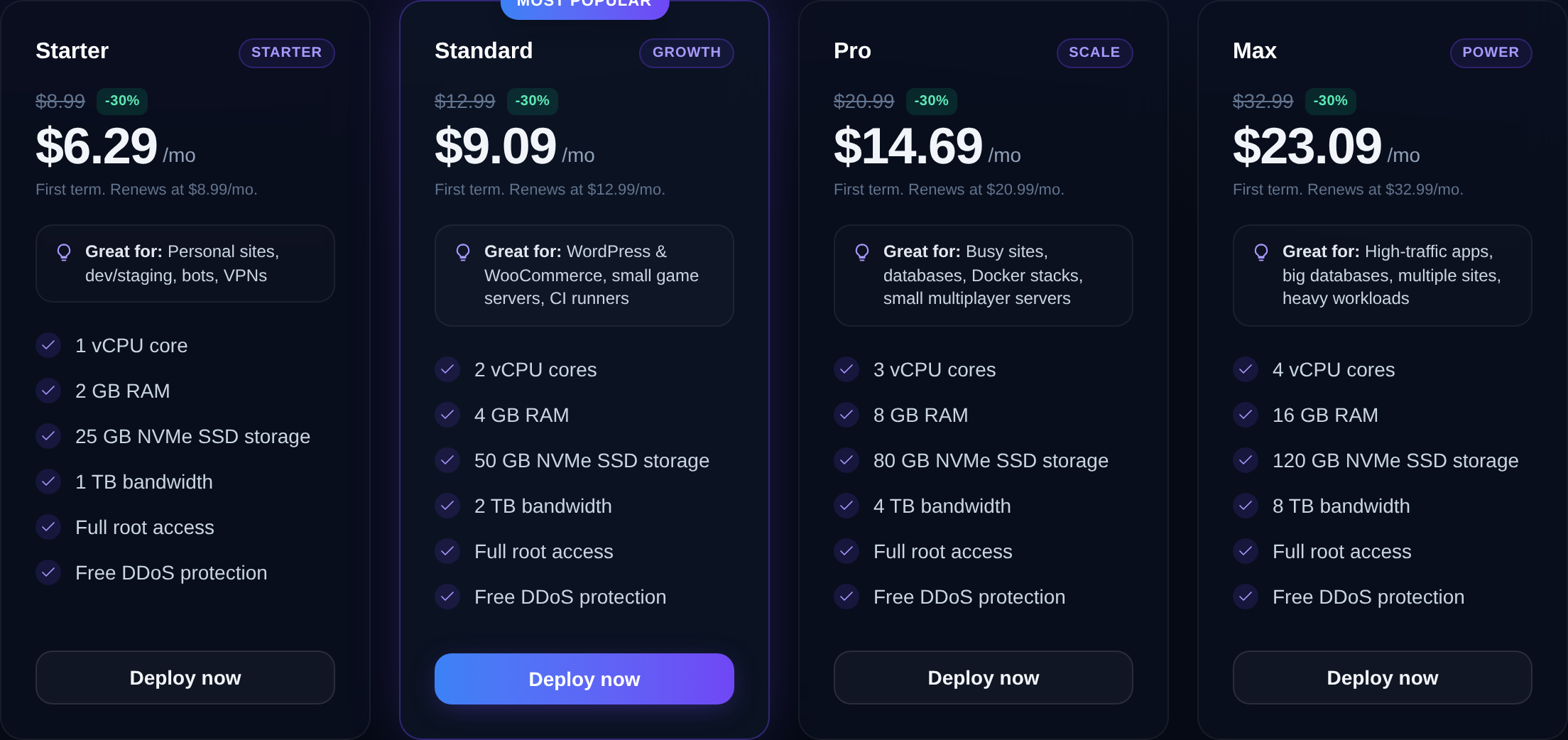
VPS vs Dedicated Server: Which Do You Need?
A VPS gives you dedicated resources at a fraction of the cost — but a dedicated server has its place. Here's an honest comparison to help you choose the right one.
VPS vs Cloud Hosting: What's the Difference?
The terms overlap and marketing muddies them further. Here's a plain-English comparison of VPS and cloud hosting, and how to tell which one you actually need.
Best VPS for a Small Business Website
Your business site is your storefront — it shouldn't share a slow, oversold server. Here's how to choose a VPS that's fast, reliable and professional without overspending.
Best VPS for Docker
Running containers in production? Here's how to choose a VPS that handles Docker well — kernel and virtualization requirements, sizing, and storage that won't bite you.
How to Run Staging and Production on One VPS
Host both a staging and production environment on a single VPS: separate directories, ports, subdomains, databases, and Nginx server blocks.
How to Install Gitea (Self-Hosted Git) on a VPS
Run your own lightweight GitHub alternative: install Gitea on Ubuntu 24.04 with its own user, a database, systemd, and an Nginx reverse proxy.
How to migrate to Nxeon for free
Switching hosts sounds painful — it isn't. A guided wizard copies your files, code and databases from your old VPS with live progress, for free. Here's the whole process.
Vibe coding: build websites and apps with no code on a VPS
Describe what you want in plain English and let AI build it, run it, and put it online — all on a server you own. Here's how vibe coding on a VPS works.
Common ports every developer should know (22, 80, 443, 3306…)
You don't need to memorise all 65,535 ports — just the ones that come up daily. Here's the working developer's reference to the ports you'll actually use.
Deploy your first server in under a minute.
Creating an account is free and takes no card details. Every guide here runs on a Nxeon VPS or game server.